Texas-E
Well-Known Member

I tried several times, but I’ll try again this weekend. My FDRS connectivity acted weird where it repeatedly asked me to log in, too. I’ll give it a fresh day and a fresh try.
Sponsored



You need to install FDRS on a laptop and launch it.Where on the FDRS website can you see what updates are available? I got a 24h pass to see what is updatable.


I jumped too, where did you order it from?Went to order the Mongoose, and turns out there's a 4-5 week lead time due to supply chain issues. The availability of the Bluecruise updates convinced me to jump in and try, but at this rate I may get it OTA first anyway.
www.aeswave.com - seems like a legit website, and customer service emailed me back saying they have it in stock, so we shall see.I jumped too, where did you order it from?

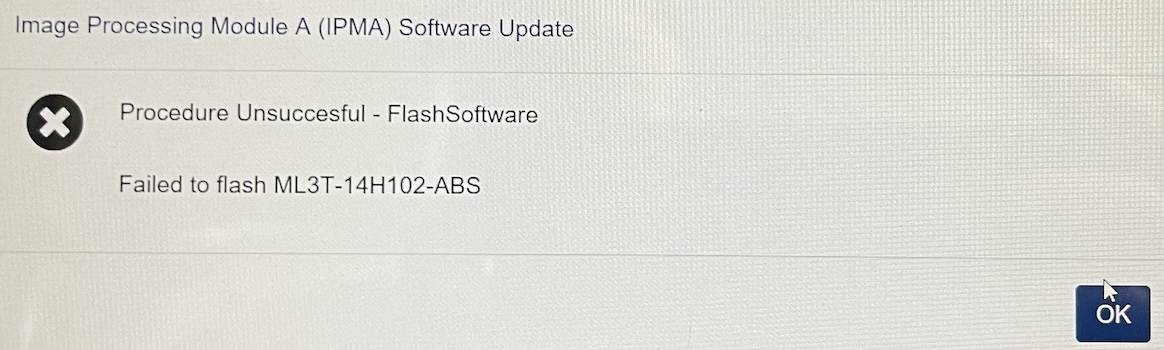
I don't think the order matters so much, at least for the flashing of modules, and one failure does not necessary mean problems, reboot computer and try again. Make sure the computer is sort of reliable connected to internet as it could make the application fail.I'm going to go search around more, but is anyone getting a failed to flash IPMA ML3T-14H102-ABS error?
All codes cleared, but I'm not able to do the latest IPMA update (multi-module). I saw the post with the order of updates after I had started and didn't perform them in this order- https://www.macheforum.com/site/attachments/bluecruise-update-procedure-pdf.59746/
I'm using a Bosch Mastertech II, so I don't think I'm running into an issue there.

It failed during erase. Also, it was not the computer connectivity that dropped, it was the connectivity to the Ford FDRS servers. There is an indicator on the bottom right of the FDRS screen that shows server connectivity. It didn't prompt me during the middle of the update, but I did have to log in to FDRS via a prompt to start updates, even though I was logged into FDRS.I don't think the order matters so much, at least for the flashing of modules, and one failure does not necessary mean problems, reboot computer and try again. Make sure the computer is sort of reliable connected to internet as it could make the application fail.
Did it fail during flashing/erasing or before? (is the IPMA module working still?)


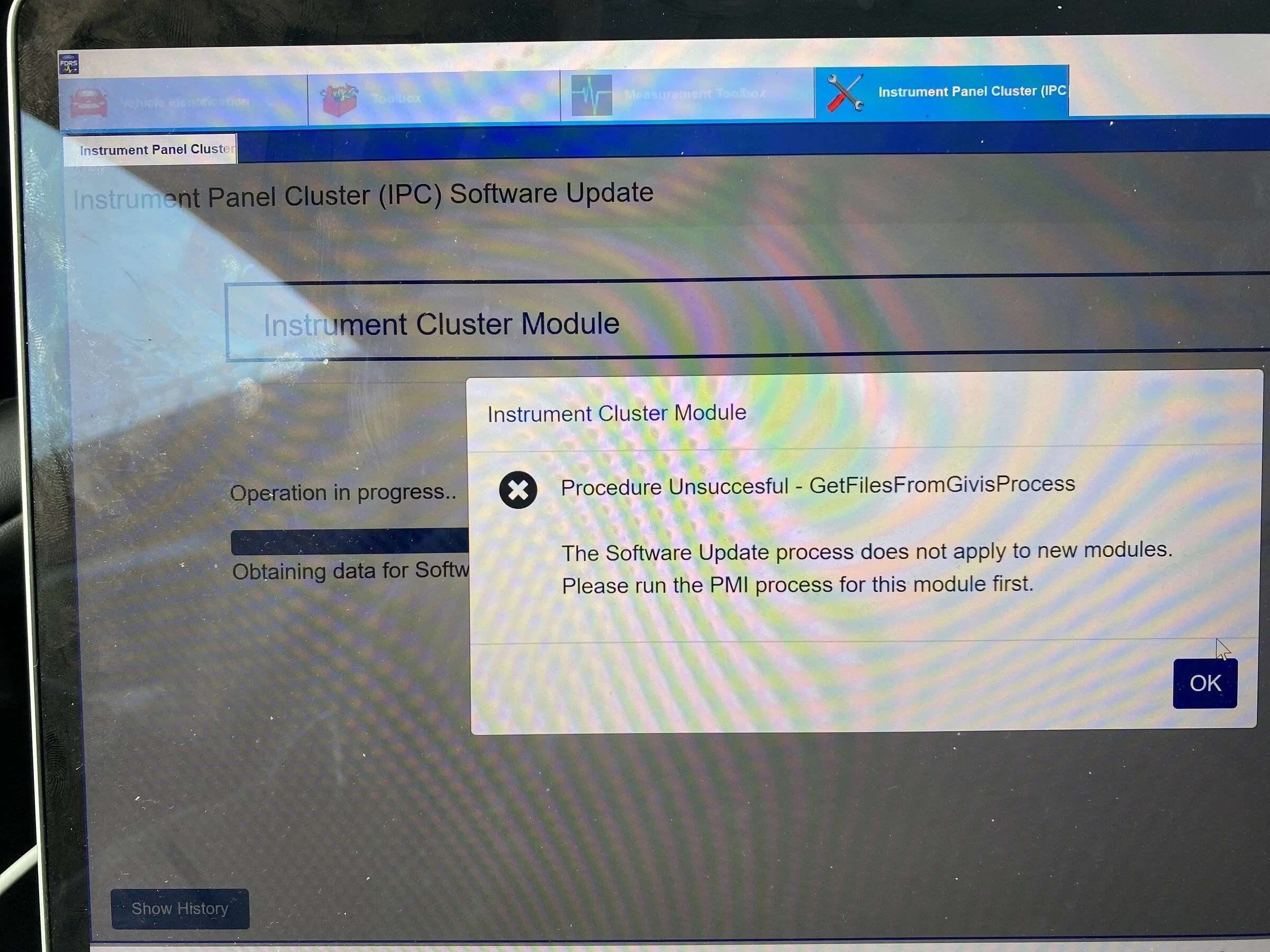



I’m not having any issues but I would like to understand how you can use Forscan to install a previous version of an issue does arise. Do you first have to run Forscan before using FDRS to ensure you have the previous version of the modules?I think you’re going to need to use forscan to install the previous version. You did take a note before you started?
Running forscan before using FDRS will store a profile with all the current versions of the modules for your vehicle. That way, if things go south, you can generally restore that version. It doesn’t store the files on your laptop, but forscan can normally download them…but you do need a proper license for forscan…can’t remember exactly what one. It can also write the newer module software obtained from FDRS cache directory. Normally VBF filesI’m not having any issues but I would like to understand how you can use Forscan to install a previous version of an issue does arise. Do you first have to run Forscan before using FDRS to ensure you have the previous version of the modules?
TIA
Thanks for the information. Very helpfulRunning forscan before using FDRS will store a profile with all the current versions of the modules for your vehicle. That way, if things go south, you can generally restore that version. It doesn’t store the files on your laptop, but forscan can normally download them…but you do need a proper license for forscan…can’t remember exactly what one. It can also write the newer module software obtained from FDRS cache directory. Normally VBF files