
ricksta6
Well-Known Member
- First Name
- Rick
- Joined
- Mar 29, 2022
- Threads
- 23
- Messages
- 84
- Reaction score
- 40
- Location
- Chicago, IL
- Vehicles
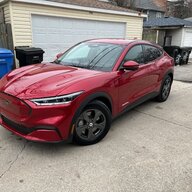
- 2021 Mach-E Select Rapid Red

- Thread starter
- #1
Just got a new iPhone and I was able add it as a PaaK, but I'm unclear on how to remove my old phone as a PaaK. Under MyKey it is showing 4 keys (2 fobs, my old iPhone, and my new iPhone), but I'm not seeing a way to remove one of the keys.
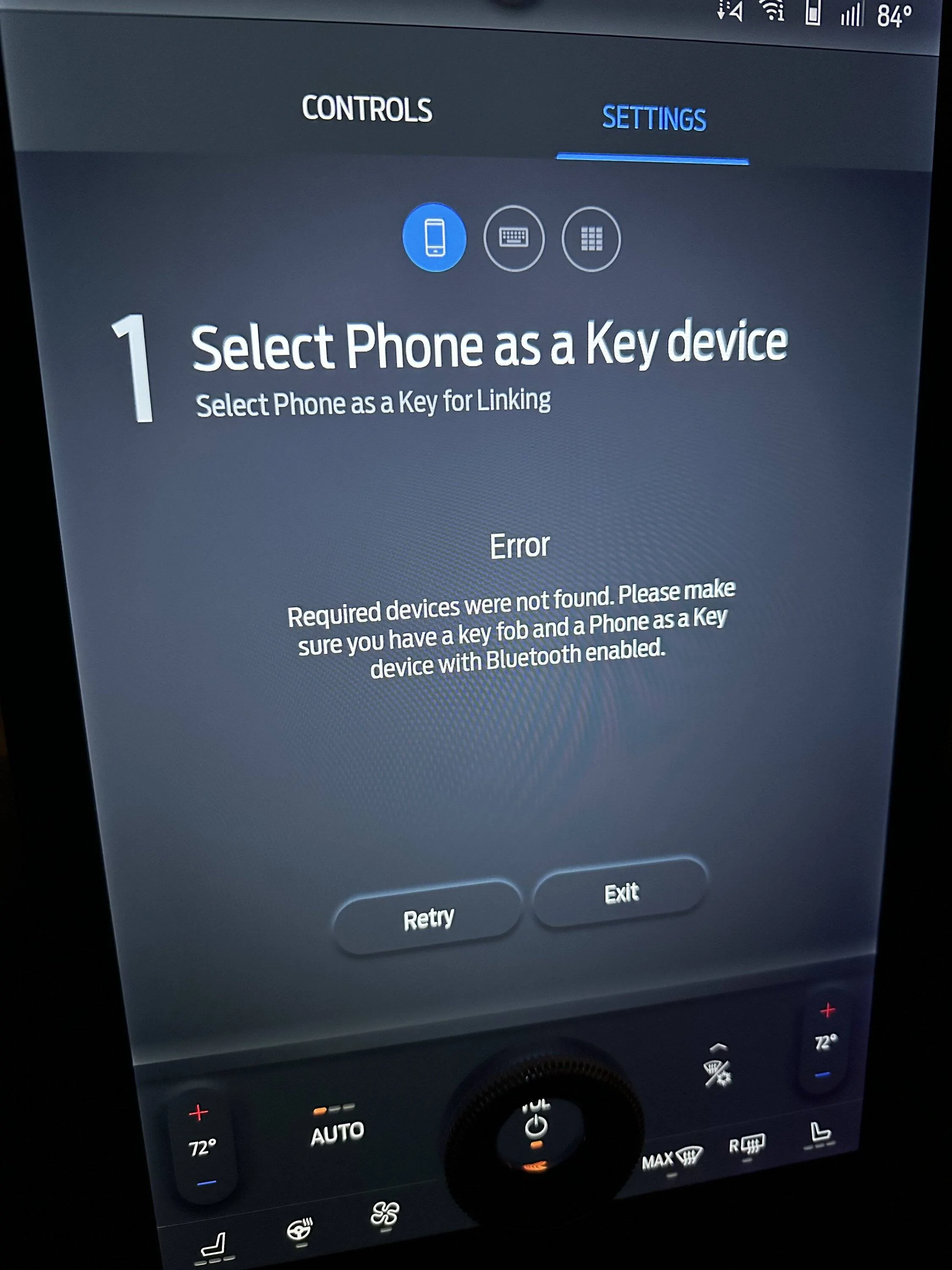
Also, when I start my vehicle it keeps asking to set up a backup passcode. My prior backup passcode seems to still be working, but when I try to add a new one, reset, or delete my old one, it's not finding my new phone despite it being connected via bluetooth and showing as connected in the Fordpass App.
Anyone know how to remove all references to my old phone and get the backup passcode going?
Also, when I start my vehicle it keeps asking to set up a backup passcode. My prior backup passcode seems to still be working, but when I try to add a new one, reset, or delete my old one, it's not finding my new phone despite it being connected via bluetooth and showing as connected in the Fordpass App.
Anyone know how to remove all references to my old phone and get the backup passcode going?
Sponsored



 ?
?


