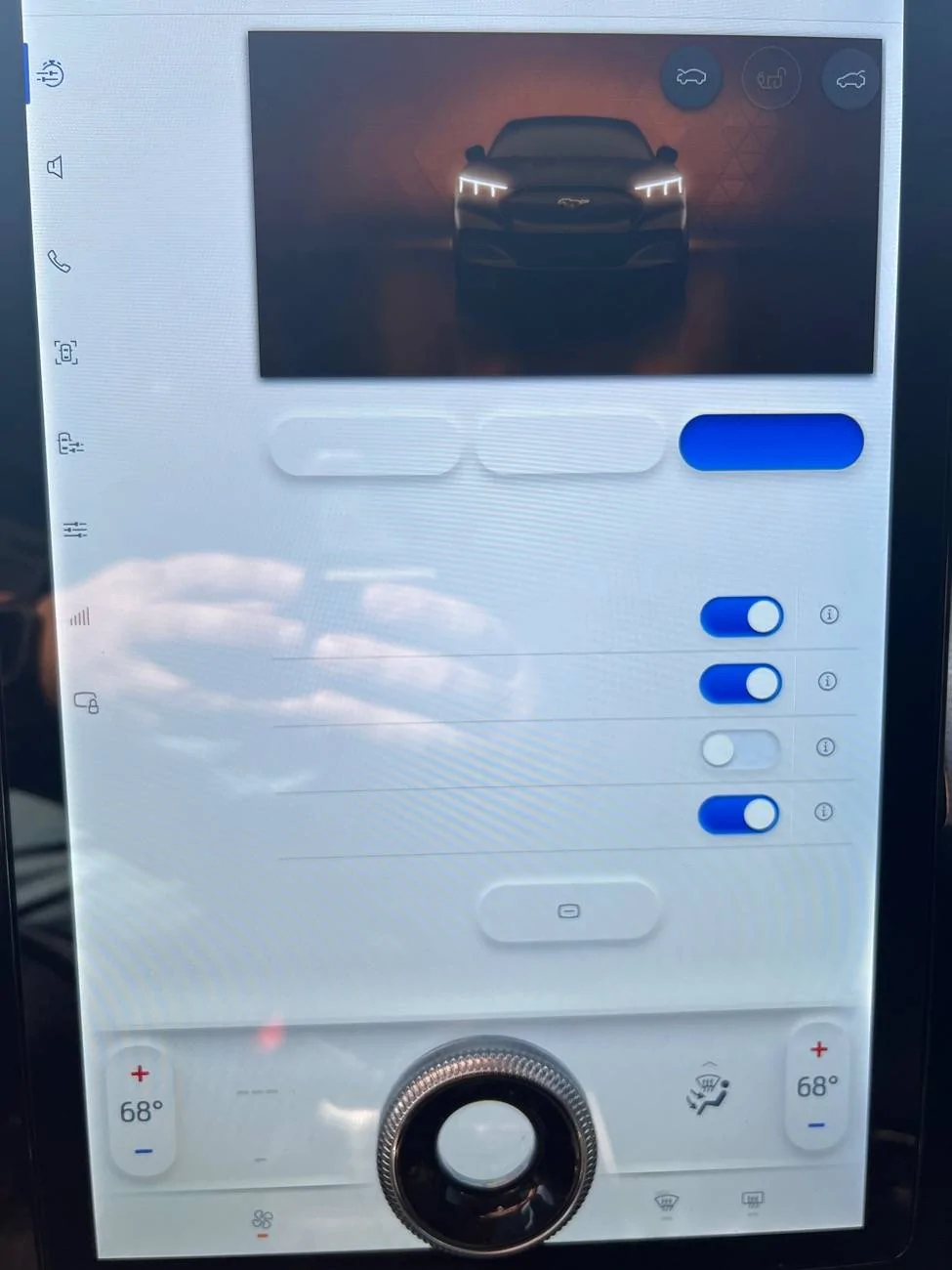
What does your infotainment screen look like when driving?

jake14mw

Active Member
First Name
Mark
Joined
Jan 8, 2024
Threads
5
Messages
25
Reaction score
4
Location
Connecticut, USA
Vehicles
'21 Select RWD (Son's actually)
Occupation
Business Analyst
Country flag
Hi all,

My son just bought a '21 Mach e. We are very new to the car. It seems that the big screen can show a lot of great information. Neither of us use Android Auto or Car Play much in our previous cars, and don't plan to on this one yet. How configurable is the display? I know I saw something about "tiles" that you can configure near the bottom of the screen? Can you show how you've configured your screen? Very interested to see what's possible. I've watched a bunch of youtube videos on the car, but if someone can point me to one that explains the infotainment screen and configurability, that would be appreciated. Thanks!
Sponsored


 

ChasingCoral

Well-Known Member
First Name
Mark
Joined
Feb 3, 2020
Threads
502
Messages
14,318
Reaction score
28,680
Location
Maryland
Vehicles
2021 GB E4X FE, 2022 F-150 Lightning Lariat ER
Occupation
Retired oceanographer
Country flag
Hi all,

My son just bought a '21 Mach e. We are very new to the car. It seems that the big screen can show a lot of great information. Neither of us use Android Auto or Car Play much in our previous cars, and don't plan to on this one yet. How configurable is the display? I know I saw something about "tiles" that you can configure near the bottom of the screen? Can you show how you've configured your screen? Very interested to see what's possible. I've watched a bunch of youtube videos on the car, but if someone can point me to one that explains the infotainment screen and configurability, that would be appreciated. Thanks!
The best bet is start playing with it. You'll find what you like to display at any particular time.
 

medriver

Well-Known Member
Joined
Jan 7, 2024
Threads
6
Messages
146
Reaction score
115
Location
USA
Vehicles
ME
Country flag
Use Android Auto or car play, plug in for a fast charge, don't use the wireless phone heater, stream your tunes, let Waze guide you home, this is the way. Open up the trip app and then switch back to AA/CP and you can see your mi/kw and you then have everything you need to operate the vehicle.
 

david_quick

Well-Known Member
First Name
David
Joined
Sep 10, 2023
Threads
54
Messages
643
Reaction score
487
Location
Bremerton WA
Vehicles
2023 Mach E GT
Occupation
Retired
Country flag
CarPlay maps all the time. I don’t believe he ā€œtilesā€ are really configurable. They just show the last apps you have used.


OP
OP

jake14mw

Active Member
First Name
Mark
Joined
Jan 8, 2024
Threads
5
Messages
25
Reaction score
4
Location
Connecticut, USA
Vehicles
'21 Select RWD (Son's actually)
Occupation
Business Analyst
Country flag
CarPlay maps all the time. I don’t believe he ā€œtilesā€ are really configurable. They just show the last apps you have used.
Oh, really? That's good to know. Did not know that, thanks.
 

AtomicInternet

Well-Known Member
Joined
Jul 31, 2023
Threads
29
Messages
903
Reaction score
1,486
Location
SC
Vehicles
Focus RS, Mach E Premium
Country flag
I don't drive outside my city very often and I have a USB drive with my music, so I'm almost always on the "Media" app. If you press in and hold down the volume knob (like it's a button) the screen will switch to "calm" mode which is nice if you don't need it for anything. Touching the screen will wake it back up.
 

Womps

Well-Known Member
First Name
Sid
Joined
Nov 3, 2022
Threads
18
Messages
336
Reaction score
510
Location
Alberta
Vehicles
2025 Cadillac Optiq and 2026 VW Tiguan
Occupation
Retired
Country flag
Mach E has one of the largest screens and yet we can’t split it. Why do I need such a large screen to show radio stations? Why not give the ability to display nav and something else at the same time.. Maybe 2025.?!
 

generaltso

Well-Known Member
Joined
Jun 24, 2020
Threads
76
Messages
15,389
Reaction score
28,696
Location
Vermont
Vehicles
2024 Kia EV9 GT-Line
Country flag
I know I saw something about "tiles" that you can configure near the bottom of the screen?
You used to be able to have tiles along the bottom that showed useful information that you could interact with. But Ford decided to take that functionality away and now only allows small buttons that pretty much just act as shortcuts.

It’s really a shame that Ford doesn’t use that giant screen to display more than one thing at a time.
 

Jimrpa

Well-Known Member
First Name
Jim
Joined
Sep 10, 2020
Threads
297
Messages
9,583
Reaction score
12,928
Location
Wayne, PA
Vehicles
2021 Infinite Blue Premium Mustang Mach E ER AWD
Occupation
Retied (formerly tried to herd highly technical, independent cats)
Country flag
You used to be able to have tiles along the bottom that showed useful information that you could interact with. But Ford decided to take that functionality away and now only allows small buttons that pretty much just act as shortcuts.

It’s really a shame that Ford doesn’t use that giant screen to display more than one thing at a time.
Personally, I’d like multiple windows that can be resized, tiled, and overlapped. And access to a Terminal window so that I can do things old-school, via the shell, instead of the GUI ???
 

Ford Motor Company

Well-Known Member
Official Ford Account
First Name
Brian
Joined
May 10, 2021
Threads
68
Messages
3,463
Reaction score
6,572
Location
Michigan
Vehicles
Mustang Mach-E
Occupation
Real Human & Community Manager
Country flag
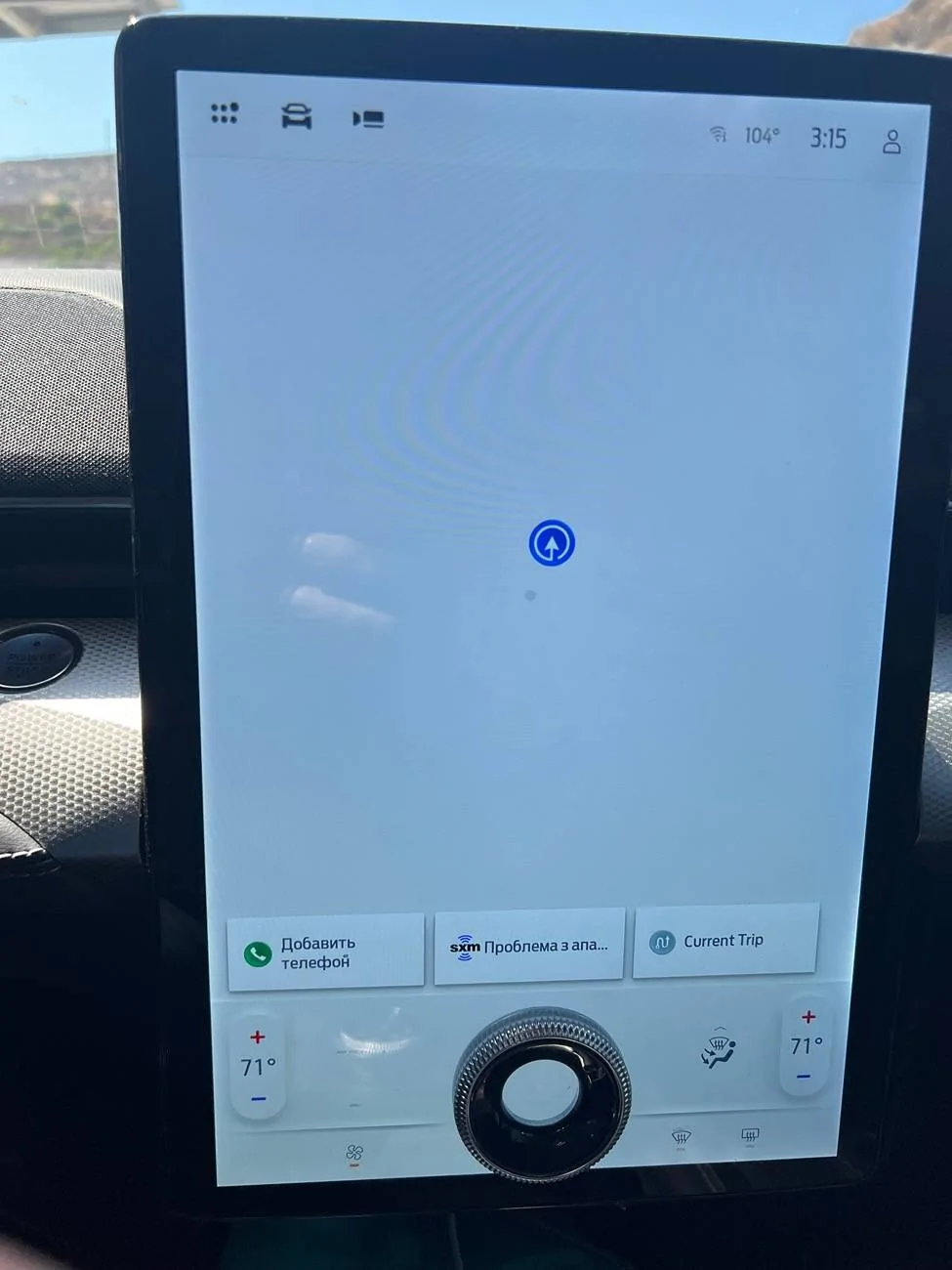
Think mine has issues lol

IMG_3537.jpeg


IMG_3538.jpeg
Hi there – send a message to us with your VIN and approximate mileage, along with some more details about your situation. I’ll look into this for you. Thanks!
 

Ford Motor Company

Well-Known Member
Official Ford Account
First Name
Brian
Joined
May 10, 2021
Threads
68
Messages
3,463
Reaction score
6,572
Location
Michigan
Vehicles
Mustang Mach-E
Occupation
Real Human & Community Manager
Country flag
I don't drive outside my city very often and I have a USB drive with my music, so I'm almost always on the "Media" app. If you press in and hold down the volume knob (like it's a button) the screen will switch to "calm" mode which is nice if you don't need it for anything. Touching the screen will wake it back up.
Thanks for sharing this tip with the forum! Hope you are enjoying your Mach-E!
 

profdraper

Well-Known Member
First Name
Paul
Joined
Jul 10, 2024
Threads
2
Messages
114
Reaction score
85
Location
Brisbane, Australia
Vehicles
2023 Mach-e Select
Country flag
Personally, I’d like multiple windows that can be resized, tiled, and overlapped. And access to a Terminal window so that I can do things old-school, via the shell, instead of the GUI ???
sounds exactly like Carlinkit CPC200 T-Box PLUS
 

SonicBlue

Well-Known Member
First Name
Karim
Joined
Jun 30, 2024
Threads
31
Messages
1,165
Reaction score
2,117
Location
Chicago
Vehicles
2021 Mach E
Country flag
Hi all,

My son just bought a '21 Mach e. We are very new to the car. It seems that the big screen can show a lot of great information. Neither of us use Android Auto or Car Play much in our previous cars, and don't plan to on this one yet. How configurable is the display? I know I saw something about "tiles" that you can configure near the bottom of the screen? Can you show how you've configured your screen? Very interested to see what's possible. I've watched a bunch of youtube videos on the car, but if someone can point me to one that explains the infotainment screen and configurability, that would be appreciated. Thanks!
Two tips:
1. Keep the screen in dark mode. All the time. Daylight mode is waaaaaay too bright and distracting, even in daytime. It’s also ugly.
2. Why are you resistant to CarPlay or AA? They’re both far far superior to the native interface. Try them. You’ll see.
Sponsored


Top