Progress
Well-Known Member
- First Name
- Rufus
- Joined
- Sep 11, 2021
- Threads
- 11
- Messages
- 212
- Reaction score
- 316
- Location
- San Diego
- Vehicles
- 2024 Red MME GTPE
- Occupation
- retired

- Thread starter
- #1
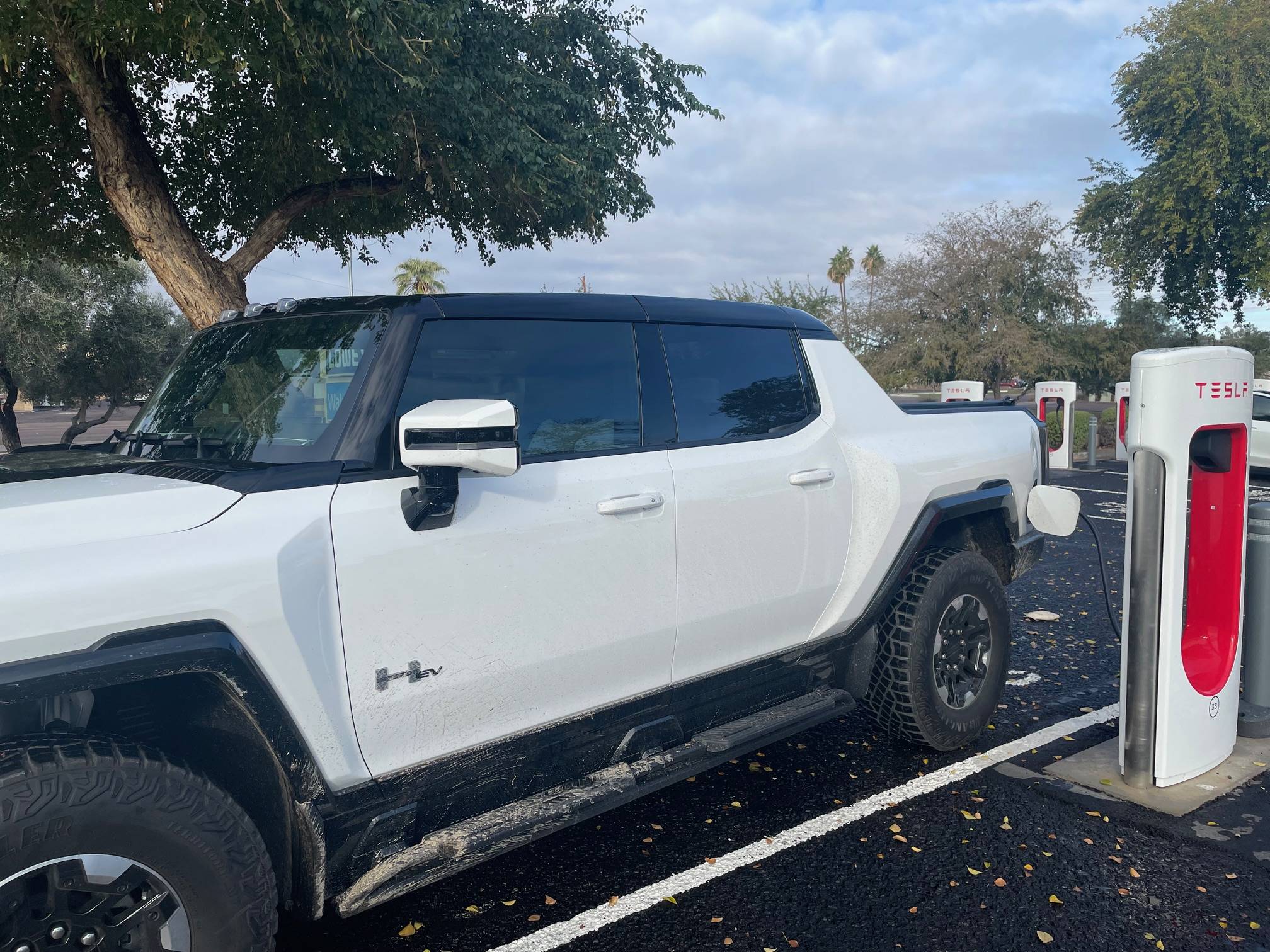
I wanted to see how easy it was to charge at a Tesla Magic Dock using the Ford app. It worked pretty well! The Magic Dock appeared as an available charging station on the Ford Navigation screen. When I arrived there were 12 of 16 stations available. I could drive up to one and the charging cord easily reached the port on the car. However, at first I could not get the adapter to release. No matter what I did just the Tesla portion released. Finally one of the YouTube videos explained that I needed to push the button on the handle for 2 seconds, push up until I heard a click, and then pull down. Now the adapter was attached. The Ford Pass was able to activate the charger, and when I plugged it into the car it started charging right away! So far so good.
It was charging at 76 kW. I had set the session to charge to 80%. However, when it got to 80% the screen in the car got reset to charge to 100%. I was unable to stop the charging by any on-screen option. I got a notice that I could stop the session by unplugging the charger, which I did at 83% charge. So it was a successful charging session, but not perfect. I will try again with the Tesla App before leaving Phoenix.
It was charging at 76 kW. I had set the session to charge to 80%. However, when it got to 80% the screen in the car got reset to charge to 100%. I was unable to stop the charging by any on-screen option. I got a notice that I could stop the session by unplugging the charger, which I did at 83% charge. So it was a successful charging session, but not perfect. I will try again with the Tesla App before leaving Phoenix.
Sponsored