Gullwingdmc
Well-Known Member
- First Name
- Chip
- Joined
- May 15, 2021
- Threads
- 85
- Messages
- 2,943
- Reaction score
- 4,110
- Location
- Boston, MA
- Vehicles
- 2022 Mustang Mach E GT AWD ER - Grabber Blue

- Thread starter
- #1
I’ll be up front, this is a workaround, but it does work and it plays by the rules.
What you need:
- An Apple device
- An Amazon Echo
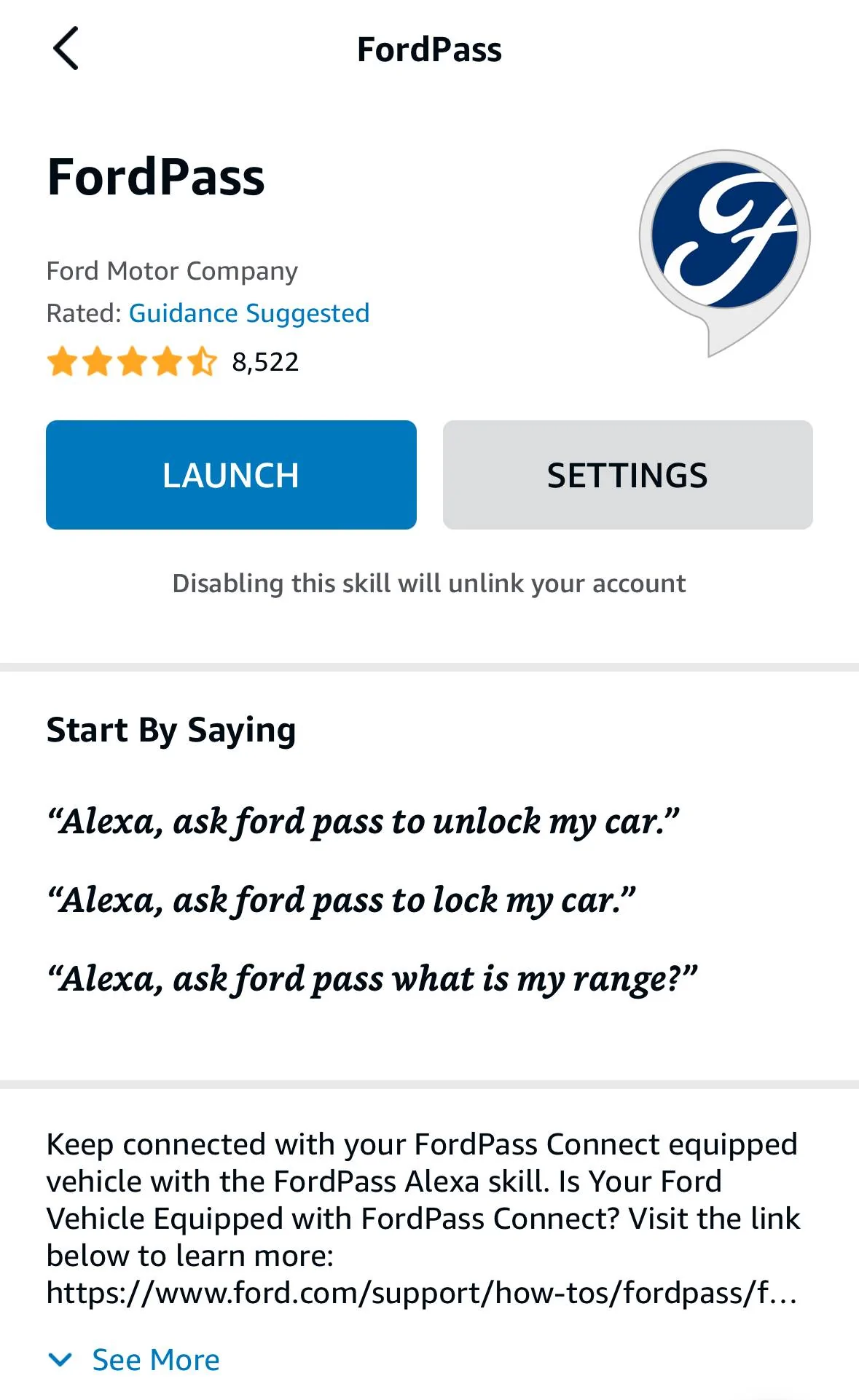
- FordPass Skill for Echo

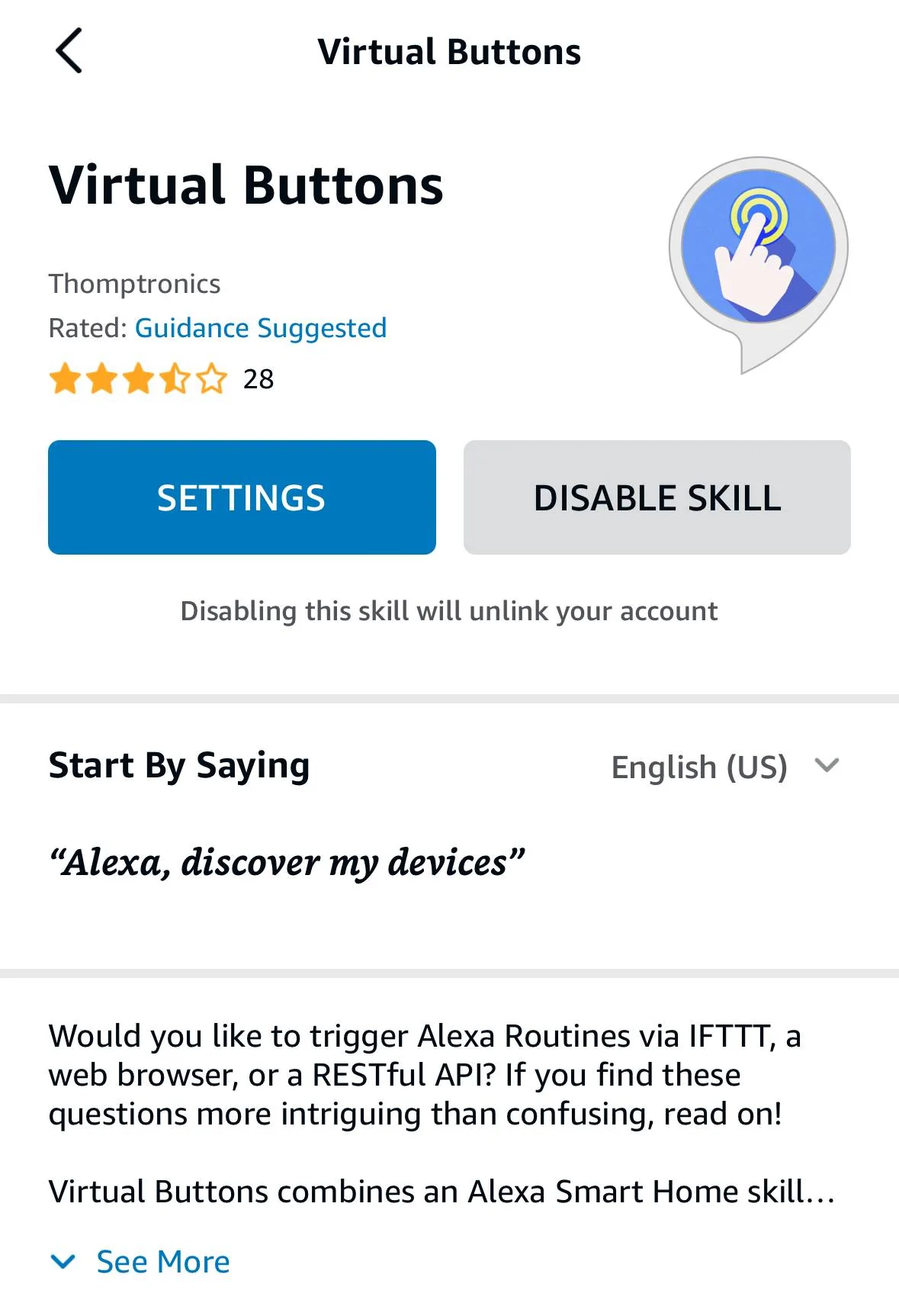
- Virtual Buttons Skill for Echo

How To:
In my testing the lag between Siri > Virtual Buttons > Amazon was a second or less. Any lag after that is the normal delay you would experience if you asked Alexa to Lock, Unlock, Start. Most of that delay seems to be the communication to the car. If the car was sitting idle the total time from request to action was maybe 10-15 seconds. If the car was “awake” it responded in as little as 6 seconds.
What you need:
- An Apple device
- An Amazon Echo
- FordPass Skill for Echo
- Virtual Buttons Skill for Echo
How To:
- Enable and setup the FordPass Skill in the Alexa app. It will ask you to setup a PIN for starting your vehicle, remember this number.
- Enable and setup the Virtual Buttons Skill in the Alexa app. You will need a Patreon account to do this. You get one button (action) for free, more cost money. Each virtual button will create a fake doorbell in your Alexa app.
- When you setup Virtual Buttons they will send you an email with a URL in it for each button. Keep this and do not share it with anyone.
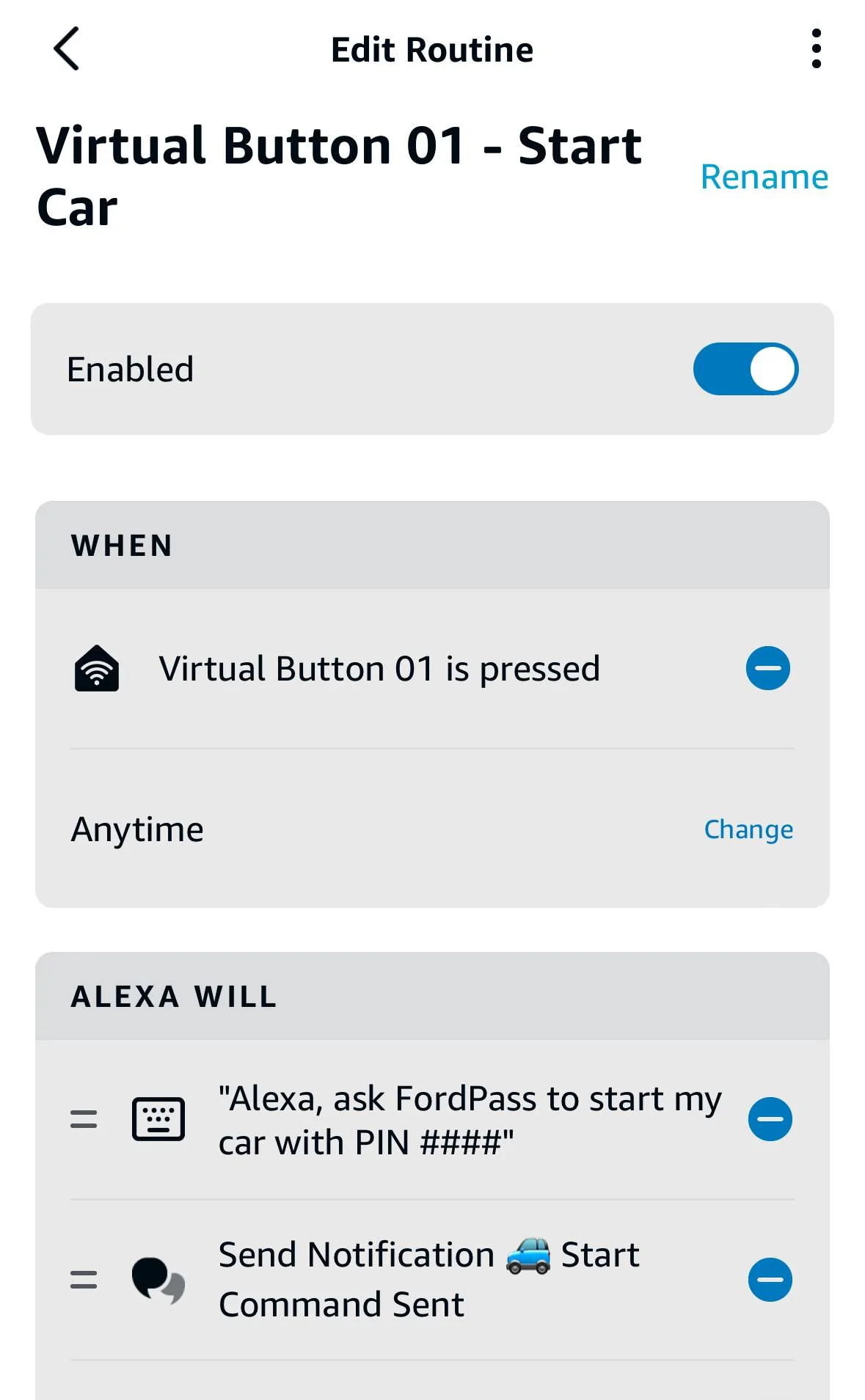
- In the Alexa app, create a routine where the trigger is the virtual doorbell being pressed. For the action, select custom, then enter the phrase you would say to Alexa to lock, unlock, or start the car. (See the FordPass skill for phrasing. This is where you’ll need that PIN you setup earlier.). You will also need to set which Echo device will speak out the response to this request. Pick any Echo, not your phone.

- Test run the routine from the Alexa app to make sure it sent the right command to your car.
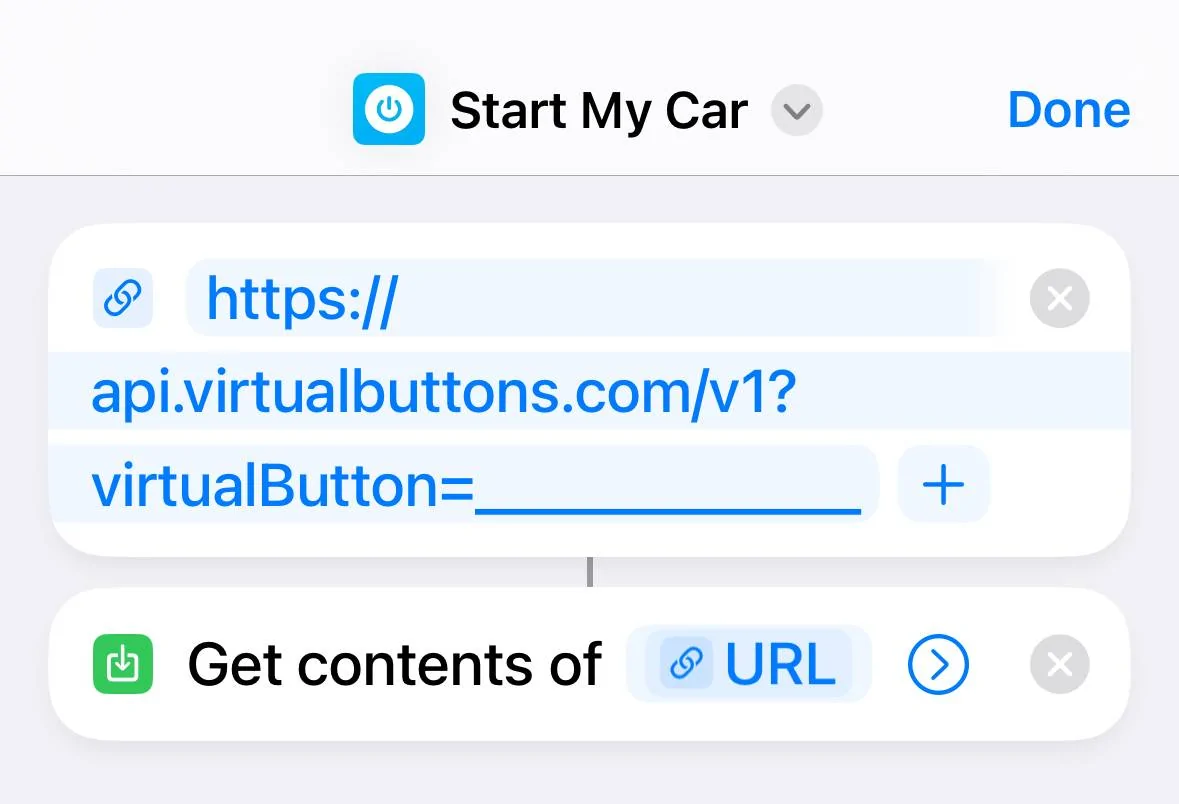
- Go to the Shortcuts app on your iPhone and create a new shortcut that looks like this:
The URL will be the one that Virtual Buttons emailed you. Name the shortcut whatever you want to say to Siri.

- Test run the shortcut to make sure it does what you wanted.
In my testing the lag between Siri > Virtual Buttons > Amazon was a second or less. Any lag after that is the normal delay you would experience if you asked Alexa to Lock, Unlock, Start. Most of that delay seems to be the communication to the car. If the car was sitting idle the total time from request to action was maybe 10-15 seconds. If the car was “awake” it responded in as little as 6 seconds.
Sponsored
Last edited: