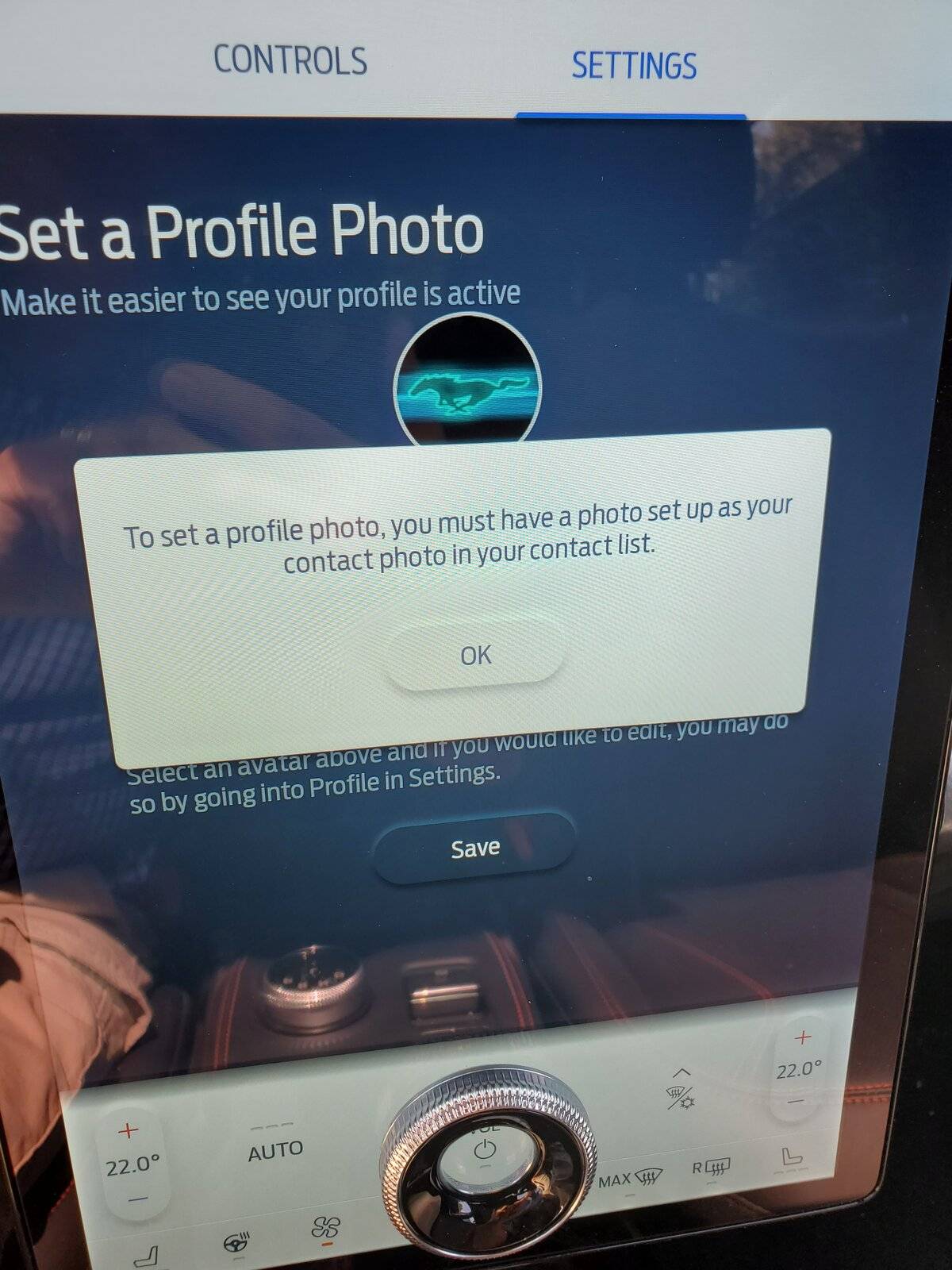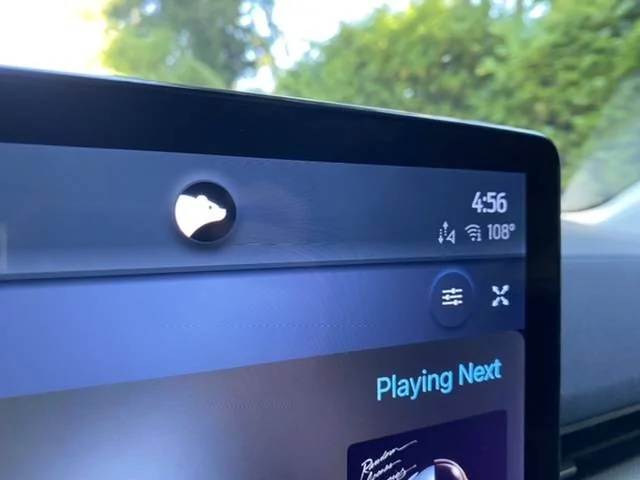
Profile picture from "contact list"

Dkuhnke

Active Member
First Name
David
Joined
Apr 3, 2020
Threads
7
Messages
40
Reaction score
31
Location
Cobourg, Ontario
Website
evsociety.ca
Vehicles
Mach e FE over 3 years; 40,000km
Occupation
retired engineer; chapter lead, EV Society of Canada-Northumberland chapter.
Country flag
In earlier (last year) video reviews, the display showed a picture and name for the profile user at the top of the central display.

I've tried to change the standard avatar icon to a picture and the instructions say to use my picture from my contact list. Which list? The ones (I have 2) on my phone (Samsung 10+ Android) don't show up. Is there a contact list internal to Sync?

Any suggestions or experience in changing the photo in the avatar setup?

David
Sponsored
 

AZBill

Well-Known Member
First Name
Bill
Joined
May 26, 2021
Threads
12
Messages
1,987
Reaction score
2,314
Location
Arizona
Vehicles
MME CA Route 1, Hummer EV SUT, Escalade IQ
Occupation
Retired
Country flag
I set up my profile initially from my computer, logged in to my Ford account. It allowed me to load a photo from my computer.
 

macchiaz-o

Well-Known Member
First Name
Jonathan
Joined
Nov 25, 2019
Threads
171
Messages
8,579
Reaction score
15,987
Location
}not/A/gr8'Place.2.store-mEyePassword{
Vehicles
MY21 J1 Premium RWD SR
Country flag
I used the Remote Vehicle Setup option in FordPass to upload my photo. After many failed attempts, that eventually worked for me. ;)

Others have been successful getting the car to load the photo from their phone's contact list. They might just be iPhone users though, I'm not sure. I'd recommend verifying a few things:
  • Your contact for yourself on your phone is assigned the same email address as the one you use with FordPass.
  • You've given the vehicle permission to read your phone's contact list.
  • You're connecting to the vehicle via Bluetooth and not Android Auto.
 

kltye

Well-Known Member
Joined
May 21, 2021
Threads
19
Messages
1,101
Reaction score
1,735
Location
Chicago
Vehicles
IB MME Premium RWD
Country flag
I used the Remote Vehicle Setup option in FordPass to upload my photo. After many failed attempts, that eventually worked for me. ;)

Others have been successful getting the car to load the photo from their phone's contact list. They might just be iPhone users though, I'm not sure. I'd recommend verifying a few things:
  • Your contact for yourself on your phone is assigned the same email address as the one you use with FordPass.
  • You've given the vehicle permission to read your phone's contact list.
  • You're connecting to the vehicle via Bluetooth and not Android Auto.
This worked perfectly on two Android phones for me.


Top