
GareBare
Member
- Thread starter
- #1
We just had the Ford Charge Station installed and did the first charge at home last night. I have my settings at 80%, but it charged it all the way to 100%. This was not unexpected, but can the FordPass/ChargeStation app be configured to shut down the charge at 80%?
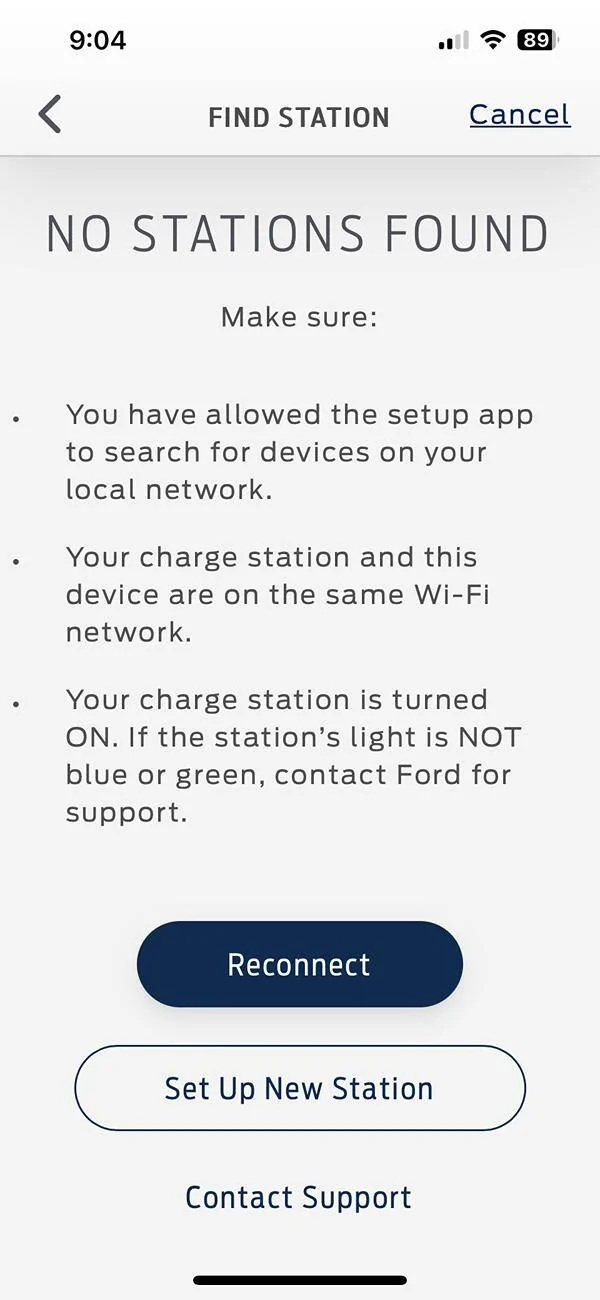
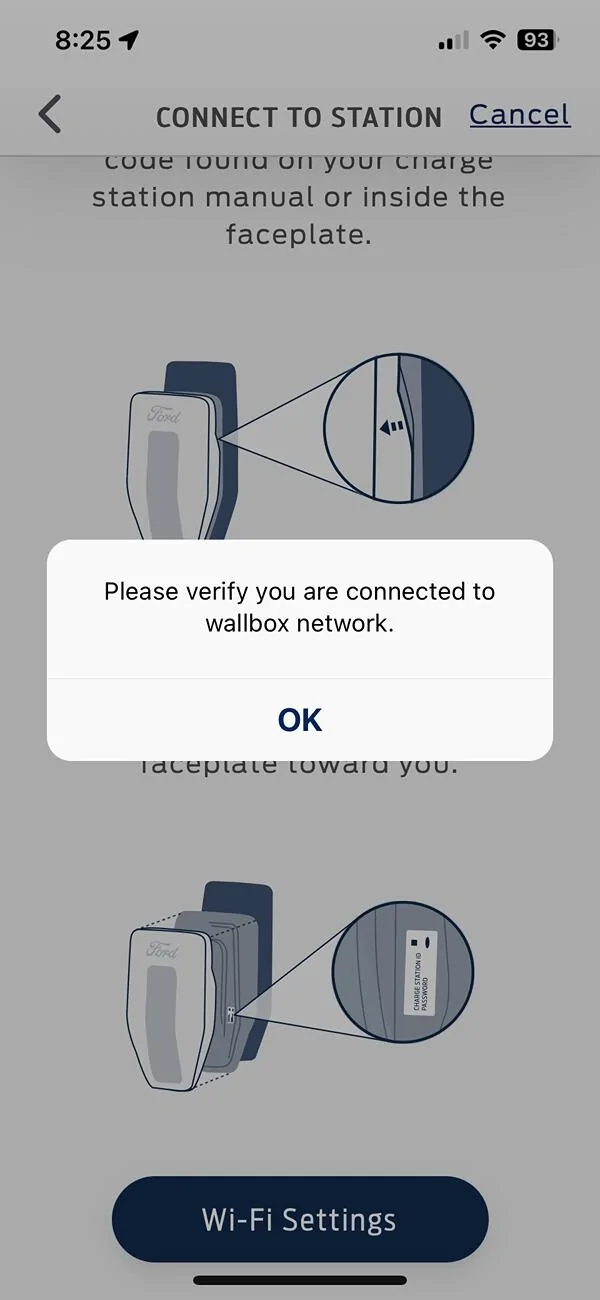
I am struggling with this ChargeStation app...it keeps saying to remove the faceplate and capture the info there (Access ID, etc). I did this, but during repeated setups, I keep getting the message "Please verify you are connected to wallbox network", but clicking on WiFi settings takes me to the settings on my iPhone with no further info. My WiFi connection is there, ChargeStationPro and FordPass "Location" are set to "Always" and show "Local Network" is on. "Bluetooth" is on with FordPass. While it initially found the charger after installation and charged successfully last night, this morning I got the message "No Stations Found".

I am struggling with this ChargeStation app...it keeps saying to remove the faceplate and capture the info there (Access ID, etc). I did this, but during repeated setups, I keep getting the message "Please verify you are connected to wallbox network", but clicking on WiFi settings takes me to the settings on my iPhone with no further info. My WiFi connection is there, ChargeStationPro and FordPass "Location" are set to "Always" and show "Local Network" is on. "Bluetooth" is on with FordPass. While it initially found the charger after installation and charged successfully last night, this morning I got the message "No Stations Found".
Sponsored



