So, my Tesla adapter isn't working

YeOldeTraveller

Well-Known Member
First Name
Clark
Joined
Jul 12, 2024
Threads
6
Messages
328
Reaction score
376
Location
Ann Arbor, MI, USA
Vehicles
2024 MME Rally
Country flag
I'm curious about this, will all chargers at a tesla station be the same generation, ie all gen 2s or all gen 3s or will they be a mix.
Some locations have both, but AFAIK all of them are not available to non-Tesla (likely to avoid confusion).
Most will be one or the other.
Sponsored
 

AlMelbourneFL

Member
First Name
Al
Joined
Feb 22, 2024
Threads
0
Messages
10
Reaction score
5
Location
Melbourne, FL
Vehicles
2023 Mach E
Occupation
Retired s/w developer
Country flag
I went to try out the Tesla Supercharger adapter today. I have Blue Oval charging network setup as prescribed and successfully used it on Electrify America chargers. I went into the Charging app on the infotainmant center and, sadly none of the Superchargers near me are compatible. So, I chose one about 10 miles away in another city.

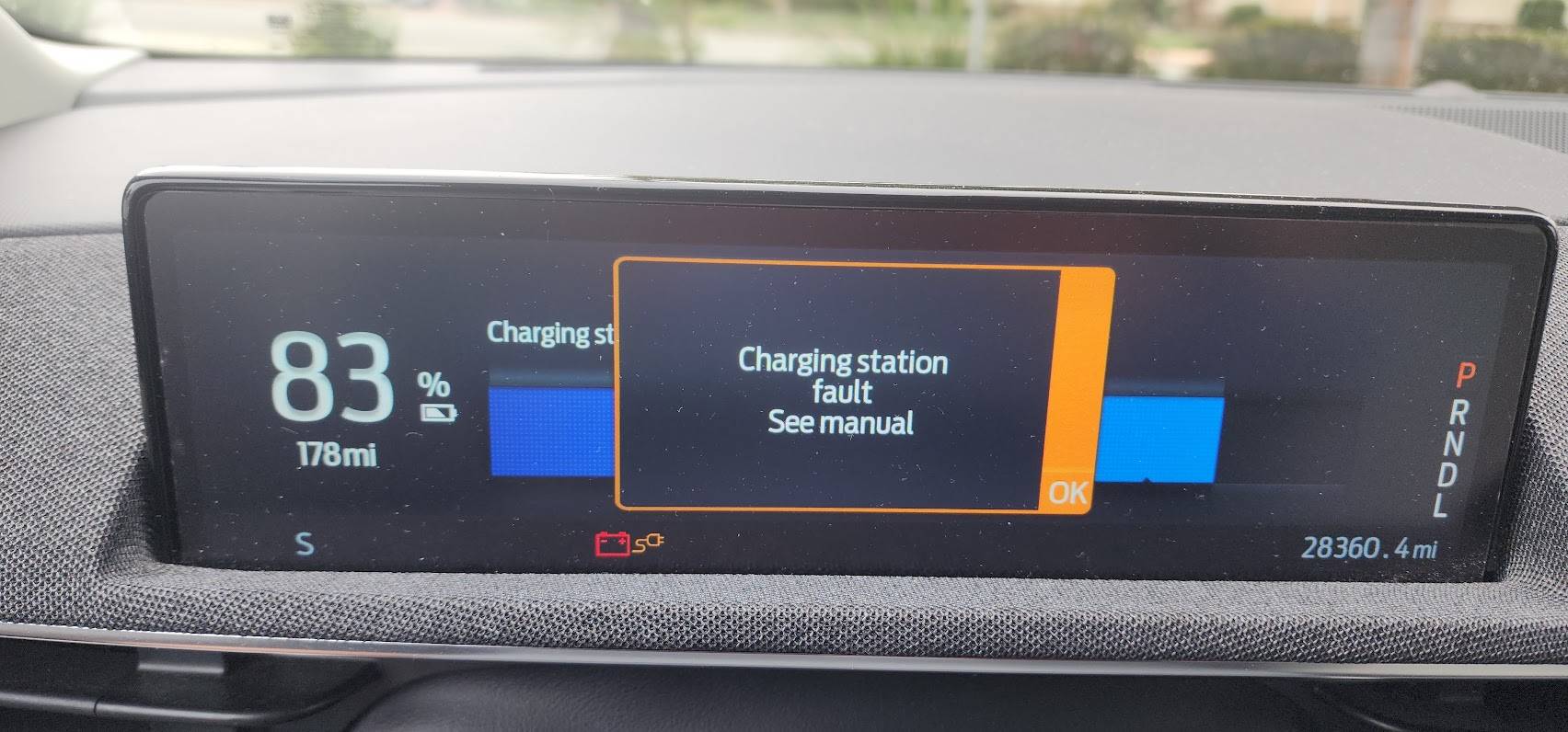
I connected the adapter to the Supercharger cable as prescribed and then plugged it into the car. The white spinning buttons turned solid blue. So, I get into the car and it says, "Charger starting" on both the big screen and in Ford Pass. It stays that way for about 5 minutes and I get a "Charging Station Fault". Bummer. I do some shopping and come back to a different charger at the same location. Same result.

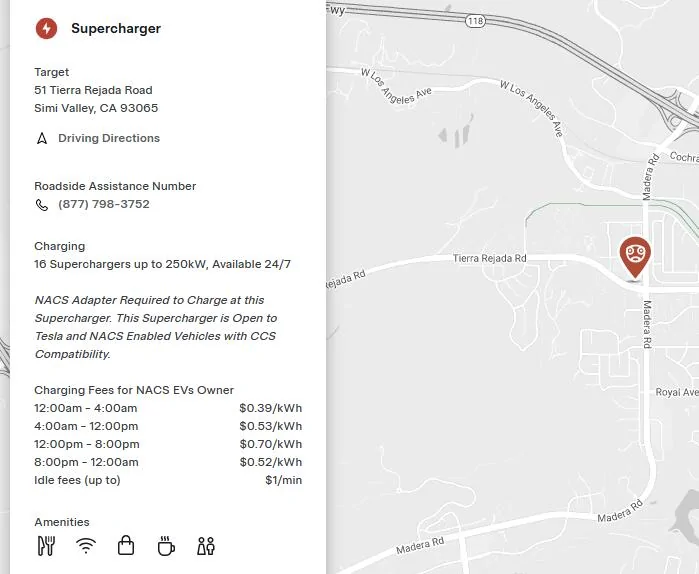
I'm using a Ford adapter and charging at the Supercharger in the map below.

What do I do to diagnose this?

1727291791080-bj.jpg

1727294349377-33.jpg
I had the same problem. It says that it will automatically begin charging but that didn’t happen for me.

I opened the FordPass app And then completed these steps:

- Select the energy icon and then the Public Charging option.
- Find and select the desired charge location. I used the 3 horizontal bar menu at the top right but there are probably other ways to find the location.
- A list of chargers appears, along with numbers, e.g. 1A, 1B, ….. Select the station you want.
- Press the Activate button. The charging will begin.

I plugged the cable in first but I don’t think that’s required because I was prompted to plug it in after pressing the Activate button.

Make sure you complete the other suggestions already noted to assure that Tesla charging is enabled.


Top