Android Auto no longer appears in center screen Drawer- SOLVED

Skip Towne

Well-Known Member
Joined
Nov 11, 2021
Threads
18
Messages
160
Reaction score
245
Location
New Hampshire
Vehicles
Mach-E 4x Premium
Country flag
I've been using Android Auto reliably for nearly 2 years-- until recently.

Now, when I start the car using my normal routine*, the AA tile/tab doesn't appear in the "drawer". I can select it from the app list, and it then works as expected, but when I switch to the radio/audio via it's tile/tab in the drawer - there is no AA tile/tab created. I have to go back to the app list to access it.

* FWIW, that normal routine is plug my phone to the USB cable and hit the start button. I don't usually try to us wireless AA becasue the wireless charging doesn't quite keep up with the power draw of running AA

Perhaps another data point - today the center console froze during its start up process. I rebooted Sync with the 2-button push. Sync restarted, but the AA tile has not returned.

I've searched the owners manual (which makes no mention of the sync system in the html version) and I've scanned this forum (so I'm not THAT person who asks the same question frequently answered question) and I've found no ideas (and no rational reason why Ford calls the app tiles "the drawer" in the first place.)

Any insights to offer?
Sponsored
 

hybrid2bev

Well-Known Member
Joined
Dec 4, 2019
Threads
78
Messages
4,642
Reaction score
12,771
Location
USA
Vehicles
2026 Rally
Country flag
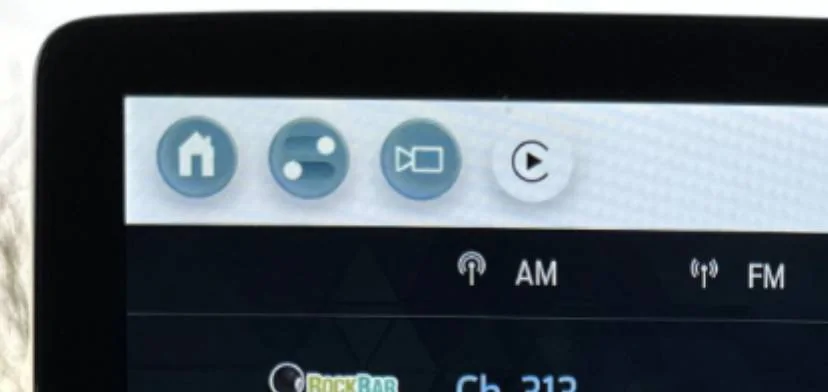
CarPlay adds a button up top, next to the camera icon instead of going to the bottom tiles. Press the button on screen to go back to CarPlay. Assuming AA does the same.

Ford Mustang Mach-E Android Auto no longer appears in center screen Drawer- SOLVED IMG_4864
 
Last edited:
OP
OP

Skip Towne

Well-Known Member
Joined
Nov 11, 2021
Threads
18
Messages
160
Reaction score
245
Location
New Hampshire
Vehicles
Mach-E 4x Premium
Country flag
@hybrid2bev - No such icon for Android Auto. Add this to the big book of things that make CarPlay different from Android auto.

BUT, in further testing trying to find your icon - I was able to get the AA tile back!

I'm not exactly sure how, but this time I selected the phone link from the app list. Previously, I was selecting the Android Auto link in the app list. I hope it wasn't a tacit design decision create to create the AA tile from the phone link but not when selecting AA. I'd almost rather it be buggy software...
 

B177y

Well-Known Member
First Name
Bill
Joined
Sep 17, 2023
Threads
16
Messages
418
Reaction score
632
Location
Olympic Peninsula, WA
Vehicles
'23 J2 MME Premium, '24 Lightning Pro ER, '20 Bolt
Country flag
@hybrid2bev - No such icon for Android Auto. Add this to the big book of things that make CarPlay different from Android auto....
I have had the Android Auto icon in the same place that @hybrid2bev describes the Carplay icon since day one of owning my 2023 CR1 ?‍♂
 
OP
OP

Skip Towne

Well-Known Member
Joined
Nov 11, 2021
Threads
18
Messages
160
Reaction score
245
Location
New Hampshire
Vehicles
Mach-E 4x Premium
Country flag
The good news is that I found a way to get the tile back, but now I'm curious why I get the drawer tile and others get the top icon instead.

I'm about up to date on OTAs to my 2021 Job 1 AWD EX (still waiting for the BlueCruise update) and my Sync is up to revision 1049. Maybe Sync is out of date?


B177y

Well-Known Member
First Name
Bill
Joined
Sep 17, 2023
Threads
16
Messages
418
Reaction score
632
Location
Olympic Peninsula, WA
Vehicles
'23 J2 MME Premium, '24 Lightning Pro ER, '20 Bolt
Country flag
The good news is that I found a way to get the tile back, but now I'm curious why I get the drawer tile and others get the top icon instead.

I'm about up to date on OTAs to my 2021 Job 1 AWD EX (still waiting for the BlueCruise update) and my Sync is up to revision 1049. Maybe Sync is out of date?
Maybe the top AA icon only appears when AA wireless is used?

Maybe try using AA wireless. I still plug in to charge in the front usb-c sometimes, but the initial connection is made by AA wireless. I have a fairly reliable connection with plug or wireless. AA wireless doesn't seem to use much phone battery as long as I keep the phone screen off.

I agree with you that wireless charging is worthless and actually seems to drain my phone battery quicker than if not charging at all, as well as making it hot AF.

I'm just guessing, but it may be worth a try... For science!
 

hybrid2bev

Well-Known Member
Joined
Dec 4, 2019
Threads
78
Messages
4,642
Reaction score
12,771
Location
USA
Vehicles
2026 Rally
Country flag
The good news is that I found a way to get the tile back, but now I'm curious why I get the drawer tile and others get the top icon instead.

I'm about up to date on OTAs to my 2021 Job 1 AWD EX (still waiting for the BlueCruise update) and my Sync is up to revision 1049. Maybe Sync is out of date?
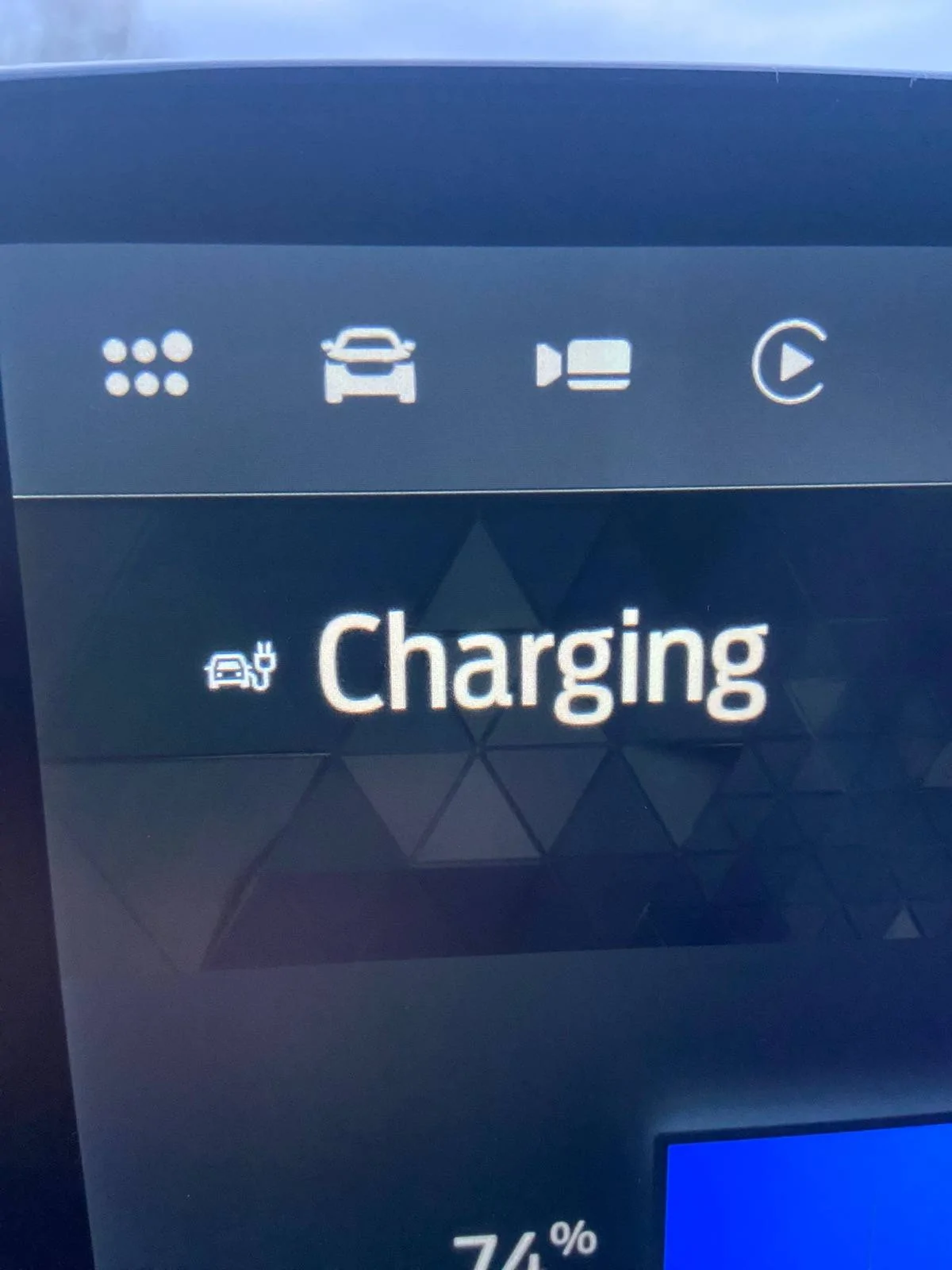
Maybe. I’m on version 1122 with these icons.

Ford Mustang Mach-E Android Auto no longer appears in center screen Drawer- SOLVED IMG_4871
 

Aulander

Well-Known Member
Joined
Mar 15, 2022
Threads
11
Messages
367
Reaction score
277
Location
Italy
Vehicles
Mustang Mach-E Premium AWD
Country flag
I'm about up to date on OTAs to my 2021 Job 1 AWD EX (still waiting for the BlueCruise update) and my Sync is up to revision 1049. Maybe Sync is out of date?
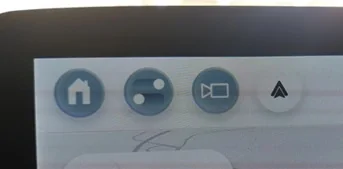
My SYNC is up to revision 1049 too, but I have only a top icon and no drawer AA tile.

Ford Mustang Mach-E Android Auto no longer appears in center screen Drawer- SOLVED ff
Sponsored


Top