OBD2 scanner and apps

PhillyYa

Well-Known Member
Joined
Oct 28, 2022
Threads
35
Messages
249
Reaction score
156
Location
Philadelphia
Vehicles
2022 Mach-e Premium Extended
Country flag
Update the firmware on the OBDLink first, there were some connection bugs. Then unplug it, plug it back in, and immediately try to connect to it in bluetooth settings. If it's been plugged in for more than a couple minutes it won't accept new connections for security.

OK, yeah... no. Firmware updated, still doesn't show up in my wifi nor will it connect via BT
 

Mach-Lee

Well-Known Member
First Name
Lee
Joined
Jul 16, 2021
Threads
262
Messages
11,345
Reaction score
24,968
Location
Wisconsin
Vehicles
2022 Mach-E Premium AWD
Occupation
Sci/Eng
Country flag
OK, yeah... no. Firmware updated, still doesn't show up in my wifi nor will it connect via BT

Unplug it, delete the bluetooth connection from your history, reboot your phone, plug it in, and immediately connect via Bluetooth in the phone's OS (don't open car scanner until the device shows connected in the OS).

It's not WiFi so it won't show up there. When you set it up in Car Scanner, make sure you select Bluetooth rather than BLE adapter (there's a difference).
 

doogie63

Well-Known Member
Joined
Nov 26, 2022
Threads
46
Messages
310
Reaction score
304
Location
NC
Vehicles
Mach-E
Country flag
I bought the OBDLink MX+ while on sale Amazon prime. I updated the firmware. But I keep going out to check it with no fob. But I see the green light flashing. How long does it take to go to sleep? Is there a setting? Don't want to run down my battery. Anyone have a good file I can export into car scanner app or the app that came with it to monitor my mach-e? What does everyone display on there dashboard?


mkhuffman

Well-Known Member
First Name
Mike
Joined
Nov 19, 2020
Threads
29
Messages
6,875
Reaction score
9,507
Location
Virginia
Vehicles
2025 Rivian R1T Tri-Max, Jeep GC-L, VW Jetta
Country flag
I bought the OBDLink MX+ while on sale Amazon prime. I updated the firmware. But I keep going out to check it with no fob. But I see the green light flashing. How long does it take to go to sleep? Is there a setting? Don't want to run down my battery. Anyone have a good file I can export into car scanner app or the app that came with it to monitor my mach-e? What does everyone display on there dashboard?
The MX+ will not drain your battery unless you are actively connected to it and using an app to monitor your car. I leave mine plugged in all the time and there has never been a battery issue.

There is a pre-installed profile for Ford electric cars. Just choose the MME profile and you will have pre-designed dashboards and sensors. You can customize the dashboards, but the out of the box versions are very good.
 

doogie63

Well-Known Member
Joined
Nov 26, 2022
Threads
46
Messages
310
Reaction score
304
Location
NC
Vehicles
Mach-E
Country flag
The MX+ will not drain your battery unless you are actively connected to it and using an app to monitor your car. I leave mine plugged in all the time and there has never been a battery issue.

There is a pre-installed profile for Ford electric cars. Just choose the MME profile and you will have pre-designed dashboards and sensors. You can customize the dashboards, but the out of the box versions are very good.
Does your MX+ still power light blink after you leave the car? I'm sure that blinking little light not drawing much power. I just want to make sure I have it setup right. I figure it would go to sleep with no lights. Then when I turn on car it would wake up and then I would see lights on. And then be able to run app.
 

mkhuffman

Well-Known Member
First Name
Mike
Joined
Nov 19, 2020
Threads
29
Messages
6,875
Reaction score
9,507
Location
Virginia
Vehicles
2025 Rivian R1T Tri-Max, Jeep GC-L, VW Jetta
Country flag
Does your MX+ still power light blink after you leave the car? I'm sure that blinking little light not drawing much power. I just want to make sure I have it setup right. I figure it would go to sleep with no lights. Then when I turn on car it would wake up and then I would see lights on. And then be able to run app.
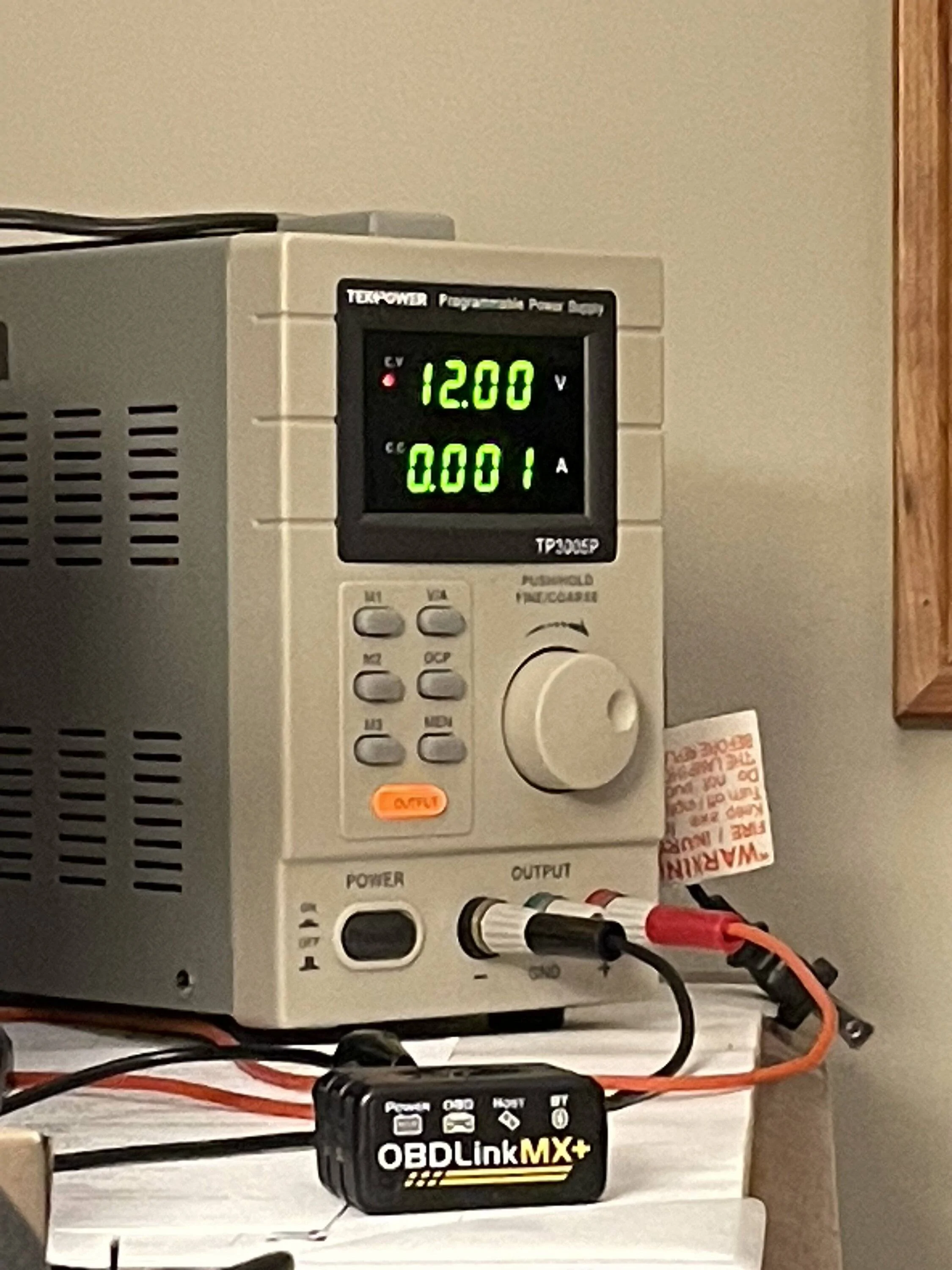
It is blinking every time I look at it, but I have not tried to check it after the car goes to sleep. I will try to check it out tomorrow. The problem is I might not be able to see it without opening the door and waking the car up.
 

Mach-Lee

Well-Known Member
First Name
Lee
Joined
Jul 16, 2021
Threads
262
Messages
11,345
Reaction score
24,968
Location
Wisconsin
Vehicles
2022 Mach-E Premium AWD
Occupation
Sci/Eng
Country flag
Does your MX+ still power light blink after you leave the car? I'm sure that blinking little light not drawing much power. I just want to make sure I have it setup right. I figure it would go to sleep with no lights. Then when I turn on car it would wake up and then I would see lights on. And then be able to run app.

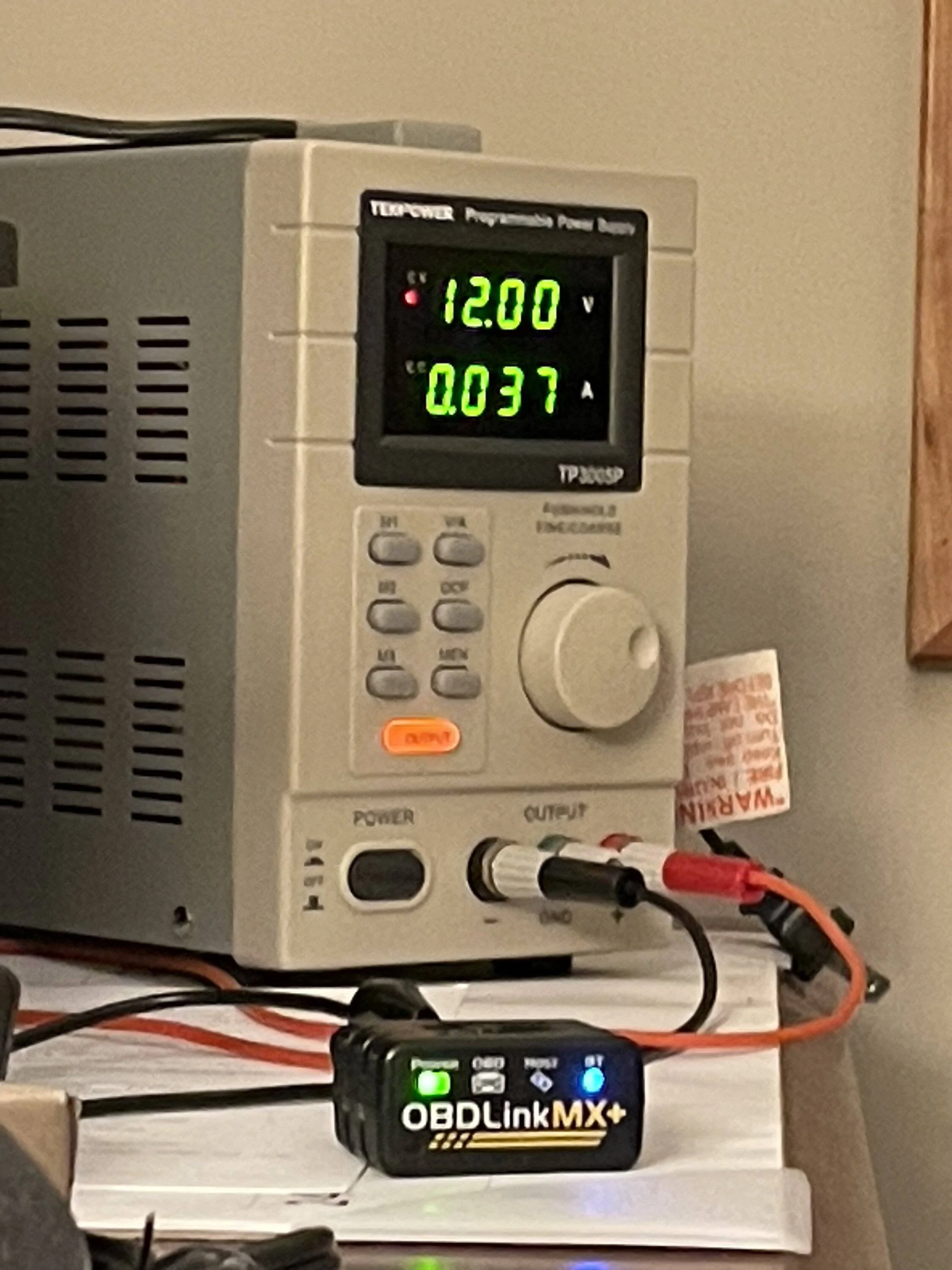
When the adapter is awake, the green power light will be on, and the blue Bluetooth light will be either solid (connected) or blinking slowly (not connected). Power draw is about 37-40 mA:

Ford Mustang Mach-E OBD2 scanner and apps IMG_2099


After 10 minutes with no Bluetooth or CAN activity, the adapter goes to sleep and the green power light will blink every 3 seconds. In sleep mode it will only draw 1-2 mA of power.

Ford Mustang Mach-E OBD2 scanner and apps IMG_2103


Therefore the OBDLink MX+ is safe to use and won’t drain your battery, as long as you aren’t actively pulling data from it (which keeps the car awake). Be sure to always disconnect and close the scanner app when you’re done so that doesn’t happen.

If the car wakes up for some reason (such as opening a door, welcome lighting triggers, etc) then the OBDLink will wake up too automatically. It will also wake up from sleep mode if you try to connect to it via Bluetooth.
 

CarsIMBwife

Well-Known Member
First Name
Rosie
Joined
Jun 7, 2021
Threads
8
Messages
316
Reaction score
389
Location
Western NC
Vehicles
2021 Mach E Premium 4x
Occupation
Retired Data Analyst
Country flag
Thanks for this thread/information. I am about to possibly purchase a used MME. (accident tl;dr) I purchased an OBDLinkMX+ to check the Hvb SoH. Wanted to test it out, so we tried it out in my husband’s MME. Now for the stupid question, does it care that I plug it into a different car? I’m just hoping it rescans everything, but wanted to check with the experts here.

 

kodiakng

Well-Known Member
First Name
David
Joined
Oct 1, 2022
Threads
19
Messages
903
Reaction score
1,407
Location
Oregon
Vehicles
2023 Cyber Orange 4X Mach-E
Country flag
... does it care that I plug it into a different car? I’m just hoping it rescans everything, but wanted to check with the experts here.
it doesn't care. it will rescan the car each time you connect.
 

worachj

Well-Known Member
First Name
John
Joined
Jan 13, 2023
Threads
10
Messages
241
Reaction score
181
Location
Eagan, Mn USA
Vehicles
2023 MME Select AWD Rapid Red Metallic (03/10/23)
Occupation
Retired
Country flag
Looking at OBD2 scanners and came across Vgate's offical Ebay site and they have two different "vLinker MC+ OBD2 Scanner" versions. One for $46.99 and the other for $36.65.

$46.99 - Vgate vLinker MC+ Bluetooth 4.0 OBD2 Scanner

$36.65 - Vgate vLinker MC+ ELM327 OBD2 Car Scanner
This is the vLinker MC+ of the old shell. The product functions and upgrades are the same as the vLinker MC+ of the new shell. In order to clear the inventory, our company sells it at a special discount
Anybody see any problems getting the cheaper version with the old shell?

EDIT: I purchased the cheaper (old shell) version and connected it to my car without any problems. Using "Car Scanner" app without any problems ... but I'm still learning. So to the best of knowledge the adapter is doing everything as advertised.
 
Last edited:

Queenieelper

New Member
Joined
Dec 10, 2023
Threads
0
Messages
4
Reaction score
0
Location
Philadelphia
Vehicles
Ford Mustang V
Country flag
OK, got it now. Needed to find and follow this:


Great discussion on OBD2 scanners! Having the right tool is essential, especially when you’re diving into diagnostics. For anyone who needs to send those scan results or any other paperwork on the go, I recommend checking out https://comfax.com/fax-near-me/ fax services near me . It’s an app that allows you to send faxes and documents directly from your phone—perfect for sharing important files quickly without the need for a fax machine.
thanks for the information!
Sponsored


Top