

CarGuy11
Well-Known Member
- Joined
- Dec 11, 2022
- Threads
- 50
- Messages
- 1,038
- Reaction score
- 496
- Location
- Pittsburgh
- Vehicles
- 2022 MachE4X Prem, 2020 GRSupra, 2016 Corvette Z51, 2024 Emira

This...
Sponsored
I have the same issue as the OP. I have no cell signal from any carrier at my home and use WiFi calling to call in and out. I also have great WiFi in my detached garage and get OTAs all the time even if the car has been parked for long periods.Not really - WiFi is used to communicate vehicle data to Ford and to download certain files but not for installation due to hacking concerns.
All OTA updates are done thru AT&T cellular for security.



I have been monitoring the data packets from the car with my router and can see a lot of data uploaded to Ford - mostly small packets each night. Then it stops and sleeps.I don't know if the Mach-E differs from the F150, but as rugedraw pointed out, from 2020 (2021 model year) up until very recently, NO OTA updates were delivered to an F150 via Wi-Fi.
Wi-Fi has indeed supported some sort of packet exchange with Ford, and the router logs have been judiciously been analyzed by a few knowledgeable folks to confirm. But nobody has ever provided convincing evidence that Ford leveraged Wifi to deliver an OTA update.
Also, as rugedraw shared, recently Ford did leverage Wifi to edit the configuration of an existing onboard module. So technically that is updating a vehicle using Wifi.
PTS, I believe, has a column in the datagrid for OTA activity that is designated just for "Wifi required". For years it never changed its value (no) in that field. Until recently. Twice I believe it is marked "Yes"?
I'm going off of PTS memory.
@rugedraw can clarify I hope.
If you do just one or two updates with FDRS, and then review the log file for FDRS, it's incredibly granular and you can clearly witness the step by step procedure involved in fetching/delivering a Payload successfully. Of course you are reading text that each line represents maybe a few thousanths of a second with the timestamp.I have been monitoring the data packets from the car with my router and can see a lot of data uploaded to Ford - mostly small packets each night. Then it stops and sleeps.
There are times I do get larger files that are transferred to the car but it does not coincide with any OTA updates.
I'd say that Ford would only install updates OTA via cellular and wait for a checksum or other confirmation packet to ensure safe installation of the files.

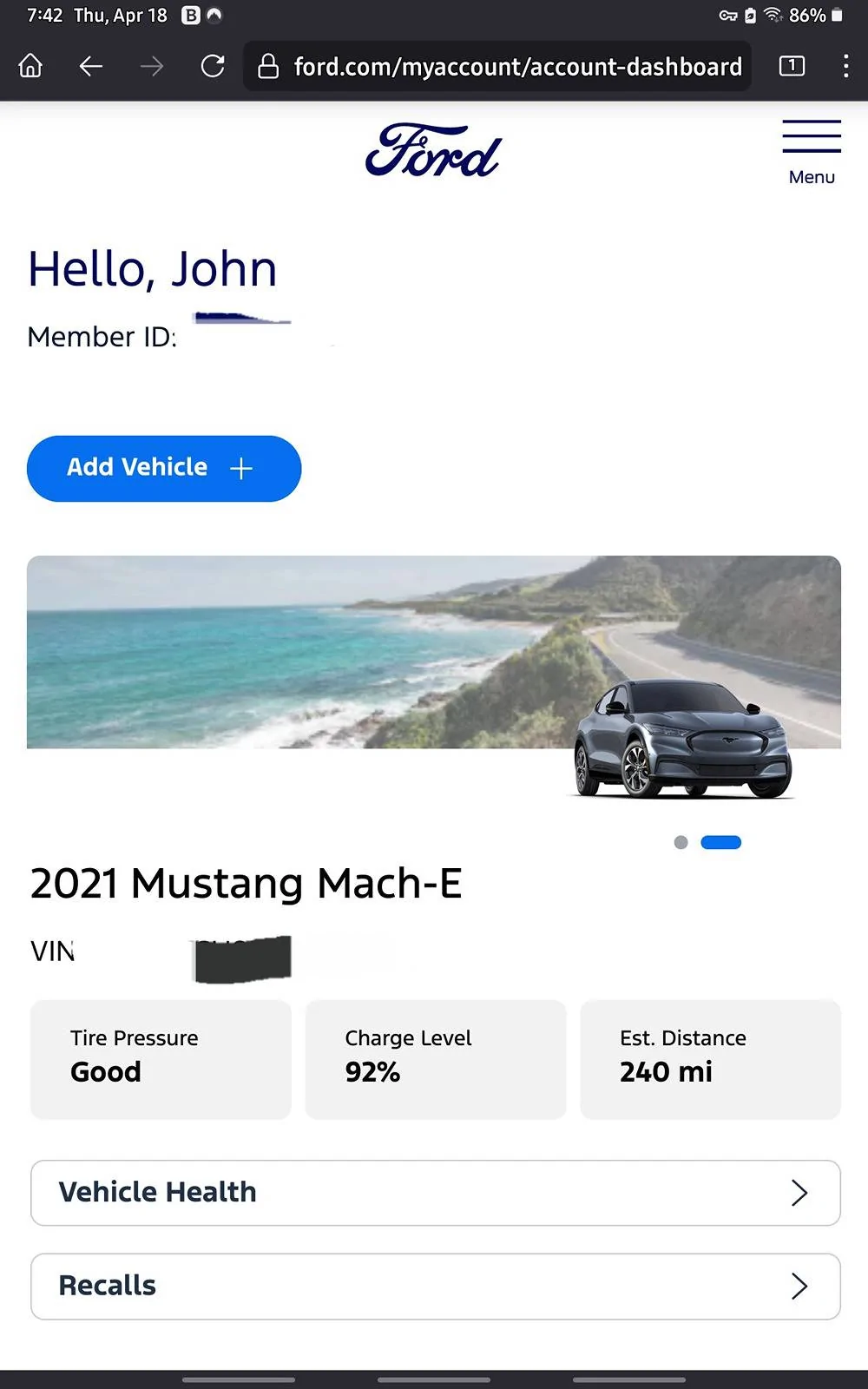

Definitely trying your tips, but I’ve had the problem of the arrows that go up and down communicating with Ford disappearing like every other time I start the car and I either have to wait about a half hour and go back out and try it again cause I’m not gonna start pulling fuses like I did before But I have full bars on my phone for AT&TThis...
Have you tried resetting Sync? Long hold Vol down and track forward.Definitely trying your tips, but I’ve had the problem of the arrows that go up and down communicating with Ford disappearing like every other time I start the car and I either have to wait about a half hour and go back out and try it again cause I’m not gonna start pulling fuses like I did before But I have full bars on my phone for AT&T
No I’ll try now I just went back out there after 15 minutes and all I got is a Wi-Fi signal so once I get those arrows moving up and down, I’ll turn off Wi-Fi well Wi-Fi doesn’t need to be on anyways but.Have you tried resetting Sync? Long hold Vol down and track forward.
Resetting sync fixed that issue but I do not have a connection showing to AT&T although I have four bars and 5G on my phone. I’ve got Wi-Fi turned off on my phone and Wi-Fi turned off on the car. Is there something I need to do to show up?Have you tried resetting Sync? Long hold Vol down and track forward.
General, About SyncWhere can I look that up at?


