SunnyPSU26
Member
- Joined
- Aug 3, 2022
- Threads
- 1
- Messages
- 5
- Reaction score
- 0
- Location
- Virginia
- Vehicles
- 2022 Mach-E Premium AWD STD

- Thread starter
- #1
Hi everyone, I am stuck trying to update my Mach E to Ford Power-U 3.6.1. My Fordpass App tells me that I need to complete 2 steps in order to proceed with the software update.
Step 1: Schedule - app tells me to get behind the wheel -> Select the Vehicle Icon -> Select Settings -> Select System Updates - > Select Schedule Updates and modify the vehicle's schedule.
Step 2: Connect - connect to a stable wifi connection
I was able to do Step 2 no problem but cannot perform Step 1 as I do not have any option in any of my system menus to schedule an update. See attached images for what I see when I select Software Updates.
Does anyone have any advice on how to proceed? Thanks

Image 1: Software Updates Screen with Update Details Collapsed
Image 2: Software Updates Screen with Update Details Expanded
Image 3: Wi-FI Connection Validation

Image 4: Fordpass app instructions
Step 1: Schedule - app tells me to get behind the wheel -> Select the Vehicle Icon -> Select Settings -> Select System Updates - > Select Schedule Updates and modify the vehicle's schedule.
Step 2: Connect - connect to a stable wifi connection
I was able to do Step 2 no problem but cannot perform Step 1 as I do not have any option in any of my system menus to schedule an update. See attached images for what I see when I select Software Updates.
Does anyone have any advice on how to proceed? Thanks
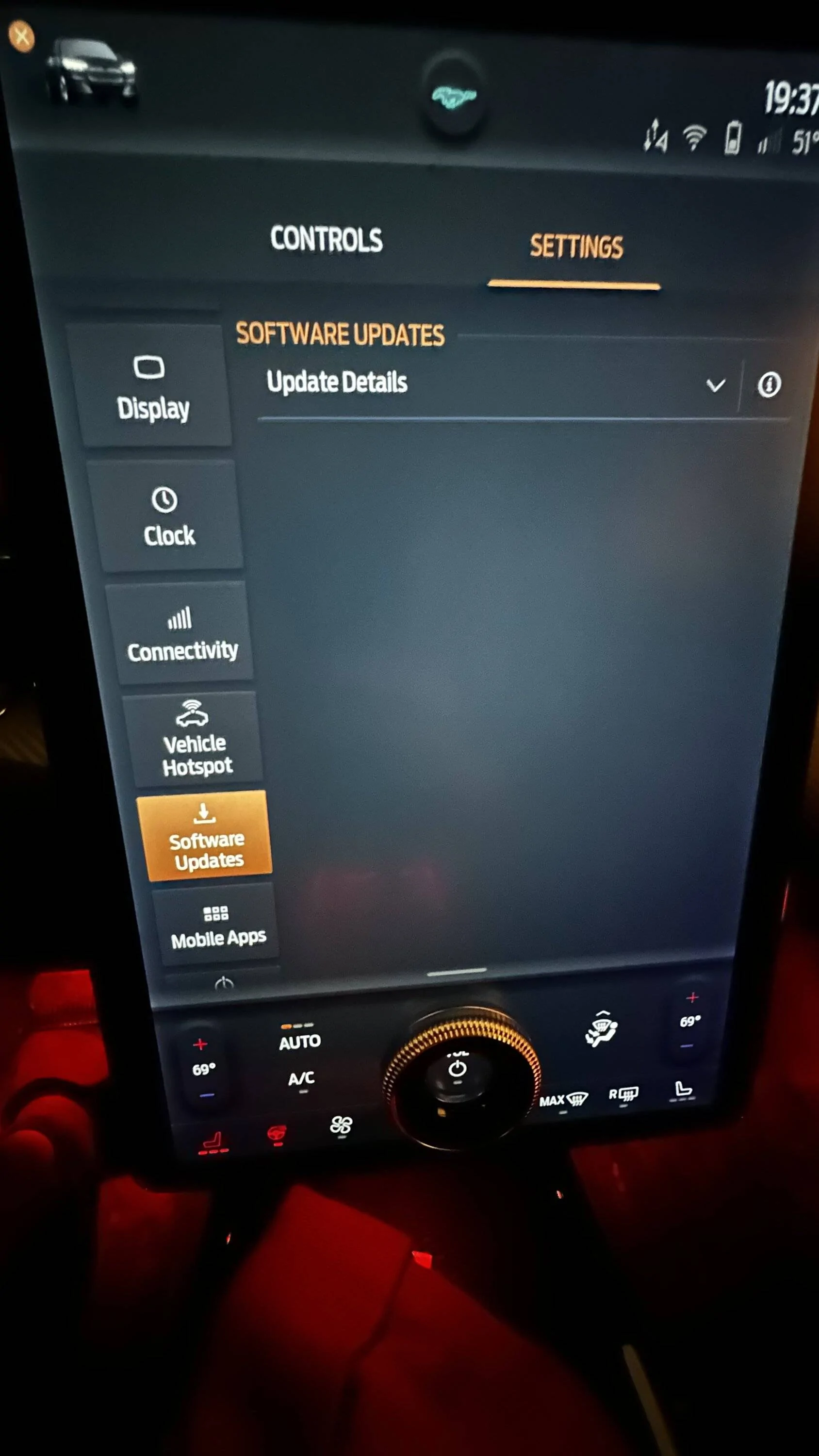
Image 1: Software Updates Screen with Update Details Collapsed
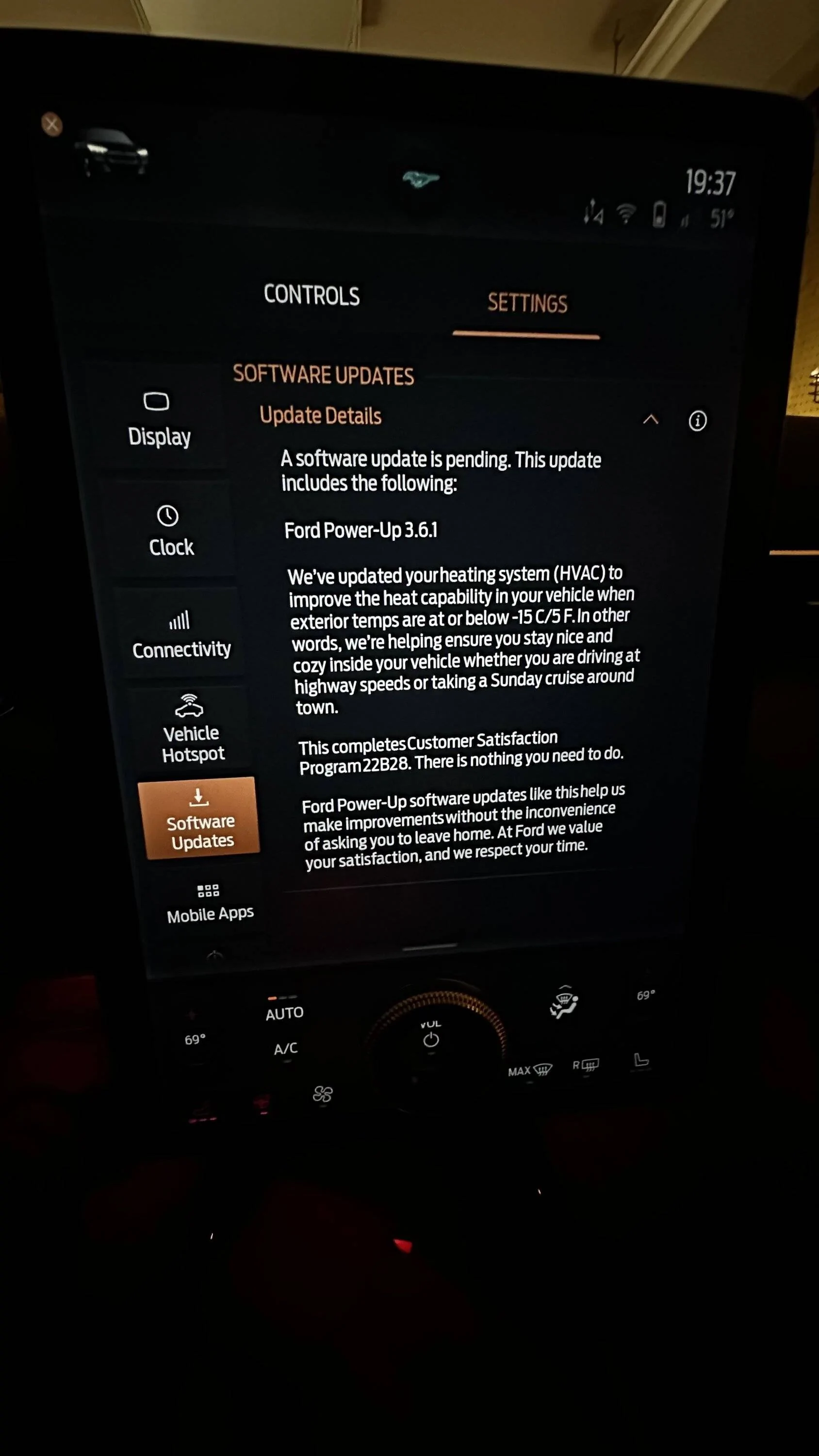
Image 2: Software Updates Screen with Update Details Expanded
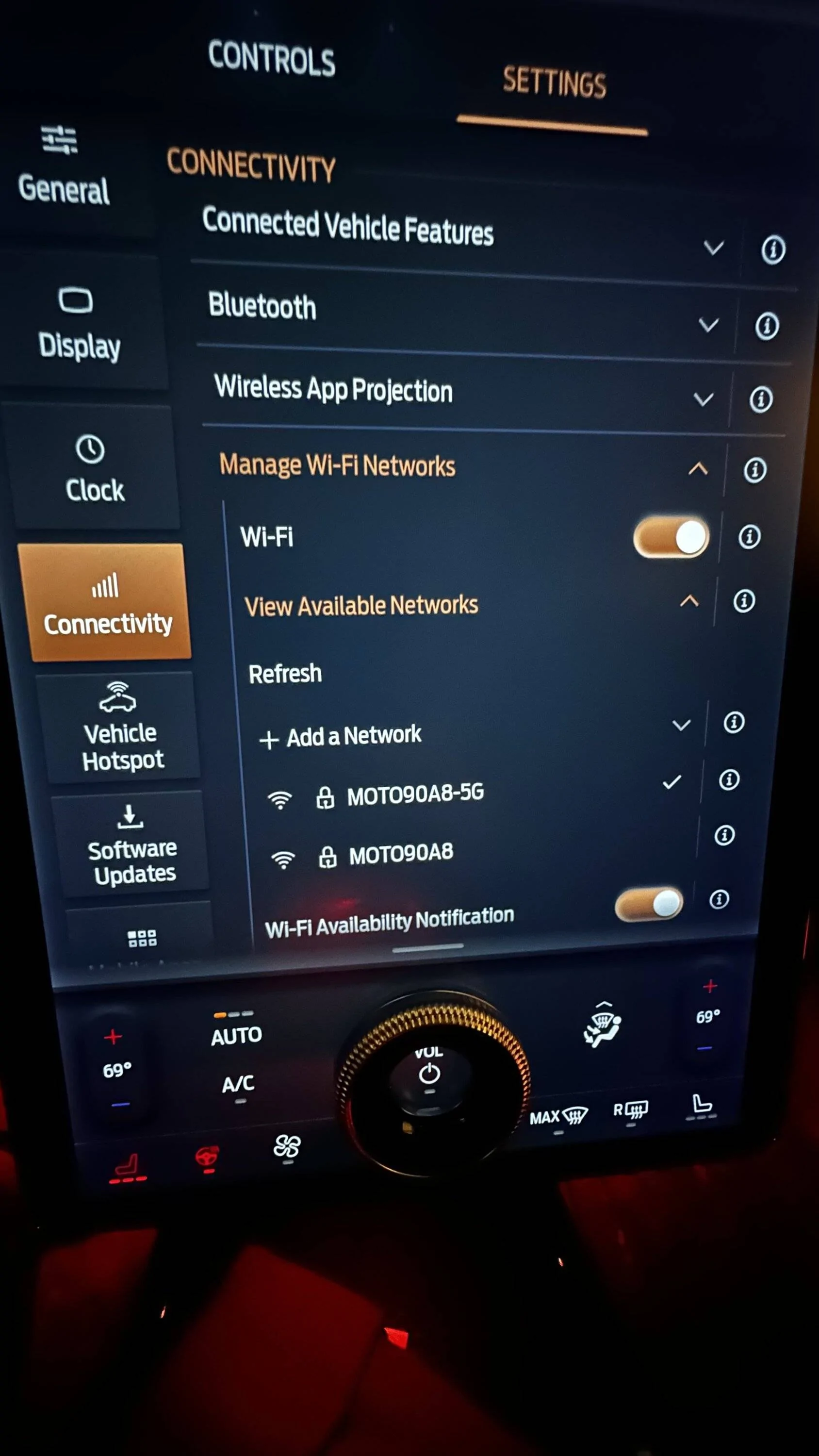
Image 3: Wi-FI Connection Validation
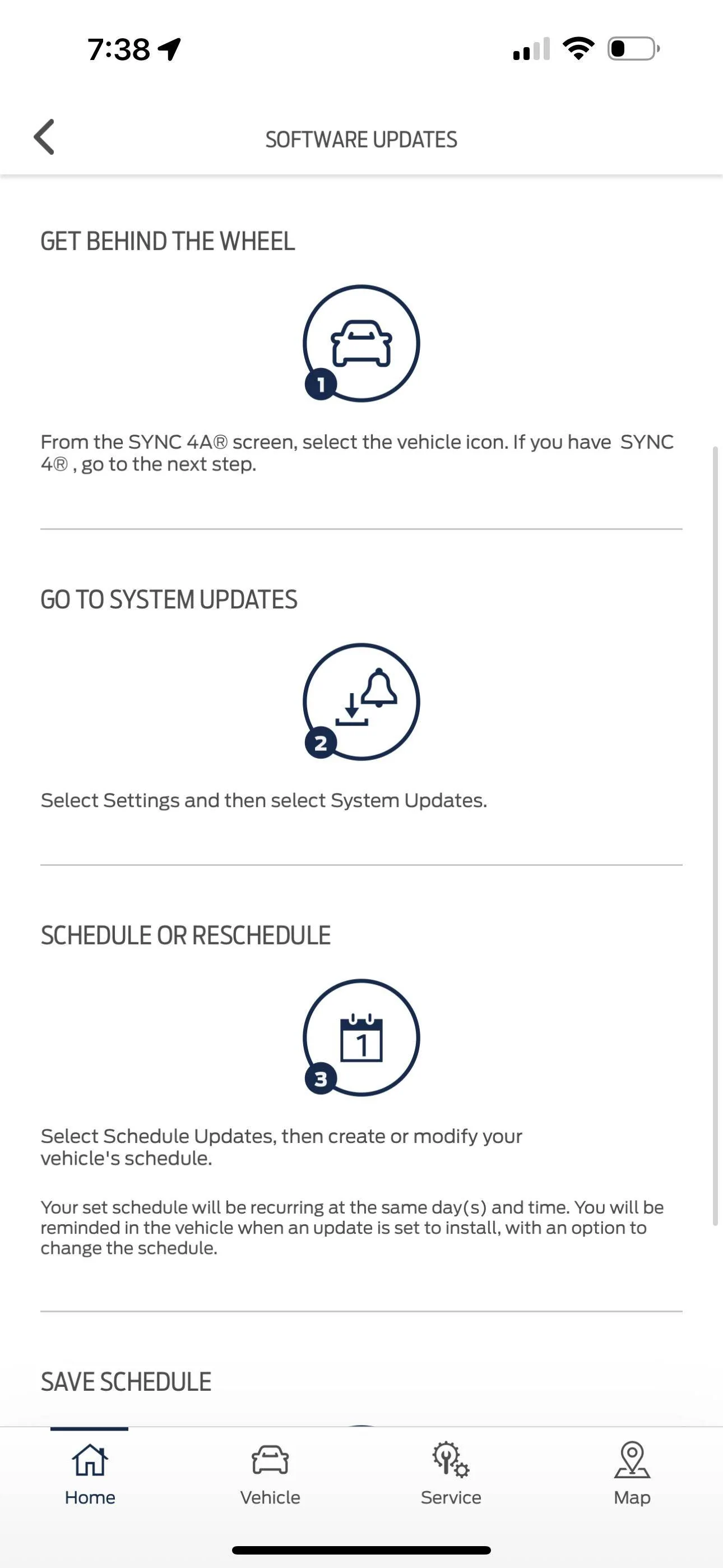
Image 4: Fordpass app instructions
Sponsored