ChasingCoral
Well-Known Member
- First Name
- Mark
- Joined
- Feb 3, 2020
- Threads
- 502
- Messages
- 14,318
- Reaction score
- 28,680
- Location
- Maryland
- Vehicles
- 2021 GB E4X FE, 2022 F-150 Lightning Lariat ER
- Occupation
- Retired oceanographer

- Thread starter
- #1
From Ford:
Based on how owners are charging on the go, we are enhancing the FordPass app experience and turning off the in-vehicle Charge Assist/Public Charging app starting today.
How you can find, activate, and pay for a charger.
· FordPass App – your FordPass app is the easiest and quickest way to locate, activate and pay for charging at all 14 BlueOval Charge Network partner networks.
o Activate the BlueOval Charge Network
· Plug & Charge – Just plug in at Tesla Supercharger (adapter needed) and Electrify America charging stations and charging will begin automatically, using your BlueOval Charge Network account for payment.
· In Vehicle – Through the in-vehicle screen, you can continue to enter your trip details and route to a charger using Connected Navigation. You can also use Apple Maps EV Routing in CarPlay and Google Maps EV Routing for Android Auto.
Here’s how the Charge Assist/Public Charging App will change:
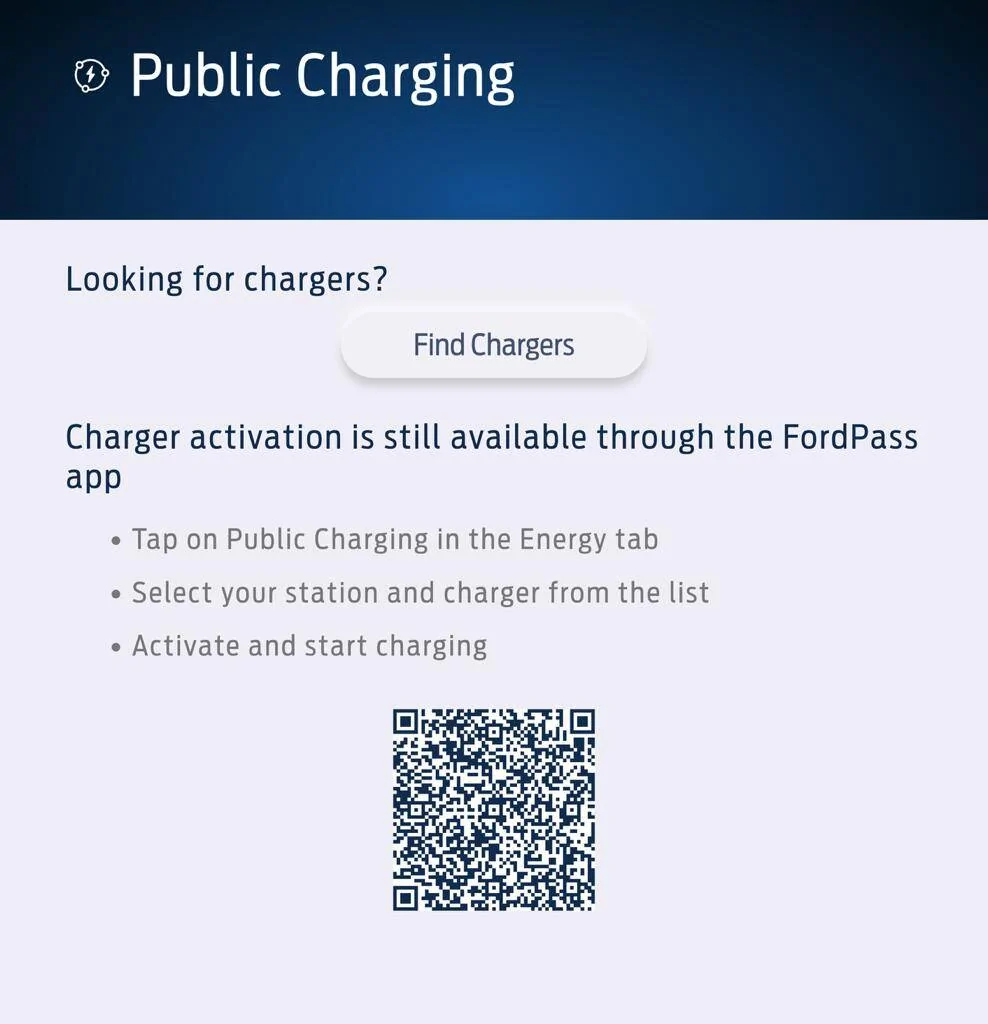
If you have a BlueOval Charge Network account and open the in-vehicle Public Charging app you will see:
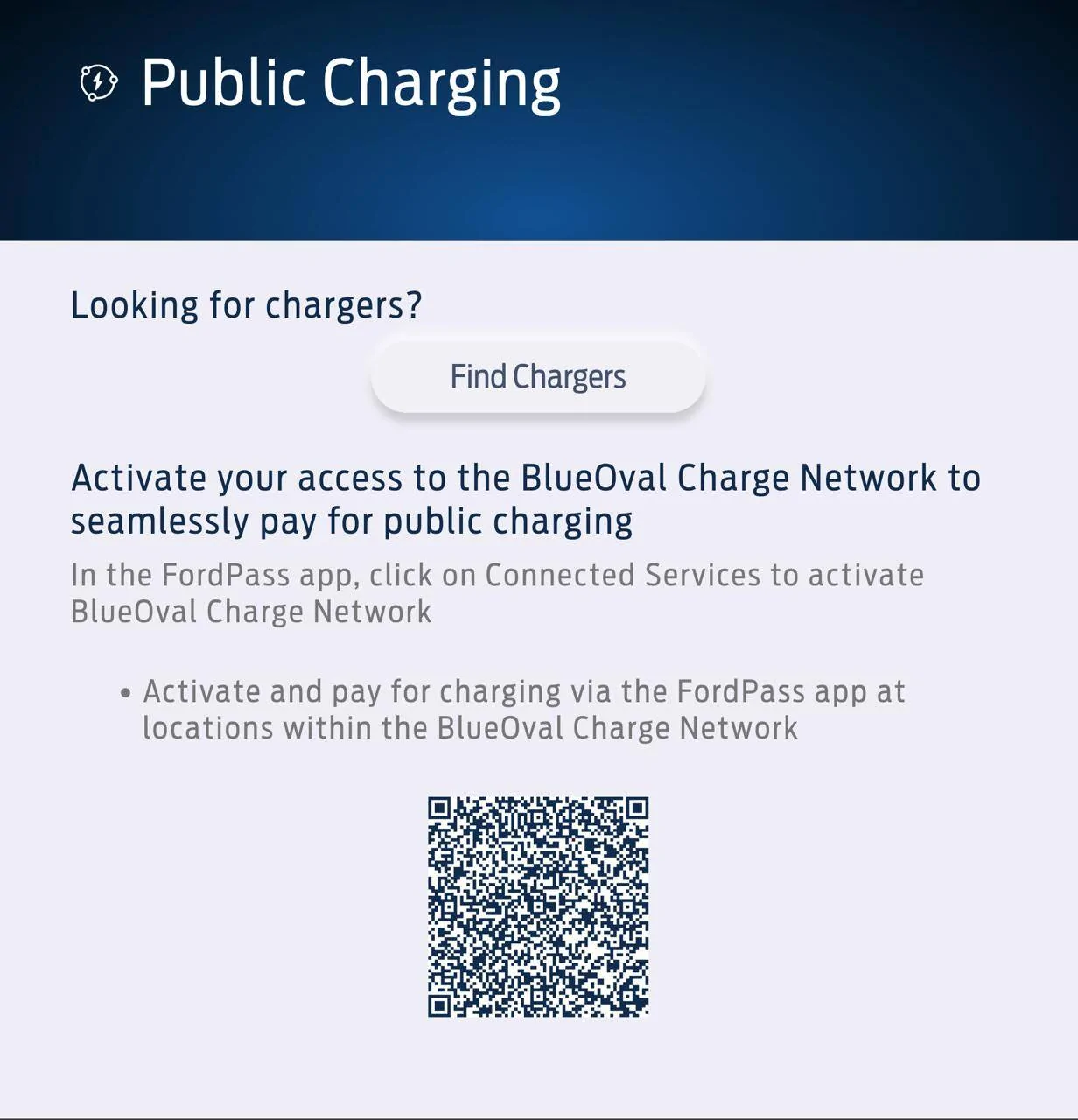
If you do not have a BlueOval Charge Network account and open the in-vehicle Public Charging app you will see:
We thank you for your continued support with the Ford Electric Vehicle Community.
Best,
Emily & The Model e Team


Based on how owners are charging on the go, we are enhancing the FordPass app experience and turning off the in-vehicle Charge Assist/Public Charging app starting today.
How you can find, activate, and pay for a charger.
· FordPass App – your FordPass app is the easiest and quickest way to locate, activate and pay for charging at all 14 BlueOval Charge Network partner networks.
o Activate the BlueOval Charge Network
· Plug & Charge – Just plug in at Tesla Supercharger (adapter needed) and Electrify America charging stations and charging will begin automatically, using your BlueOval Charge Network account for payment.
· In Vehicle – Through the in-vehicle screen, you can continue to enter your trip details and route to a charger using Connected Navigation. You can also use Apple Maps EV Routing in CarPlay and Google Maps EV Routing for Android Auto.
Here’s how the Charge Assist/Public Charging App will change:
If you have a BlueOval Charge Network account and open the in-vehicle Public Charging app you will see:
If you do not have a BlueOval Charge Network account and open the in-vehicle Public Charging app you will see:
We thank you for your continued support with the Ford Electric Vehicle Community.
Best,
Emily & The Model e Team
Sponsored
Last edited: