dfcliff
Well-Known Member
- Joined
- Feb 2, 2022
- Threads
- 2
- Messages
- 87
- Reaction score
- 100
- Location
- Augusta, GA
- Vehicles
- 2021 Mustang Mach-E Select AWD

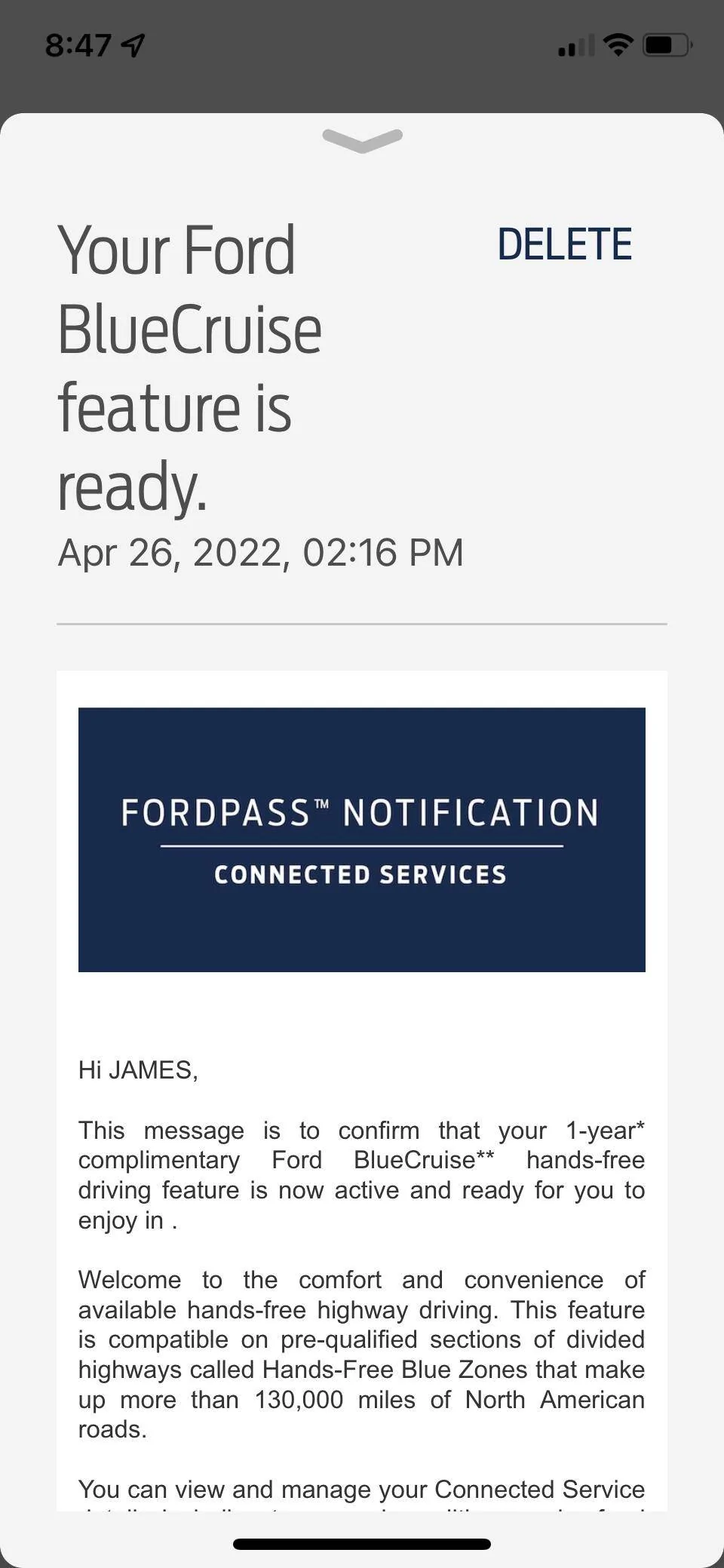
If they actually follow the instructions, the BlueCruise 21G01 has the followingThank you. Most likely they won’t do any outside of the BlueCruise campaign… I’ll be completely shocked if they do more
The 22-2117 covers recovering from the TCU/APIM unable to update.
The 21P22 is the charge curve and other updates.
Code:
21G01 Instructions

12. Select TCU - Telematics Control Unit (TCU) - software update.
• Run application.
• If error message on SYNC display screen or no activity after 10 minutes.
• See TSB 22-2117 - Module Recovery.
• Retry TCU software update with same USB drive.
13. Select APIM - Accessory Protocol Interface Module (APIM/SYNC) - software update.
• Run application.
• Follow General Service Bulletin (GSB) 21-7088 - SYNC Programming, USB flash drive method.
• If error message on SYNC display screen or no activity after 10 minutes.
• See TSB 22-2117 - Module Recovery.
• Retry APIM software update with same USB drive.
--snip--
19. Mach-E vehicles ONLY. Not required for F-150.
• Does FSA 21P22 need to be performed?
Yes - Perform FSA 21P22 then proceed to step 20.
No - Proceed to step 20.
Sponsored