MacJedi
Member
- Thread starter
- #1
Sponsored

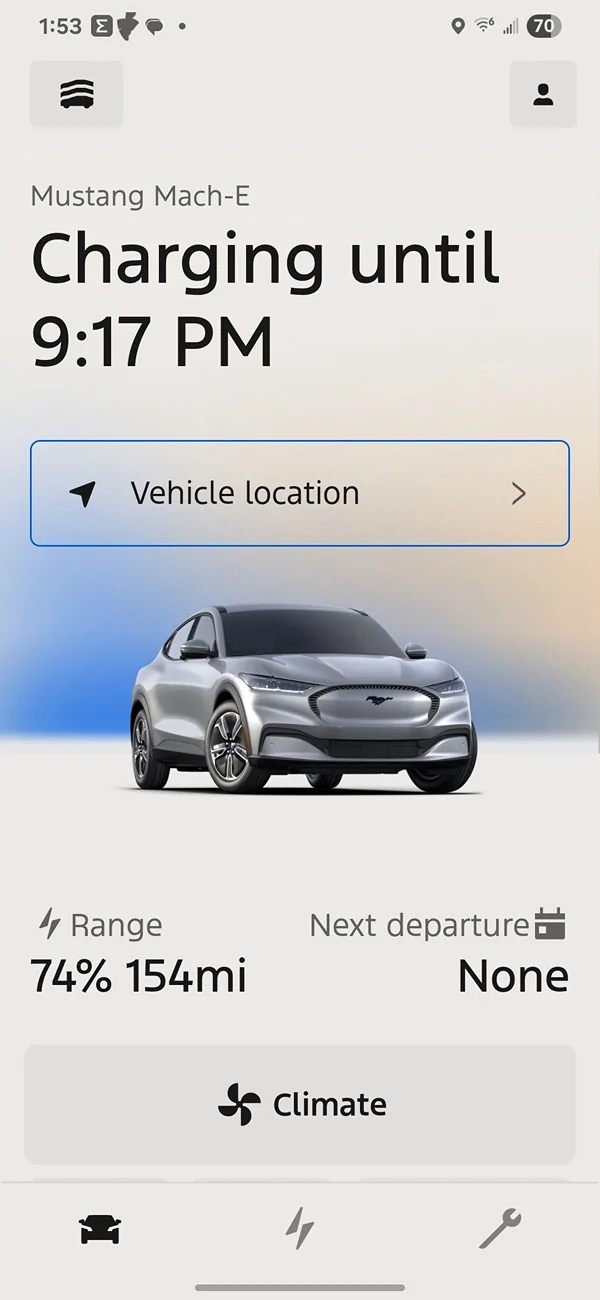

It's there on the iOS version, too. Maybe the OP didn't look under the car?Is that iOS? Charge % and GOM are on the Android main screen:

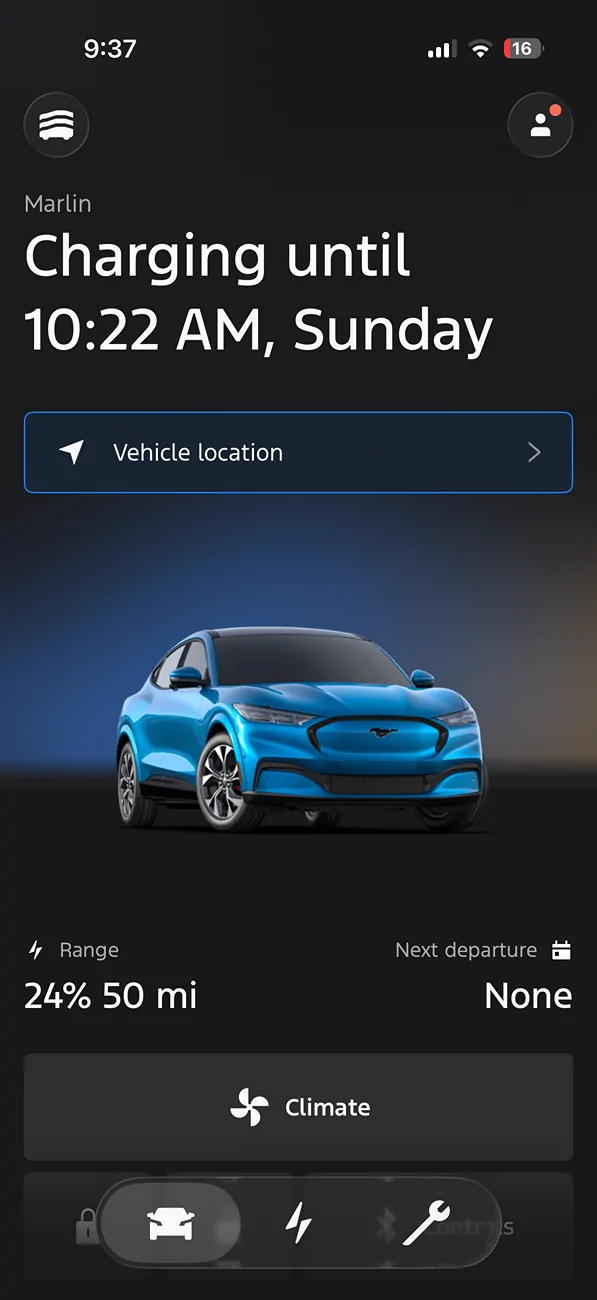

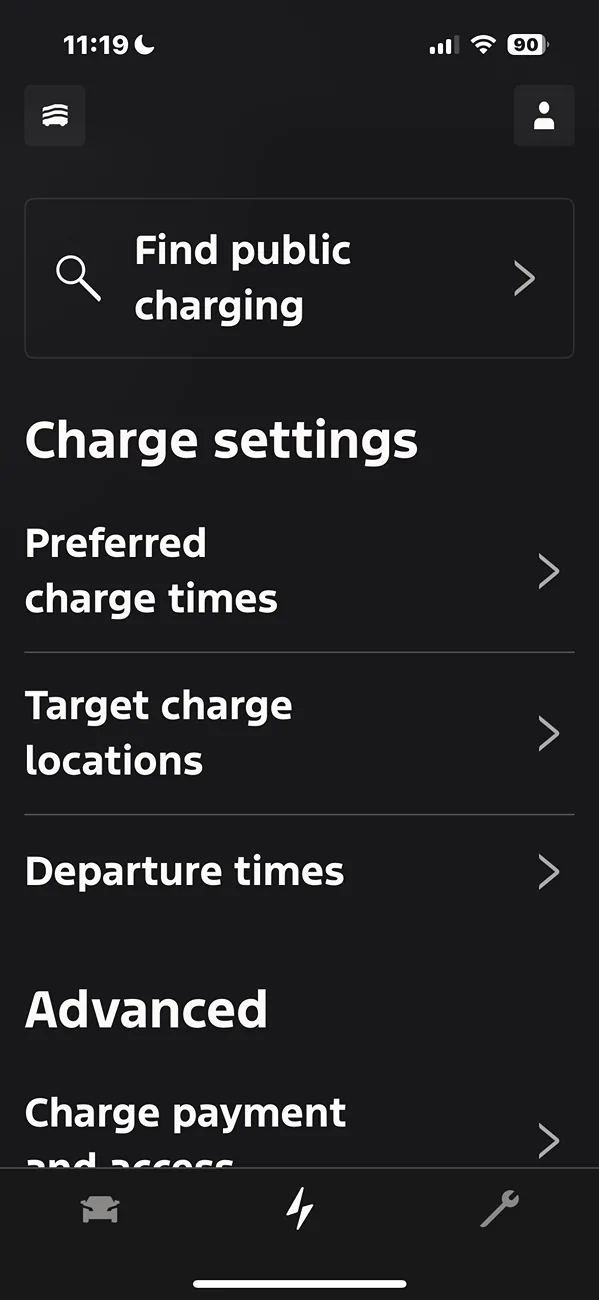
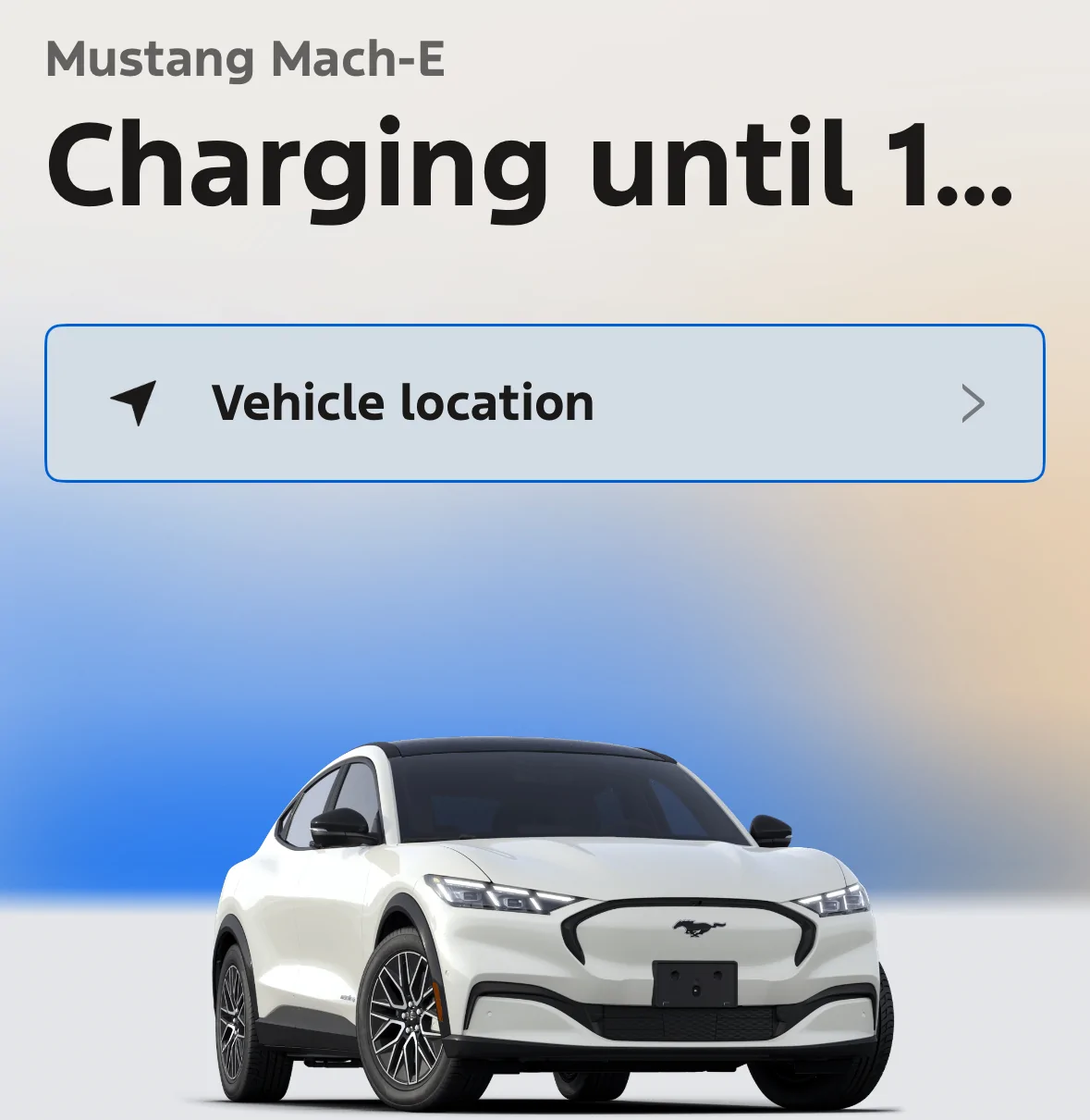
Mine shows all the info on intro screen iPhone 15. No problem.Previously, you could go into the application and immediately see how charged your vehicle was right from the Home Screen. For some reason, they’ve redesigned it so that you your but not how charged it is. I have to go into energy to actually see how much it’s charged to stop charging so that I can unplug it. I’m sure somebody thought they were improving things, but it isn’t.

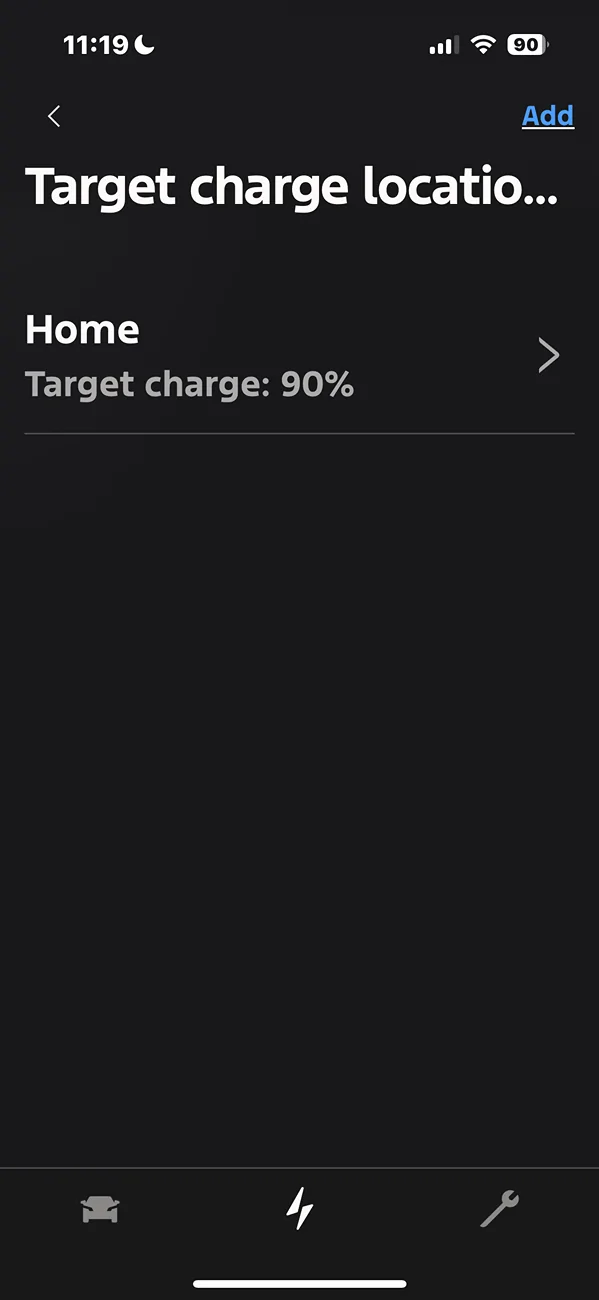
yes.Another thing I noticed after the app update: can I still do a one-time only charge increase to 100% for a trip like I could before?