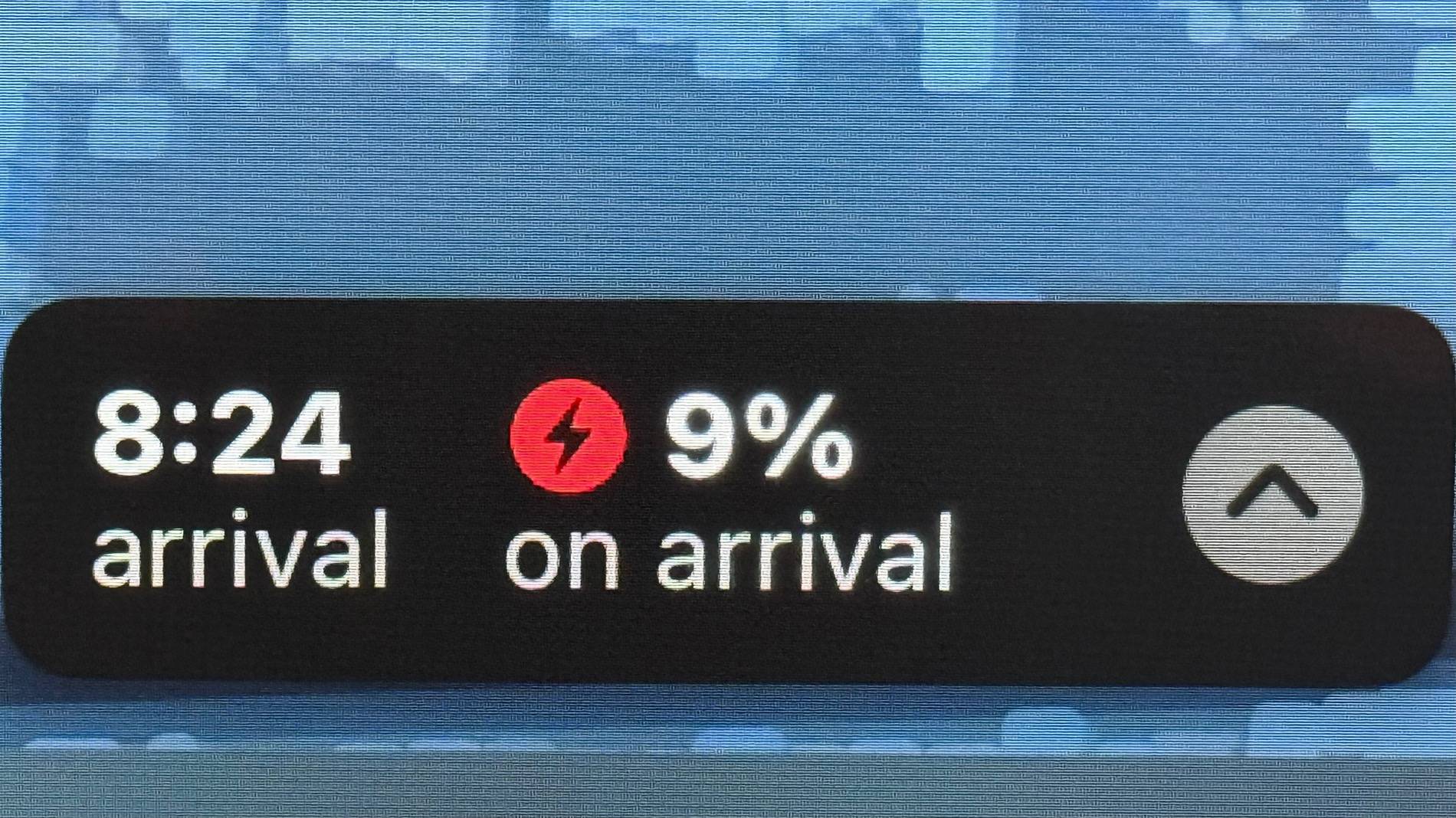
thx10
Well-Known Member
Currently not available at O’Reilly‘s AutoThis could all be fixed with a new flux capacitor Marty!

https://www.oreillyauto.com/flux-capacitor
dang it
Sponsored
Currently not available at O’Reilly‘s AutoThis could all be fixed with a new flux capacitor Marty!


I think this is one of the few times I’ve been called “extremely conservative” ? I just have this irrational fear of running out of electrons in the middle of the desert and having to hike for miles to get a Jerry-can full so I can make it to the charger ?Hmm, well I can give Apple another shot. But it needs to be okay with my selection of chargers (seems hard to find and input manually), and the arrival percentage dipping down below 10% without auto rerouting or being majorly annoying. I just want a single warning and a red number on the display. It's still seems to be targeting arrival to chargers with 25%, which is extremely conservative and causes unnecessary charging stops.

I can beat that:But here you can see that Apple Maps will flag that the battery level at destination will be (very) low, but it isn't forcing a charging stop:

(For the purposes of the above, I put in an arbitrary location not too far away to show what I was seeing earlier as I was driving.)
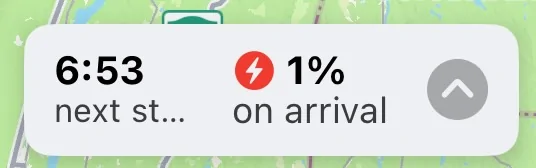

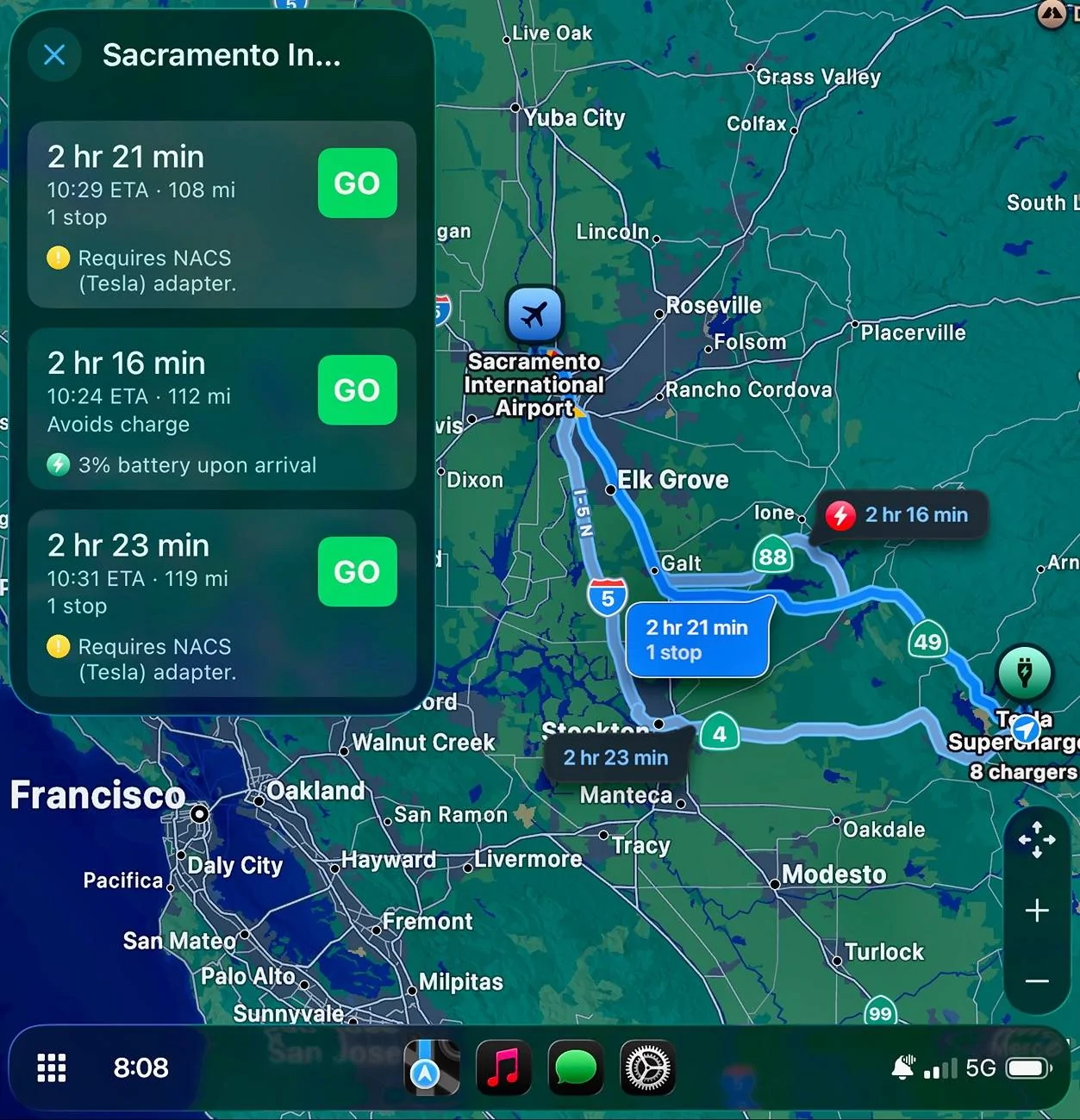
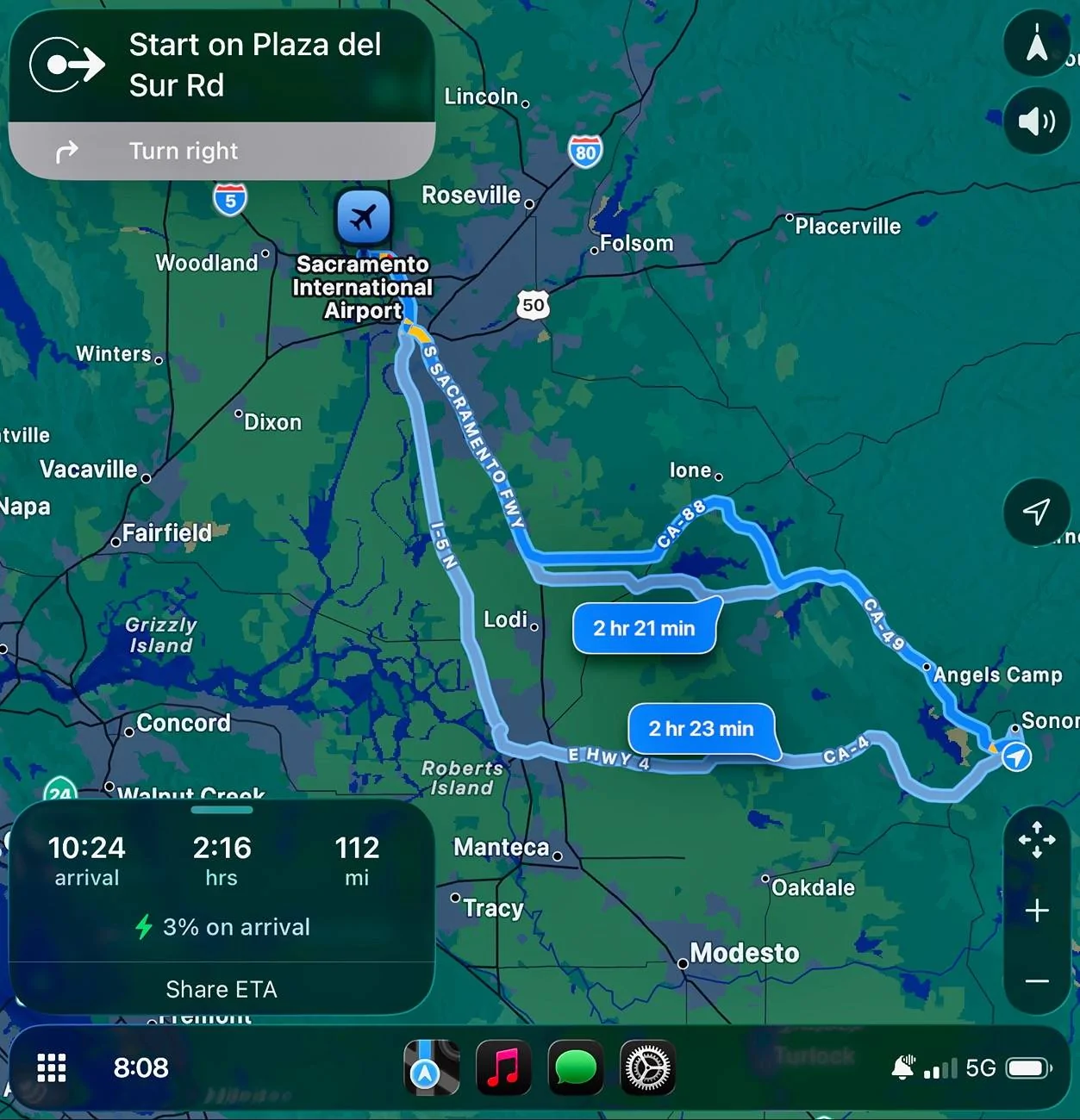

I ran into that, too. I knew I could make it home to my charger (at 3% it turns outResults were simulated here, but the range can suddenly update if conditions change, <snip>
Yes. First of all, the numbers should NEVER switch places. Second of all, the charger or destination should turn RED if it becomes further than the range of the car. Ford knows about it, but I don't see much chance of them fixing it.
Native nav, and it's a flag with 3rd-party navigation apps (you need the charger icon to display in order for preconditioning to work). I can't use Apple Maps for road trips because (in addition to not preconditioning) it has a fit and sends you on a wild goose chase if you're going to arrive with less than 20% (I shoot for 10% to save stops), and there's no way to change it.
 . But Apple Maps insisted on routing me to a charger. Had to cancel route guidance. NBD but CarPlay nav ain’t there yet. Also, iirc you can’t tap on chargers Maps selects for more info.
Your car is testing you to see how alert you are..... as you go along, the tests get harder.....?
It’s a Voight-Kampff test, so it doesn’t matter your material response, it’s more to do with how fast you react and what happens in your retina and skin.Your car is testing you to see how alert you are..... as you go along, the tests get harder.....?

Easily more than half the mme owners and drivers don’t even know what those icons mean.I hope @Ford Motor Company gets this bug fixed soon. As mentioned early in the thread, these kinds of UI elements should NEVER switch places.

Thanks for sharing. Yeah it really sucks if you don't notice it in time. It's gotten me a couple times.This hasn’t been fixed on our ’22.
We just ran into this issue today on our way home, climbing a mountain into a rain/sleet storm. For a ten mile stretch, I didn’t notice that the range/destination numbers had switched and believed I had a few mile positive buffer but had a few mile negative buffer.
We made it home with a few extra miles to spare because I noticed the problem and got off the freeway and onto surface streets for the last 15-mile stretch.
In this particular case, we were intentionally running the battery low, so it wasn’t a massive problem, but it sure could have been.
What a terrible UX/UI design decision.
I hope @Ford Motor Company gets this bug fixed soon. As mentioned early in the thread, these kinds of UI elements should NEVER switch places.
Yeah, my hope is low. But I figured it doesn't hurt to bring it up again.Thanks for sharing. Yeah it really sucks if you don't notice it in time. It's gotten me a couple times.
I don't have much faith in this ever getting fixed. Spedo glitch took a year or two, and that was VERY obvious.