GreaseMonkey
Well-Known Member
- First Name
- Steve
- Joined
- Oct 3, 2021
- Threads
- 23
- Messages
- 3,463
- Reaction score
- 5,591
- Location
- Chicago, IL
- Vehicles
- 24 Mach-E GT

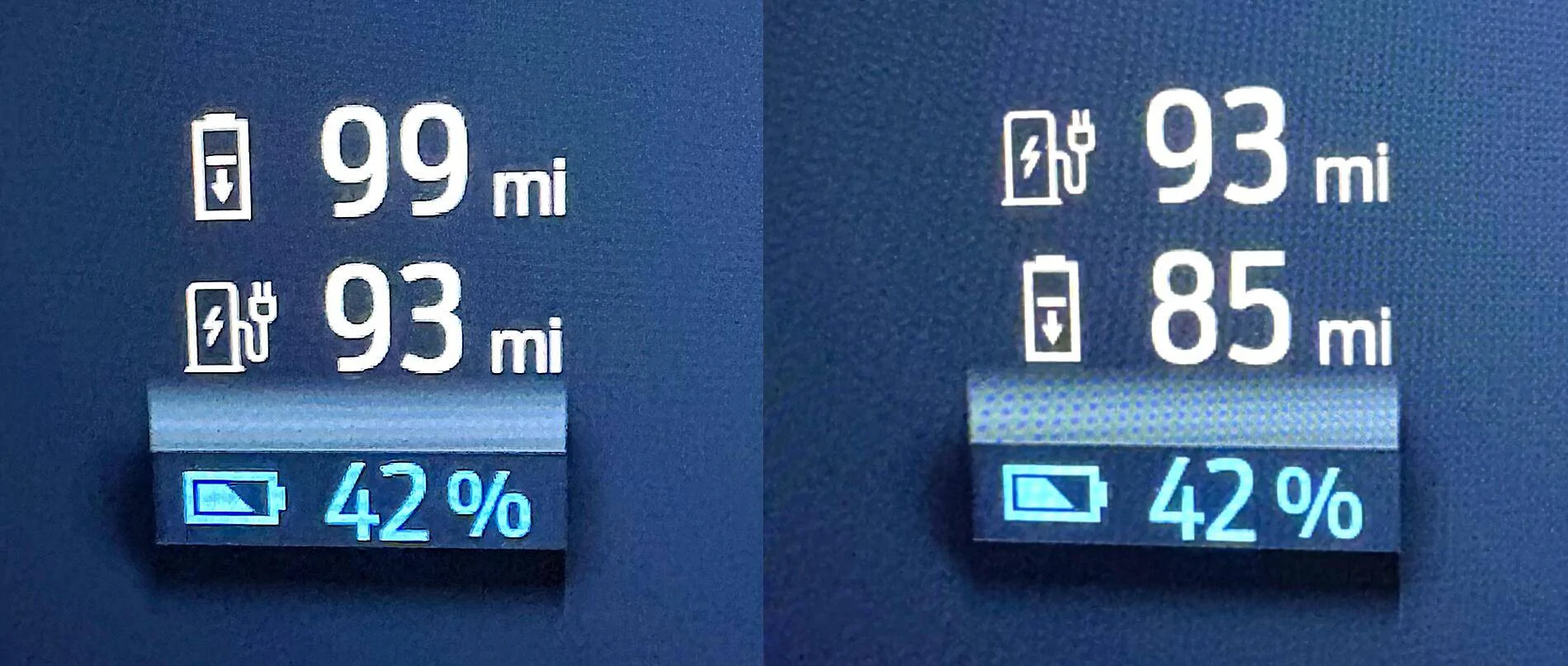
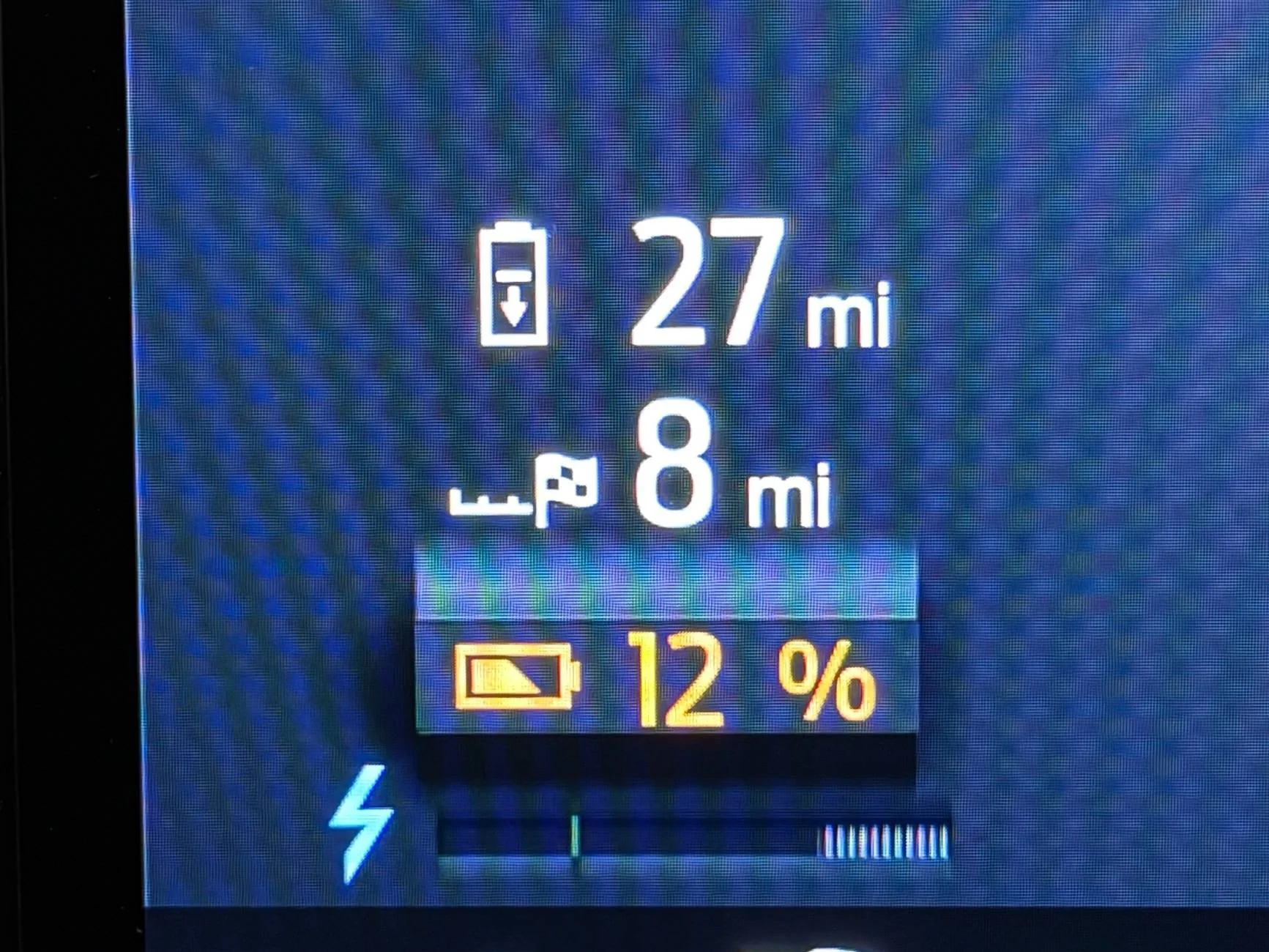
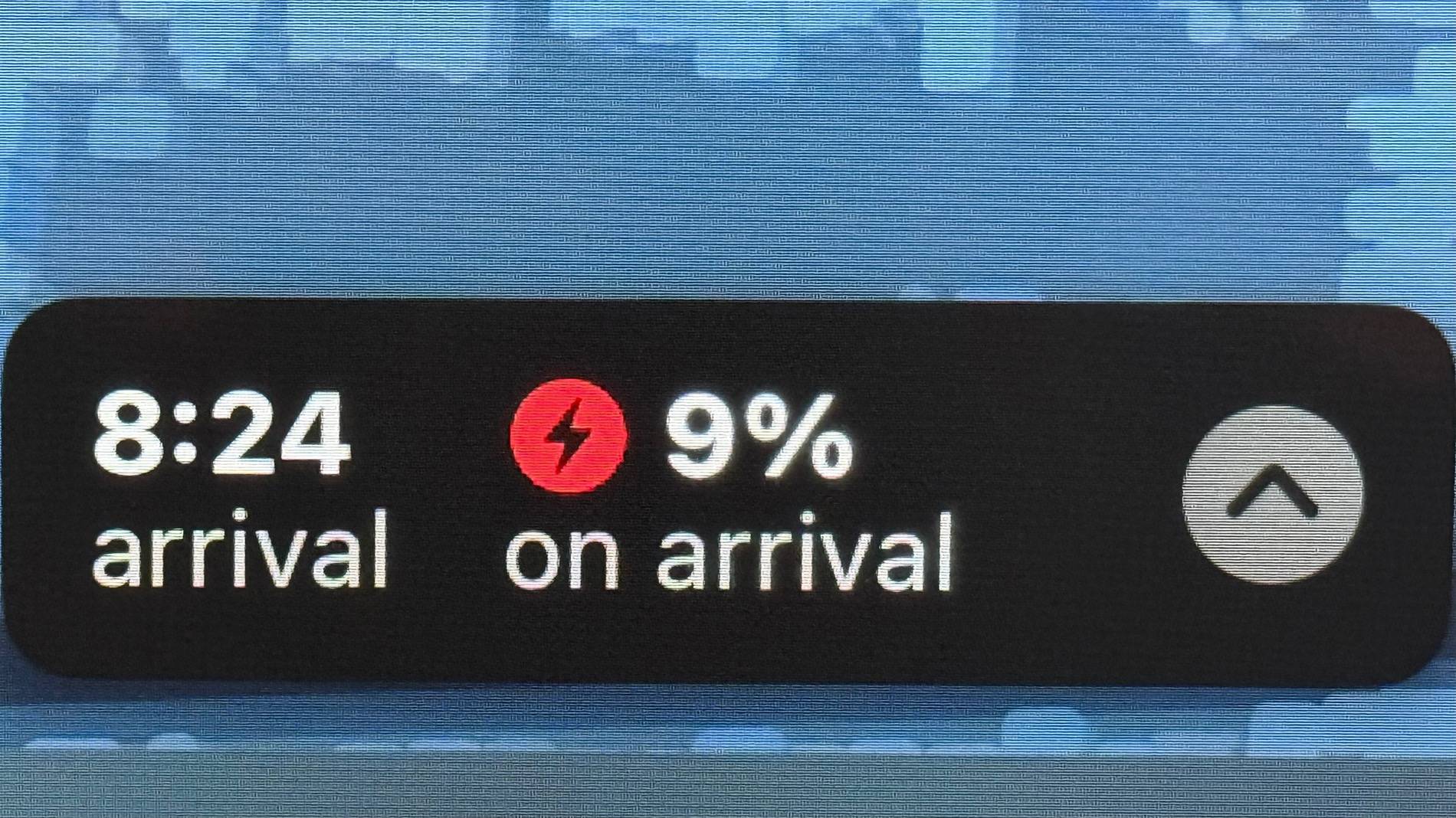
I never experience wild goose chases with Apple Maps below 20%. I’m typically monitoring the % battery at arrival and adjusting where to stop accordingly. No preconditioning for me. I lost hope that Apple -Ford will ever play nice together.Results were simulated here, but the range can suddenly update if conditions change, in particular if you encounter a thunderstorm, go up a mountain, or have a lot of BMS error at the bottom of the pack. It can also recalculate if you miss a turn or exit. The point is, you're probably not going to notice when the numbers swap places!
Yes. First of all, the numbers should NEVER switch places. Second of all, the charger or destination should turn RED if it becomes further than the range of the car. Ford knows about it, but I don't see much chance of them fixing it.
Native nav, and it's a flag with 3rd-party navigation apps (you need the charger icon to display in order for preconditioning to work). I can't use Apple Maps for road trips because (in addition to not preconditioning) it has a fit and sends you on a wild goose chase if you're going to arrive with less than 20% (I shoot for 10% to save stops), and there's no way to change it.
Sponsored