alpine_shredder
Well-Known Member
- First Name
- Ray
- Joined
- Jul 6, 2023
- Threads
- 0
- Messages
- 45
- Reaction score
- 21
- Location
- Maine
- Vehicles
- Mach-E, 2023 GT

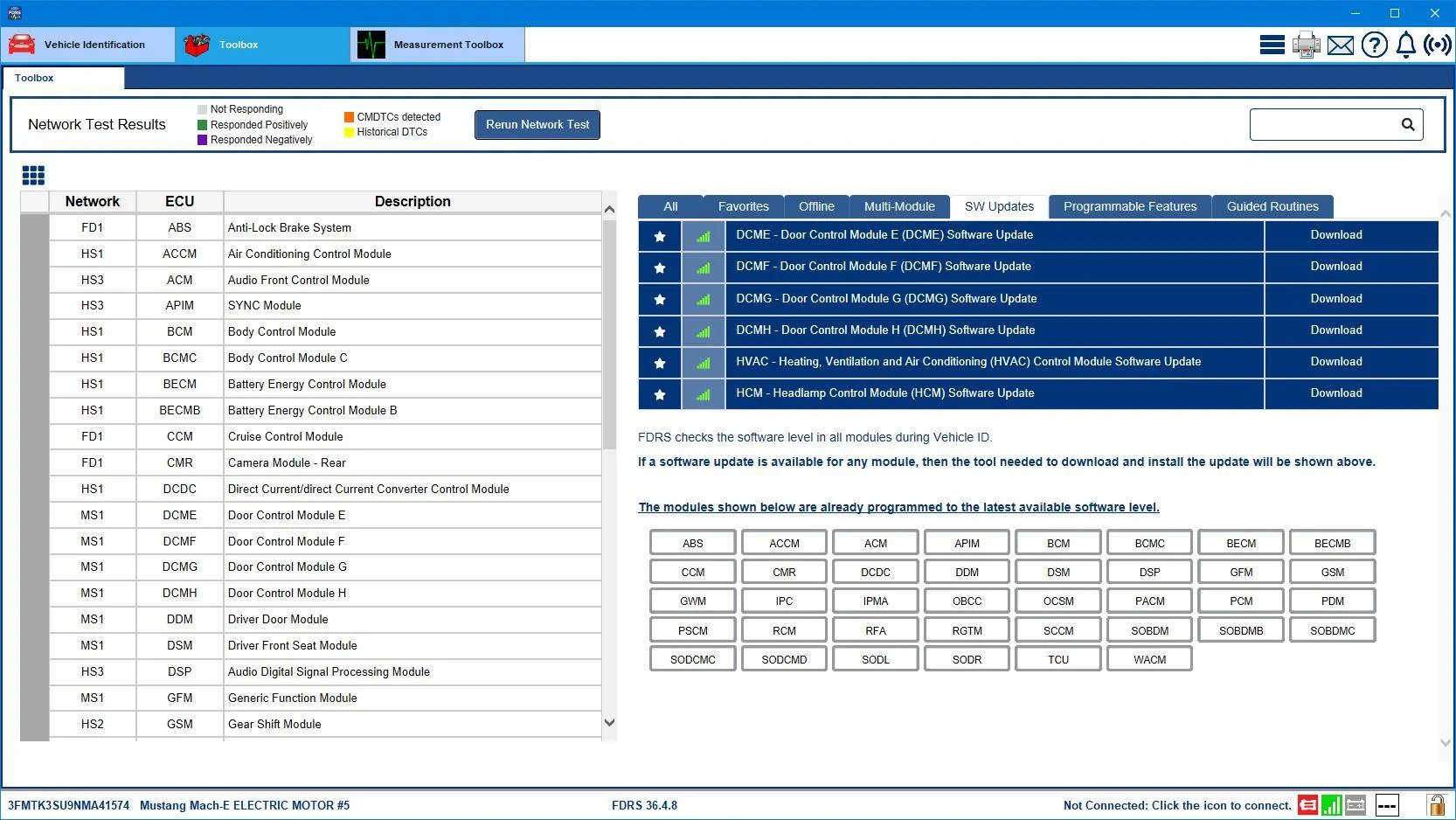
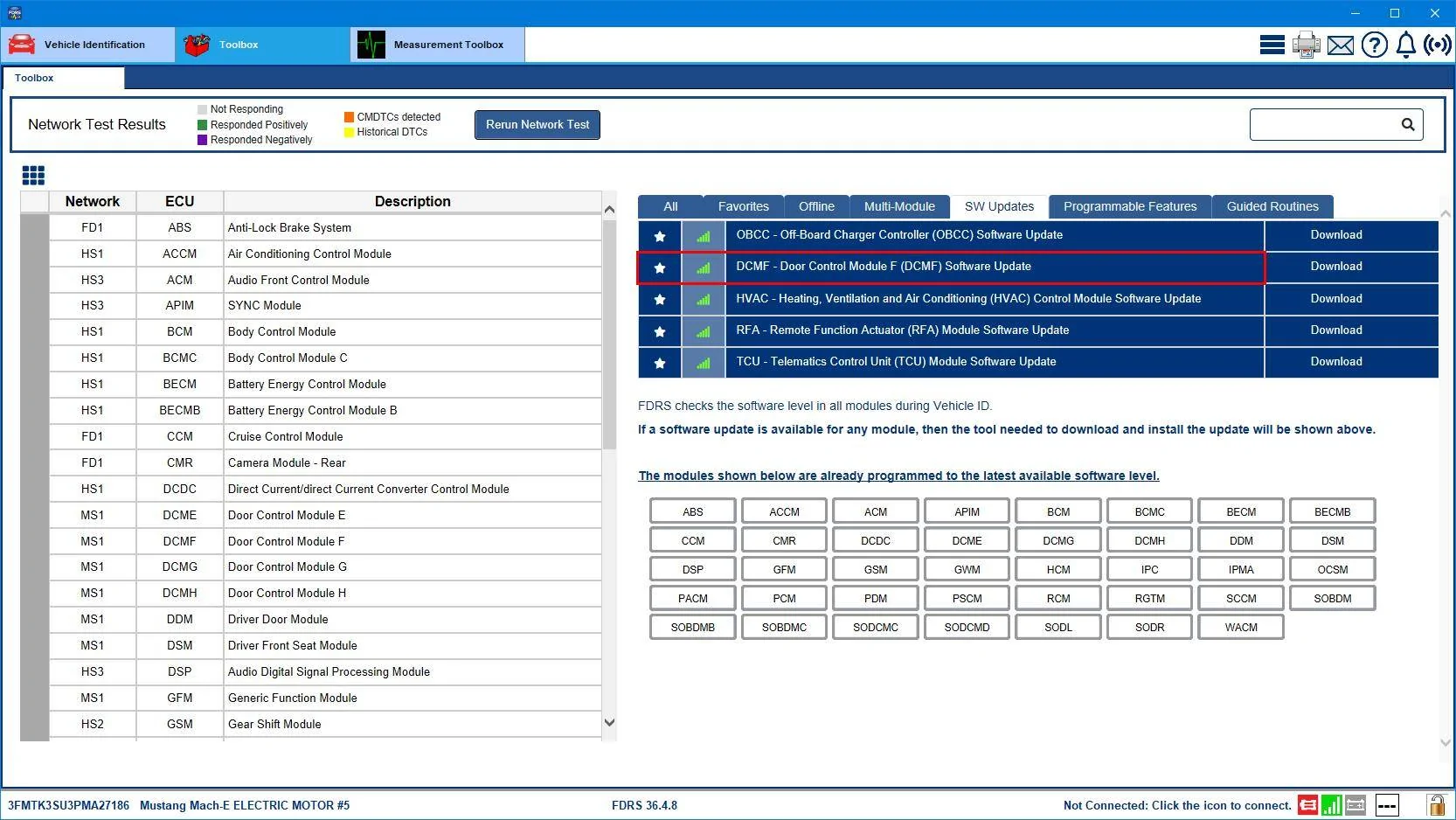
Thank you @Mike G! Looks like nothing pending for the PCM, so my guess is none of these are going to magically fix the noise I’m hearing.31 Mar '23 build date.
?
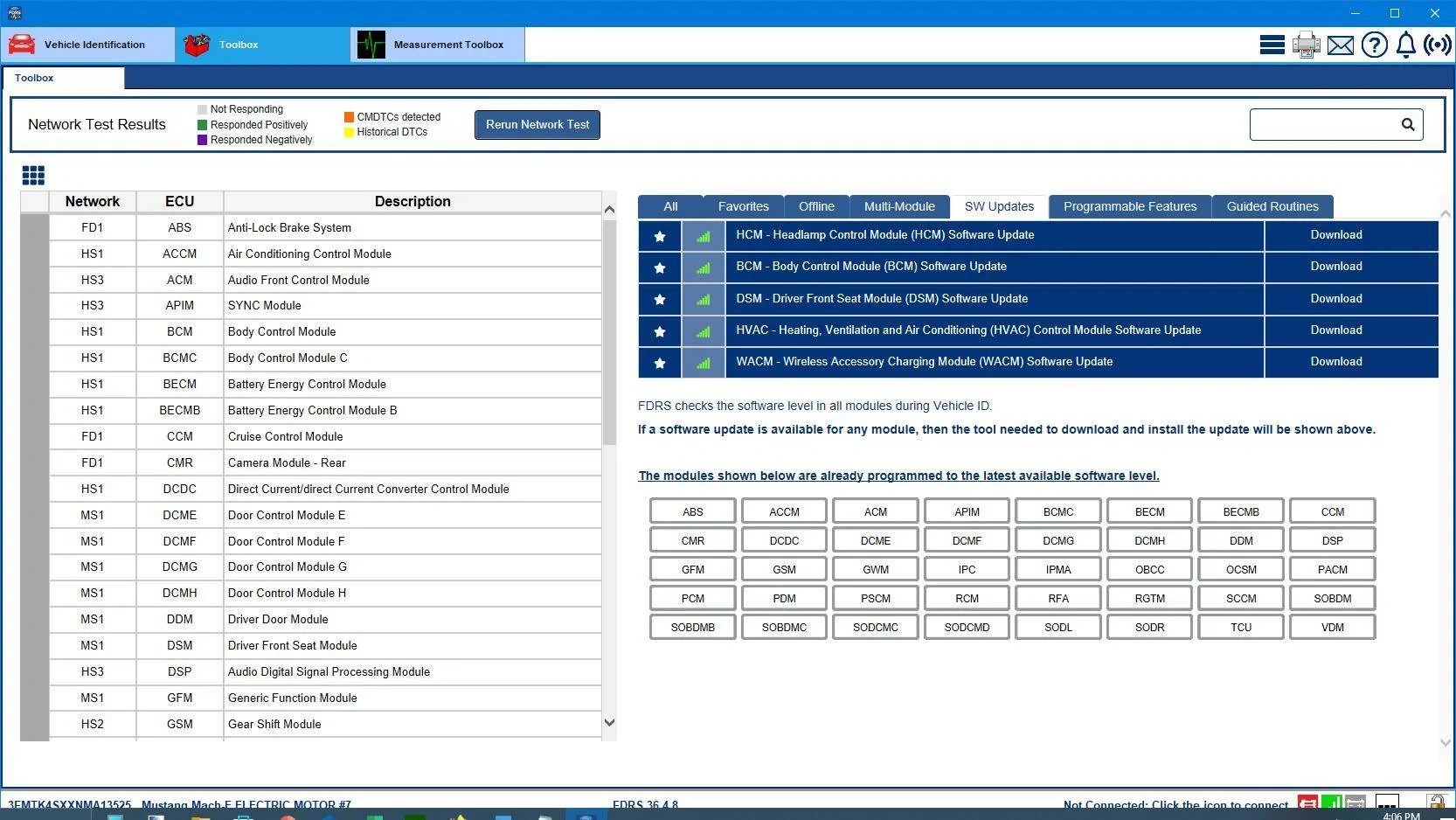
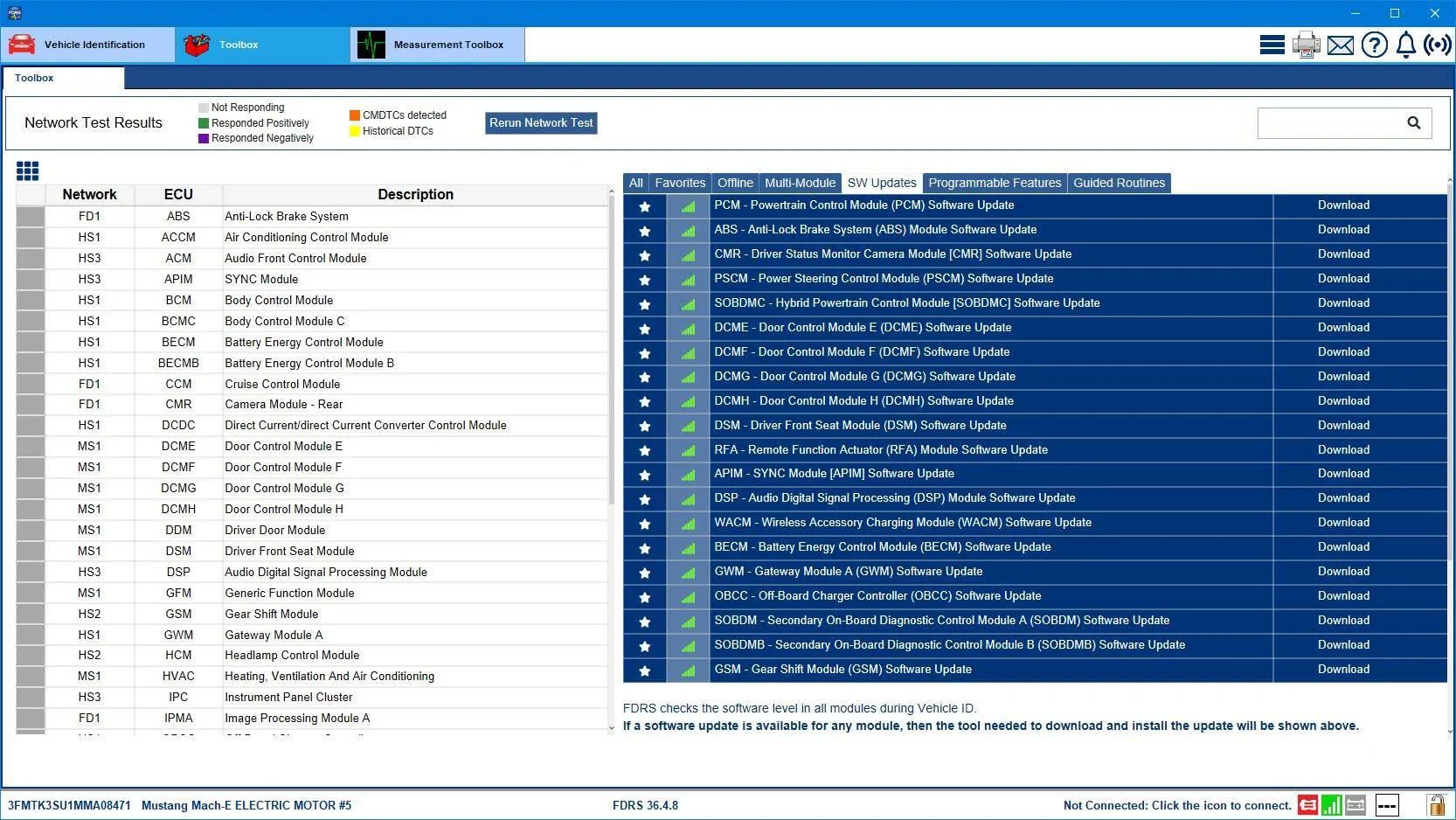
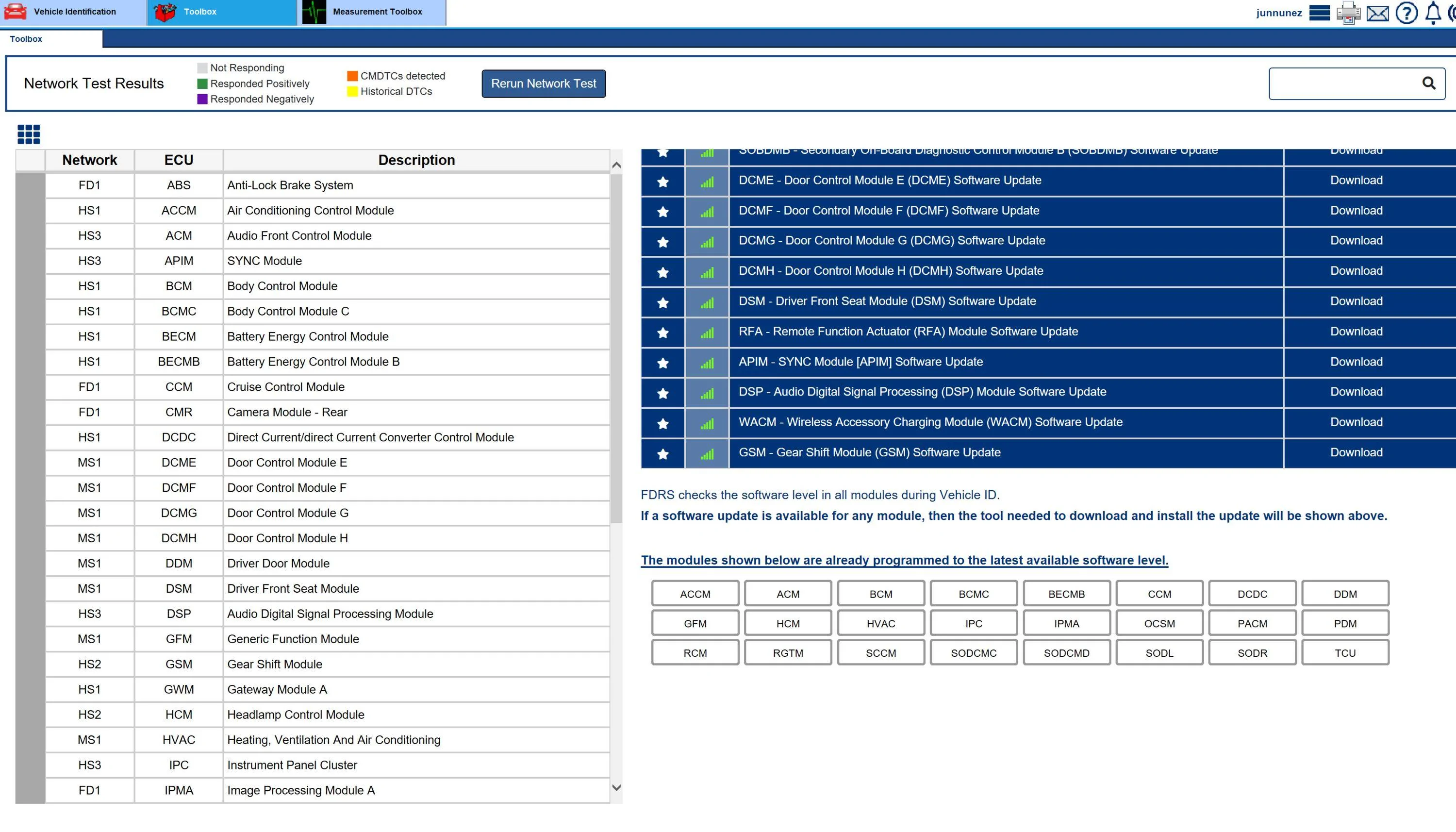
Well I'm trying to figure out why a car that came from the plant and has not had any tech do any updates on it...has one out of the four door modules needing an update. I've seen instances where the tech did a bunch of updates and when it came to the door modules they did the two front doors and just blew off doing the rear doors....but your car has never been worked on as far as I can tell and you have one door module that needs updating. Just one. I'm wondering how the other three got updated? There was an OTA that went out, but it was for all four doors. Not just three out of the four. Weird.
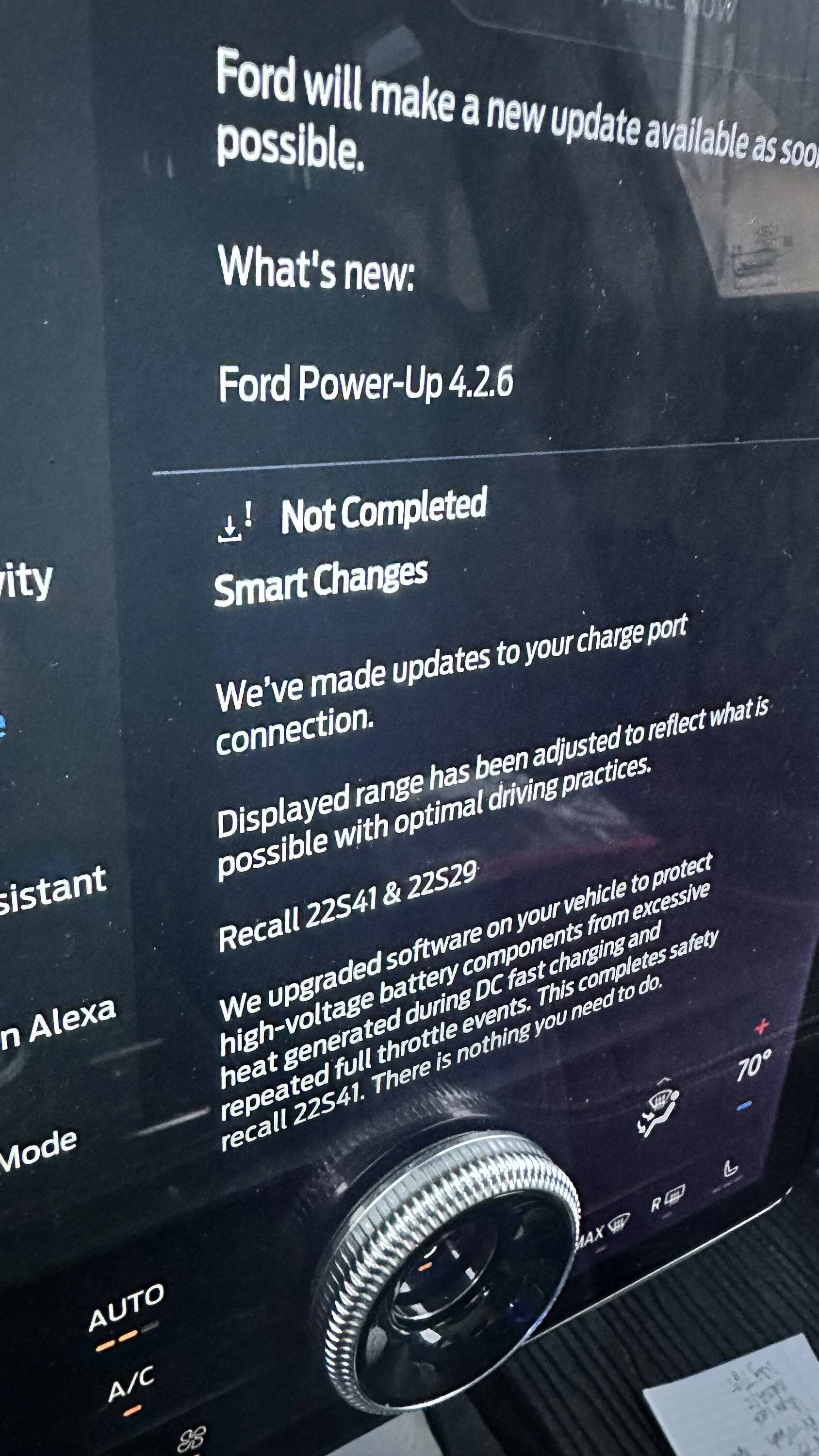
You also have a TCU update that should be coming anytime now as an OTA. Just remember to set your "Check Updates" in Sync to "everyday" and a time when you know you'll be out driving in the car. Preferably 15 minutes after you've gotten underway to allow your 12V battery to charge back up so the logic will allow the check to go through. And your car will not download updates over your home Wi-Fi in the middle of the night regardless of what Ford says (or that little note in FordPass). Just so you know.

I have no idea what’s up with the doors either. That’s really weird.
Appreciate the advice regarding updates. I would have assumed it’s best to pick an update time when the car is NOT driving, because I think there is a default setting for 0100 every day. So with your recommended method, does the car just check when driving and the queue the update for sometime after it’s parked/off?
Sponsored