OP
OP
tonesto7

tonesto7

Well-Known Member
First Name
Anthony
Joined
Sep 20, 2021
Threads
2
Messages
243
Reaction score
610
Location
Ann Arbor, Michigan
Vehicles
2021 F150
Occupation
Software Developer/System Admin
Country flag
I’ll keep trying. Thanks
I'm not sure there is much to try unless you can find an error somewhere or start experimenting with changes to the code :)
Sponsored


toggleE

Well-Known Member
Joined
Jan 31, 2022
Threads
4
Messages
59
Reaction score
40
Location
California
Vehicles
Mach E, Raptor, Ducati SF, WRX STI
Country flag
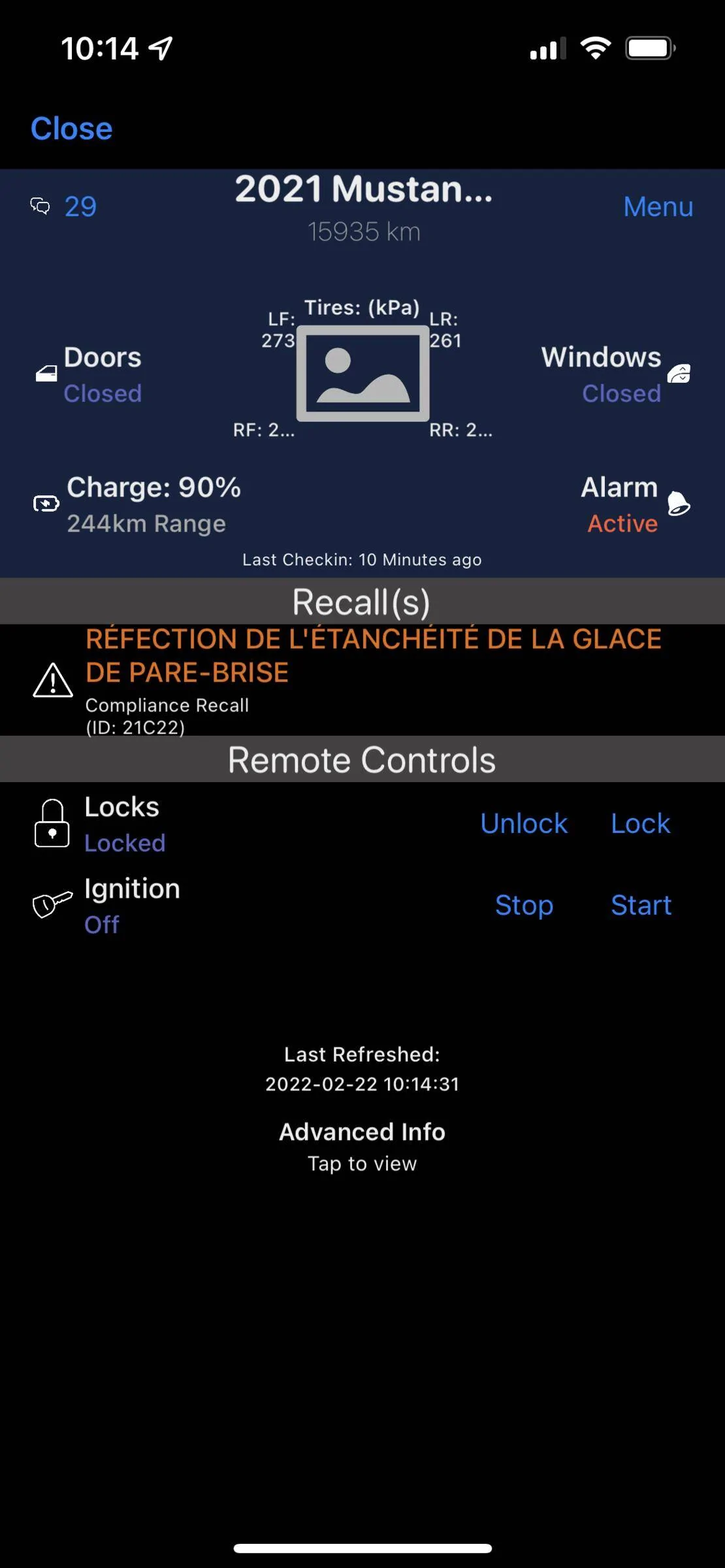
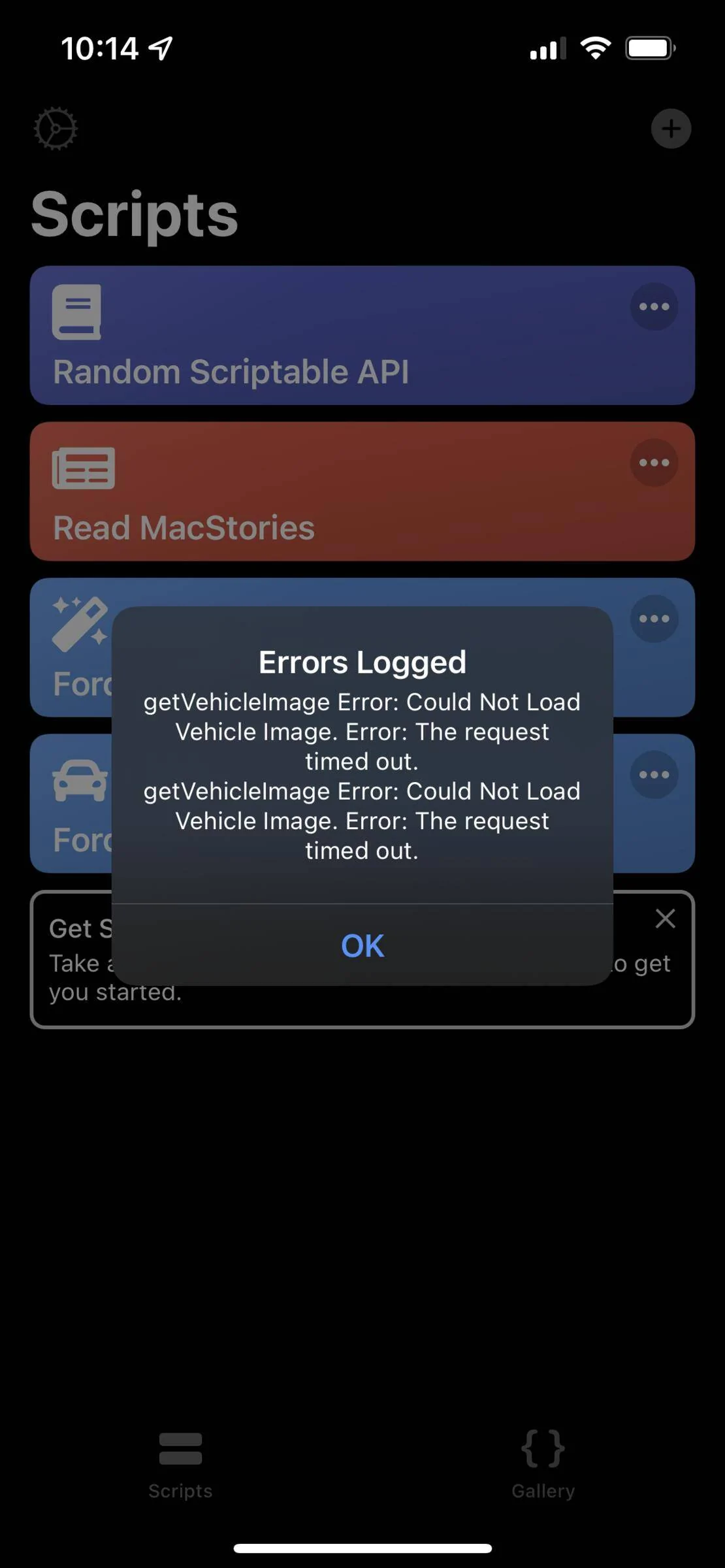
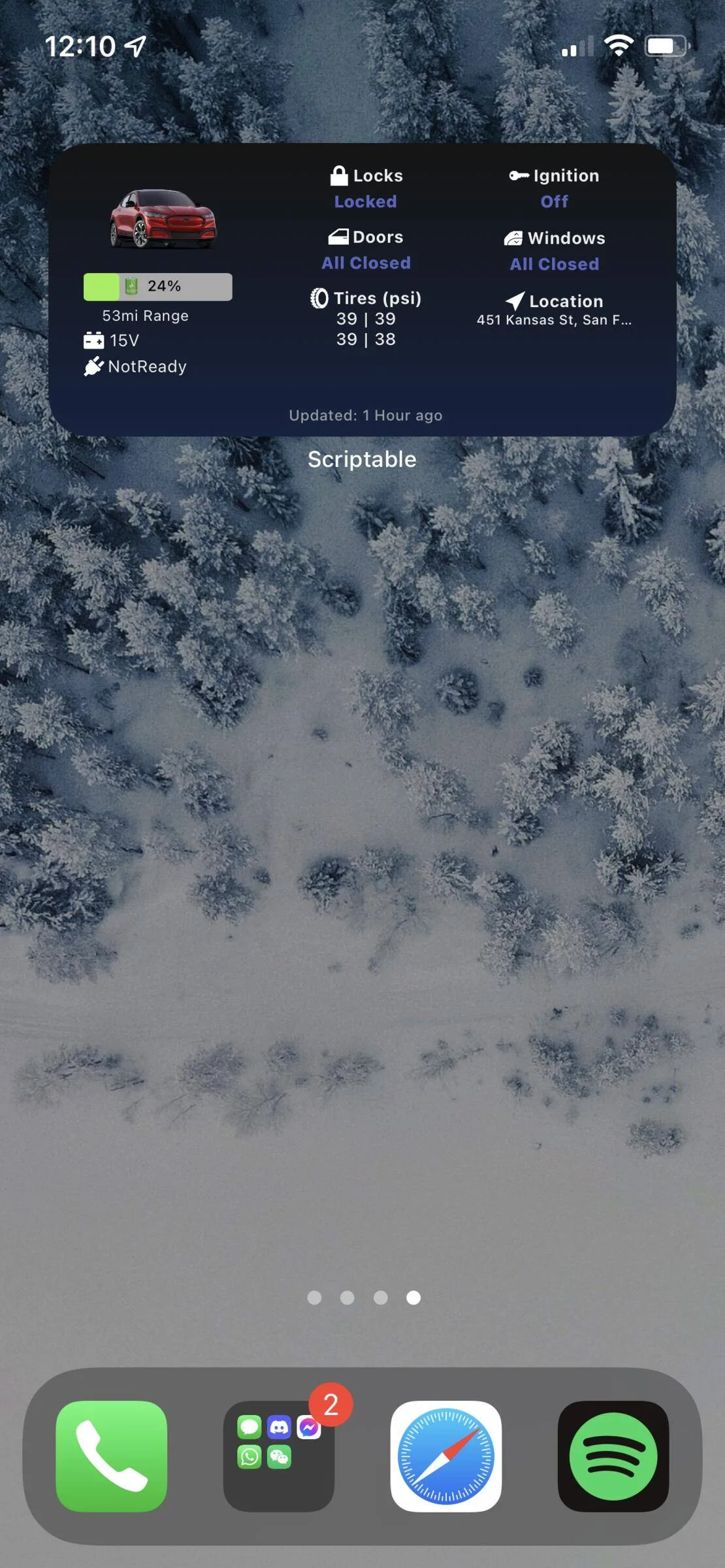
It doesn't work for me. I uninstalled and still not able to see the Widget on the home screen. But I see it when I open Scriptable.

But no photo of the car and error message that the image is missing.

Do you have a solution?
IMG_3421.webp
IMG_3422.webp

IMG_3423.webp

I’m having this issue, too. It’s a problem with FordPass itself - the picture shows up for my Raptor on FordPass but is blank when i switch to Mach E. It looks like other users have this issue in FordPass too with other cars. Some say deleting the app and cycling their phones fixed the issue for them, but it hasn’t for me.

If anyone has a solution, could you post it here? It would be appreciated!


Also:

Thanks @tonesto7 for the widget. Works great.
 

dphunky

Member
Joined
Jan 5, 2022
Threads
0
Messages
21
Reaction score
21
Location
Bay Area
Vehicles
Rapid Red Mach-E AWD Premium
Country flag
Medium widget works for me but can’t get the large one working. Great job and thank you @tonesto7

Ford Mustang Mach-E FordPass - Scriptable Widget V2022.XX (iOS, iPad, MacOS) 436961DF-4825-45A8-AA84-928BA5D2AAF7
 

Logal727

Well-Known Member
First Name
C
Joined
Aug 23, 2021
Threads
101
Messages
7,351
Reaction score
11,347
Location
Florida
Vehicles
‘21 Carbonized Gray Mustang Mach-E Premium AWD Ext
Country flag
Ford still hasn’t fixed the issue with my vehicle photo, so this is all I get with the new feature lol, wondering if it will ever be fixed like they promised
Ford Mustang Mach-E FordPass - Scriptable Widget V2022.XX (iOS, iPad, MacOS) 68D4674F-385D-4063-BCA5-13749F944AF7
 

Logal727

Well-Known Member
First Name
C
Joined
Aug 23, 2021
Threads
101
Messages
7,351
Reaction score
11,347
Location
Florida
Vehicles
‘21 Carbonized Gray Mustang Mach-E Premium AWD Ext
Country flag
I’m having this issue, too. It’s a problem with FordPass itself - the picture shows up for my Raptor on FordPass but is blank when i switch to Mach E. It looks like other users have this issue in FordPass too with other cars. Some say deleting the app and cycling their phones fixed the issue for them, but it hasn’t for me.

If anyone has a solution, could you post it here? It would be appreciated!


Also:

Thanks @tonesto7 for the widget. Works great.
My issue in particular with no vehicle image is on Ford’s end, nothing we can do about it till they fix it. I was told by engineering that it’s certain colors on certain vehicles they aren’t returning photos and you can see on the backend where the URL for the image errors out.


johanbohn

Member
Joined
Jun 29, 2020
Threads
1
Messages
9
Reaction score
8
Location
Las Vegas, NV
Vehicles
2021 Mach E Premium
Country flag
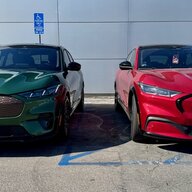
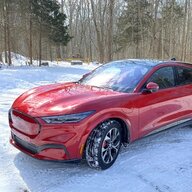
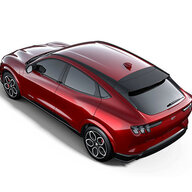
Thanks so much for this widget and the continued updates! The image viewer is neat on its own - but it makes me want to be able to change which angle appears on the widget now. The front 3/4 view is not my favorite and something like angle 5 would look so much better!
 

Bonehead

Well-Known Member
First Name
Michael
Joined
May 28, 2021
Threads
74
Messages
273
Reaction score
545
Location
Malibu
Vehicles
'25 MME GT Performance ('21 MME Premium AWD Ex)
Country flag
I have the large widget finally working with the latest update (thank you!), but it isn't refreshing to show the current data either in the vehicle or in the Fordpass Widget script. I'm not sure how often it's supposed to refresh on it's own, but previously opening the script seemed to update the widget. Selecting "Request Refresh" likewise does not refresh the widget.
 

toggleE

Well-Known Member
Joined
Jan 31, 2022
Threads
4
Messages
59
Reaction score
40
Location
California
Vehicles
Mach E, Raptor, Ducati SF, WRX STI
Country flag
Large doesn't work for me, either. If I add large, it breaks the widget entirely. The only thing that seems to fix it is deleting the instance and tool and reinstalling again.

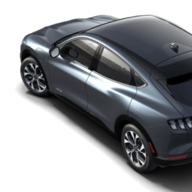
Also, is there a way I can just add in a stock Mach E picture since Ford's pictures aren't working. Maybe just replace the getVehicleImage call and point it to a public photo?
 
OP
OP
tonesto7

tonesto7

Well-Known Member
First Name
Anthony
Joined
Sep 20, 2021
Threads
2
Messages
243
Reaction score
610
Location
Ann Arbor, Michigan
Vehicles
2021 F150
Occupation
Software Developer/System Admin
Country flag
I even tried to make sure
Large doesn't work for me, either. If I add large, it breaks the widget entirely. The only thing that seems to fix it is deleting the instance and tool and reinstalling again.

Also, is there a way I can just add in a stock Mach E picture since Ford's pictures aren't working. Maybe just replace the getVehicleImage call and point it to a public photo?
I can add a feature into the next release where if you place a photo into the scriptable iCloud folder with a certain name it will use it as the image for the vehicle in the widget and dashboard.

I will need some time to finish up the next feature that I'm working on.
 

toggleE

Well-Known Member
Joined
Jan 31, 2022
Threads
4
Messages
59
Reaction score
40
Location
California
Vehicles
Mach E, Raptor, Ducati SF, WRX STI
Country flag
I can add a feature into the next release where if you place a photo into the scriptable iCloud folder with a certain name it will use it as the image for the vehicle in the widget and dashboard.

I will need some time to finish up the next feature that I'm working on.
that would be fantastic! looking forward to it.
 
OP
OP
tonesto7

tonesto7

Well-Known Member
First Name
Anthony
Joined
Sep 20, 2021
Threads
2
Messages
243
Reaction score
610
Location
Ann Arbor, Michigan
Vehicles
2021 F150
Occupation
Software Developer/System Admin
Country flag
New Release: v2022.02.27.0

For all us Forscan and AsBuilt junkies, I want to thank @iceman77 for the idea of displaying module-info :)

Under the Advanced Info page, you can now download your asbuilt data from Ford and it will display all of the module info and it's asbuilt.
 

generaltso

Well-Known Member
Joined
Jun 24, 2020
Threads
76
Messages
15,389
Reaction score
28,694
Location
Vermont
Vehicles
2024 Kia EV9 GT-Line
Country flag
New Release: v2022.02.27.0

For all us Forscan and AsBuilt junkies, I want to thank @iceman77 for the idea of displaying module-info :)

Under the Advanced Info page, you can now download your asbuilt data from Ford and it will display all of the module info and it's asbuilt.
This is fantastic. Thank you!
 

smartino

Well-Known Member
First Name
Steve
Joined
Feb 11, 2021
Threads
3
Messages
229
Reaction score
283
Location
Indiana
Vehicles
2021 RR Mach E First Edition, 2017 Honda Ridgeline
Occupation
Retired
Country flag
New Release: v2022.02.27.0

For all us Forscan and AsBuilt junkies, I want to thank @iceman77 for the idea of displaying module-info :)

Under the Advanced Info page, you can now download your asbuilt data from Ford and it will display all of the module info and it's asbuilt.
This is great. Thank you.

FYI for the asbuilt data appears you must enter the 3 letter code in all caps otherwise no data is returned. Works great just wish I understood what I was looking at ?
 

phil

Well-Known Member
Joined
Jun 6, 2021
Threads
13
Messages
3,160
Reaction score
4,211
Location
USA
Vehicles
LS400
Country flag
Just a FWIW update. The issue I had was an iCloud issue. After resetting and cycling virtually everything it all returned to normal. Just in time for the large widget.
I get an iCloud error - not supported on line 15:70.

What does it mean to do "resetting and cycling virtually everything"?
 

smartino

Well-Known Member
First Name
Steve
Joined
Feb 11, 2021
Threads
3
Messages
229
Reaction score
283
Location
Indiana
Vehicles
2021 RR Mach E First Edition, 2017 Honda Ridgeline
Occupation
Retired
Country flag
I get an iCloud error - not supported on line 15:70.

What does it mean to do "resetting and cycling virtually everything"?
I got that at first to. What I did was go to Settongs > click on your Apple ID (Name at top) > Click on iCloud > toggle iCloud Drive on and off. Once I did that the script worked correctly.
Sponsored


Top