

Mike G
Well-Known Member
- First Name
- Mike
- Joined
- Mar 27, 2022
- Threads
- 25
- Messages
- 6,451
- Reaction score
- 5,289
- Location
- N. AL, USA
- Vehicles
- '23(J1) Mach-E GT-PE, '22 F-150 Lightning, '24 Bronco HLE 2Dr

When you select the "Check Updates" section of the Sync menu it should show the last OTA that was received. Sometimes it will show nothing at all (depending on whether something is in process).If you allow me this question, where do you actually read this? Unfortunately, at least for my European car, I can only see the installed PU version if it came in via OTA, as then this is displayed as info message under the Firmware update menu. However, in one of your previous posts you said that the SYNC version was reset to 4.2. Well, the SYNC/APIM version actually is shown, but also is not really coupled to the PU version. So are you really referring to the PU version, or only to SYNC?
I am asking as my car may need the HVBJB replacement as well (at least I have found indications for this) and therefore I am following this discussion just to know what may happen.
Nothing on that screen has anything to do with whether or not you might need a HVJB replacement. You would need your dealer service advisor to look up your VIN in PTS and go to the "Connected Vehicle" page to check your DTCs for the codes that would indicate a HVJB failure.
Do not rely on any software version or OTA screen in Sync for anything related to how the car actually functions, as they have nothing to do with each other.
While I realize that Sync screen is the only thing in the car you have to look at to get a clue as to what's going on, I highly recommend you call your service advisor (or visit) to go over your PTS Connected Vehicle screen and OTA Dashboard with them to find out what's actually going on.
Sponsored


 But I was astonished that




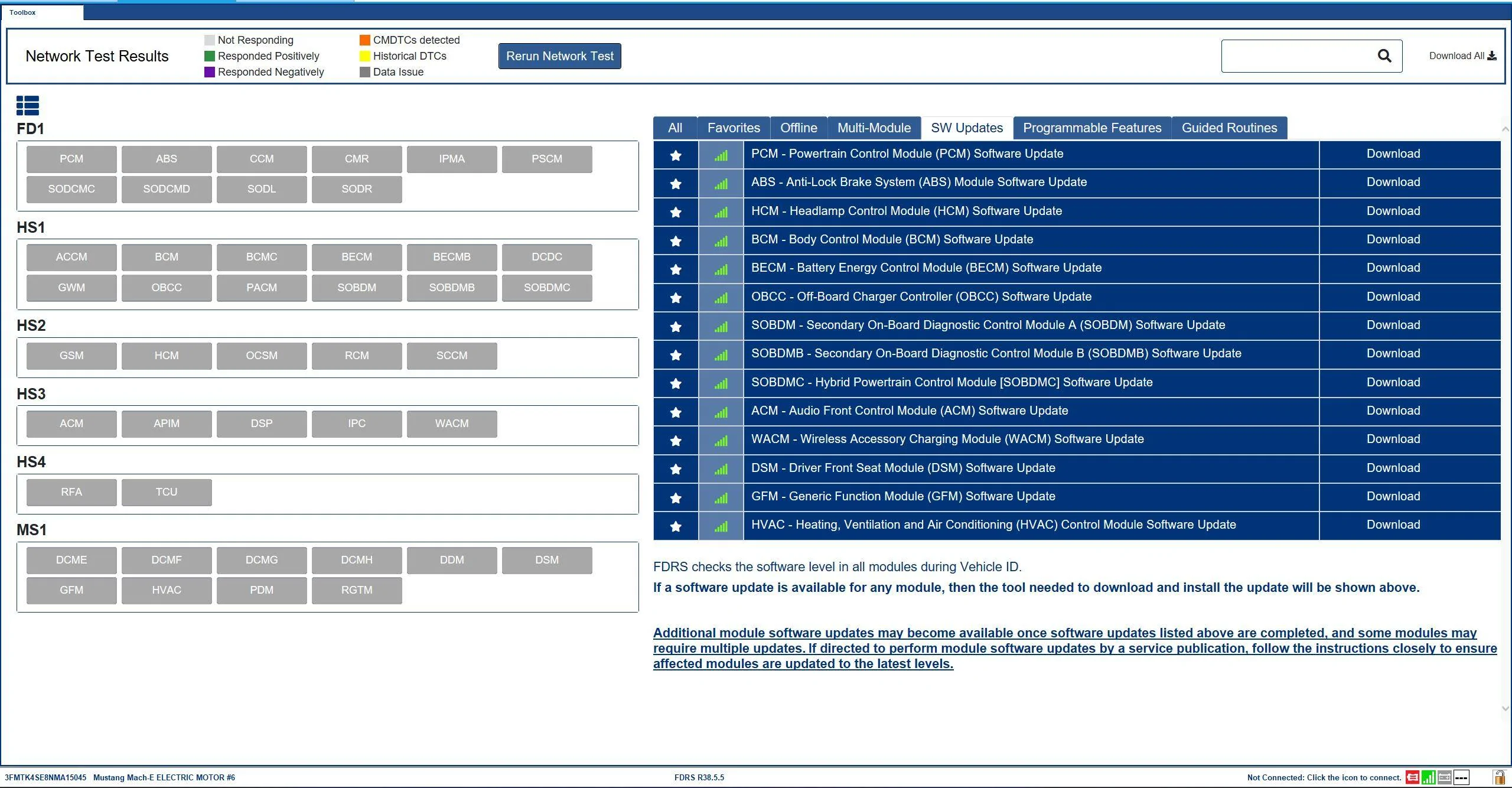

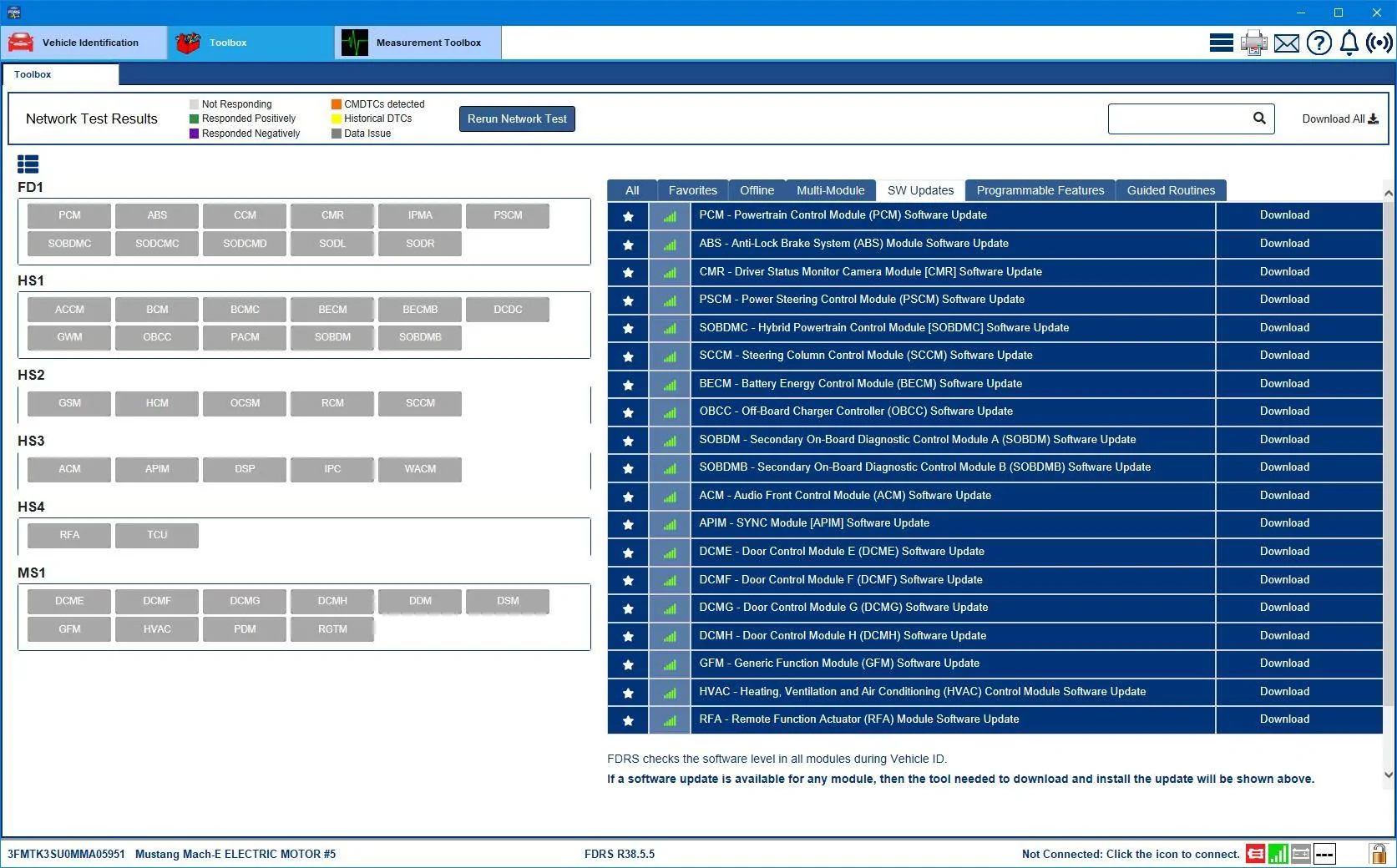
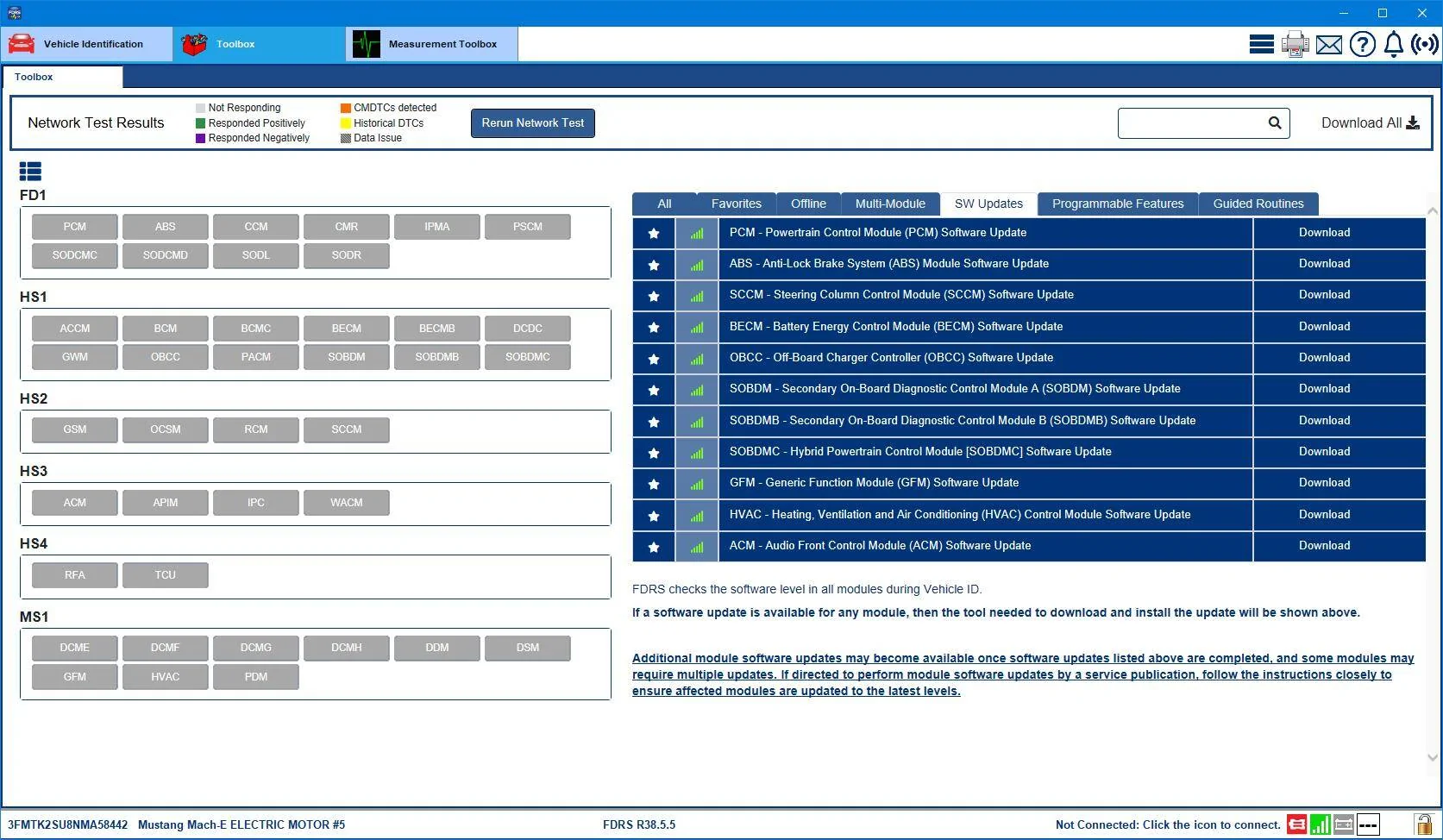
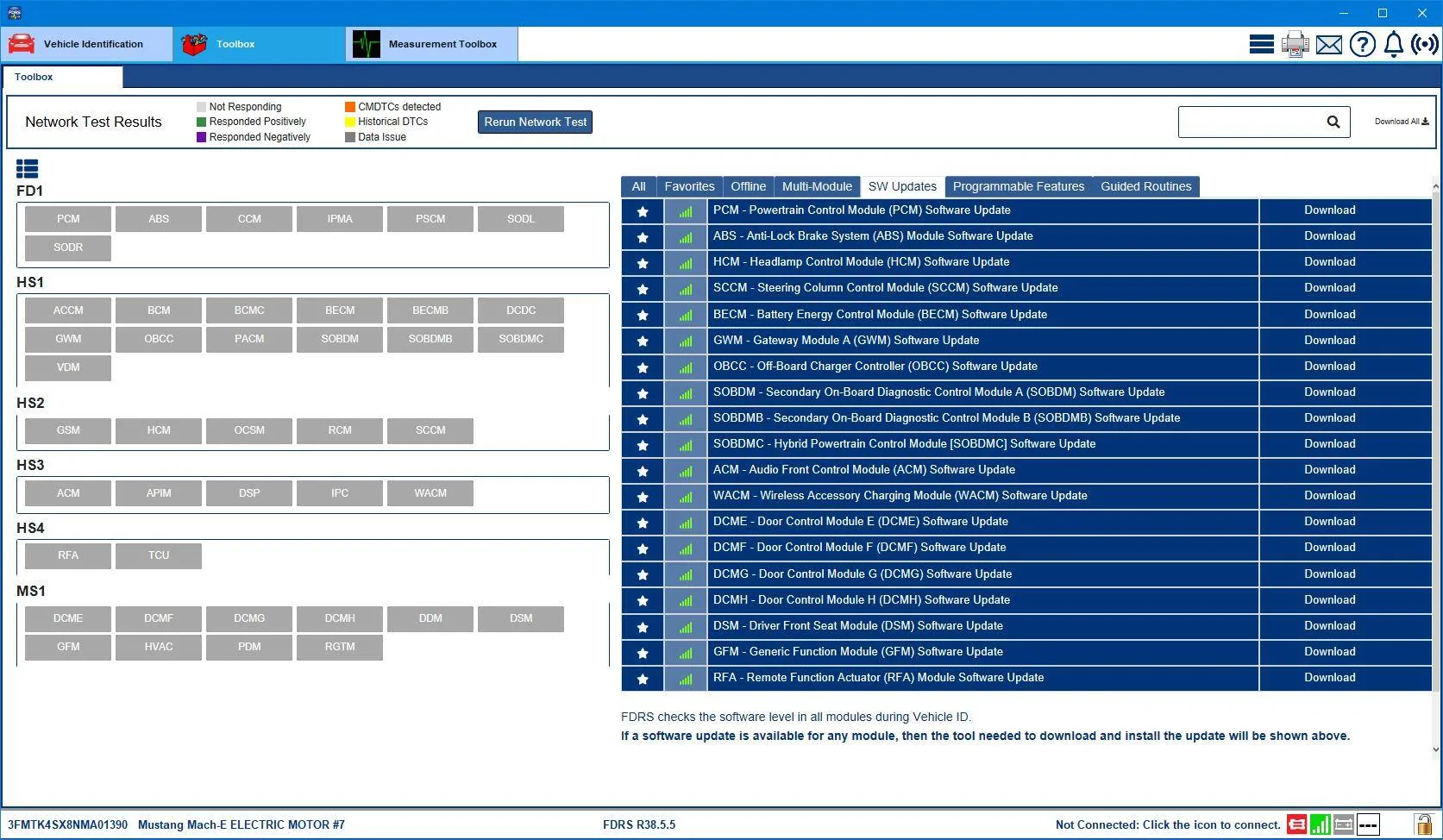
 dunno. Also it looks like the HVJB was replaced on the 4th of Feb this year.


